8 Design & creative tools dedicated to designers

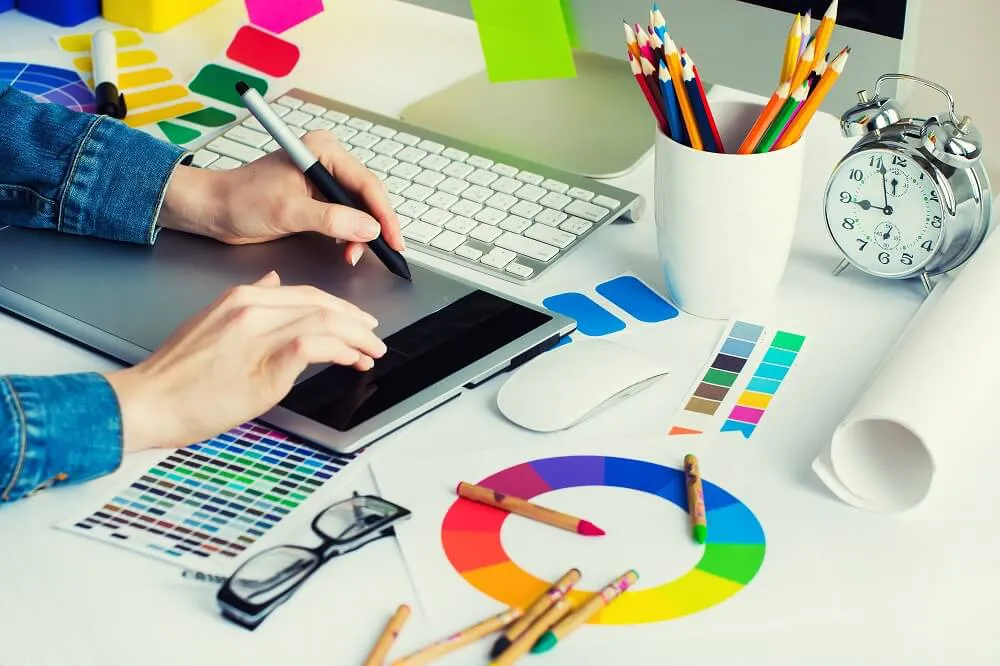
When businesses continuously invest in creating content, engaging in Digital Marketing, the demand for advertising images, infographics, video content production, packaging design, and website design also increases. In the current digital age, designers and design firms have occupied a central position.
If you are working for a brand or a client who wants to increase traffic to their website or portfolio pages, you need to learn how to make your designs stand out. The following article shares with you 10 creative & design tools that will help you complete your projects most effectively.
1. Animoto
When it comes to the realm of visual content, video content is considered the 'king'. If you are a designer with little or no video editing background, you can still dive in.Animototo help you create stunning video content effortlessly. Anyone, including those without design knowledge, can create beautiful video content simply by a few clicks. Animoto!
Animoto is a free online video maker that allows you to add your own clips to use with pre-made video templates, to follow up by using the drag-and-drop editor. To get started, you choose a template that best fits your video content. After that, you can adjust colors, fonts, music, transitions, and other elements in your video. Once completed, you can upload and share your video! Animoto, every project is designed to create a lasting impression and meet the business goals of the client.
How much does it cost to use Animoto?
The personal plan is provided free of charge but will have the Animoto watermark appear in your videos. If you want to remove the Animoto watermark and replace it with your own logo, you can subscribe to the professional plan for only $33/month.
2. Canva
Design software based on available templates:
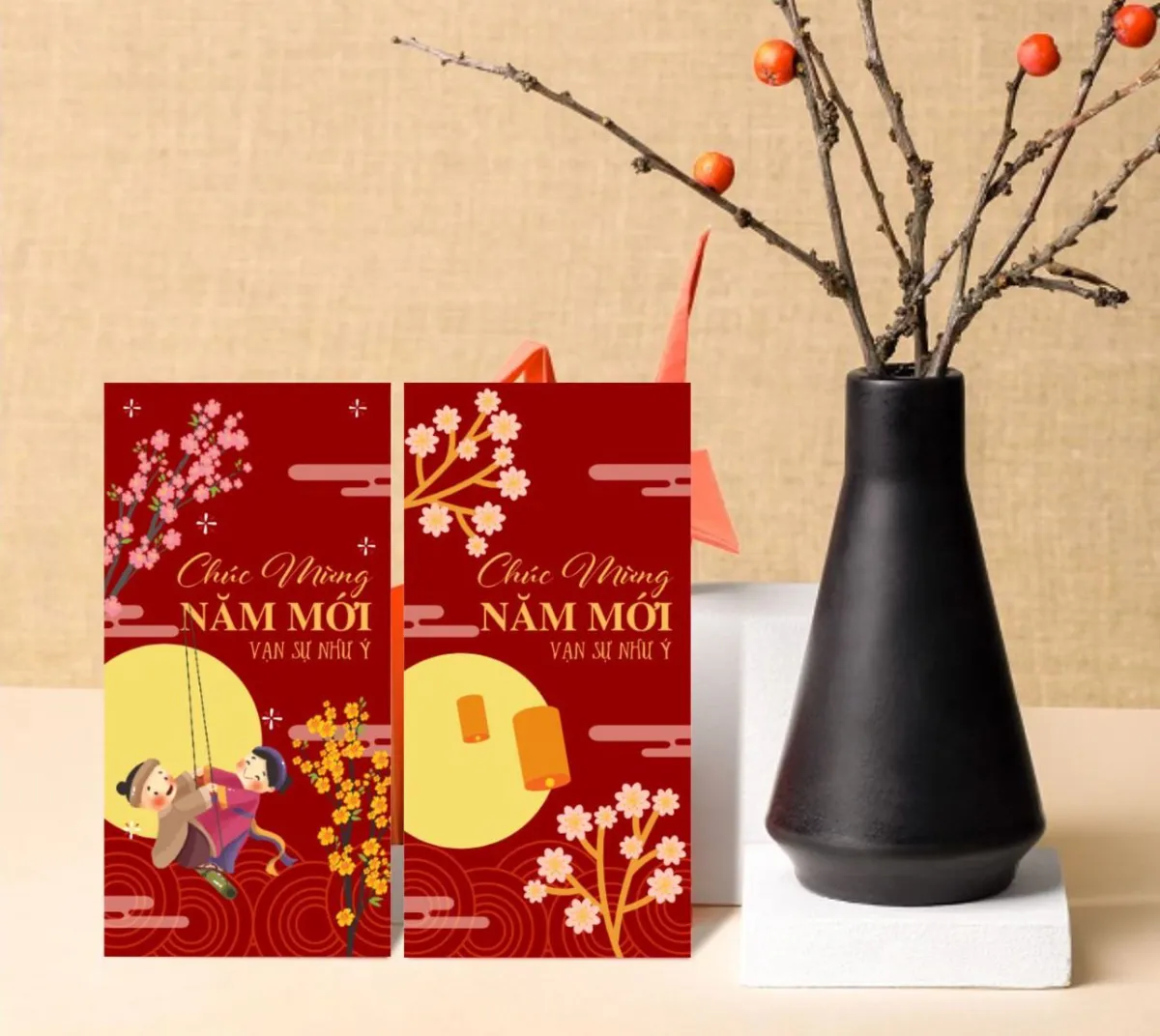
Canvais one of the most popular online design platforms. Although it has a mobile version, we prefer to explore the desktop editing tools. The drag-and-drop features are fast and easy to use. Canva can help you complete or replicate a series of design projects such as:
+ Posts shared on social media
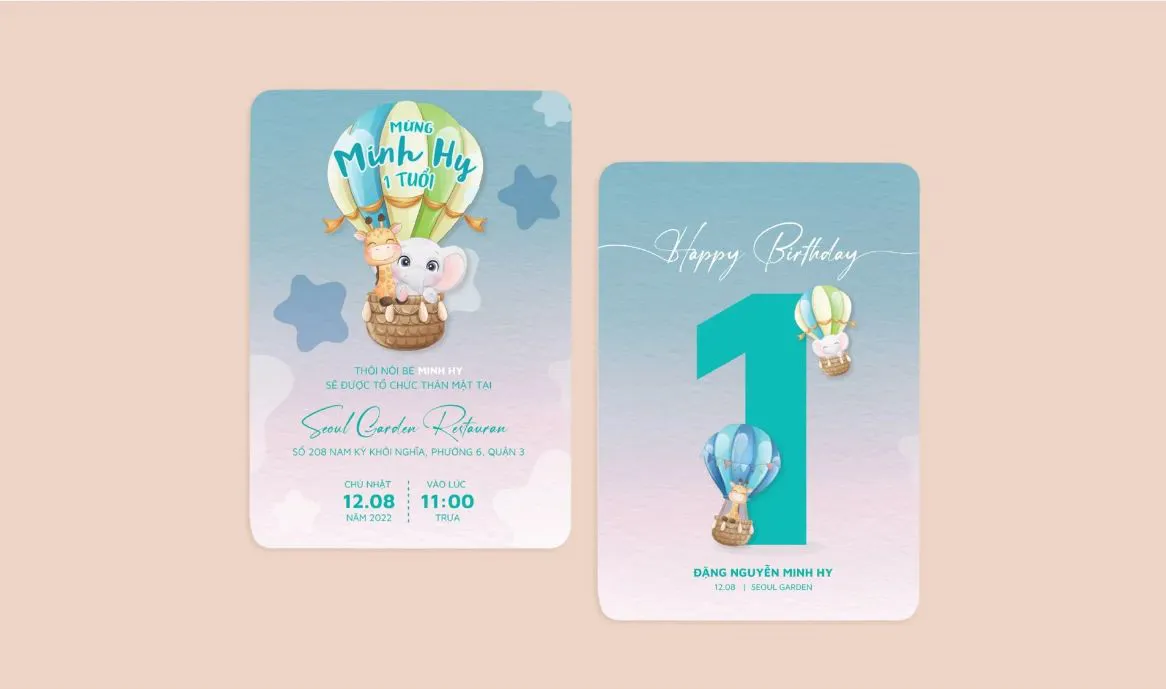
+ Event invitation
+ Image templates
+ Document templates
+ Print design
Canva There is a mobile version available for users on iOS and Android, but before that, we found the desktop version to be more user-friendly.
What is the cost of using Canva?
Canva is offered for free, but you can subscribe to Canva Pro for only $9.95/month for each user. Canva Pro allows you to access advanced editing features like Background Remover, which is very useful when you need to create product posts and similar templates.
3. Piktochart
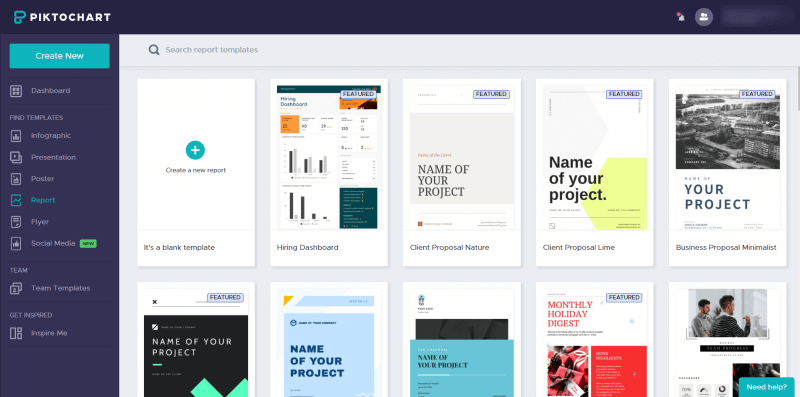
Software for creating charts and infographics.
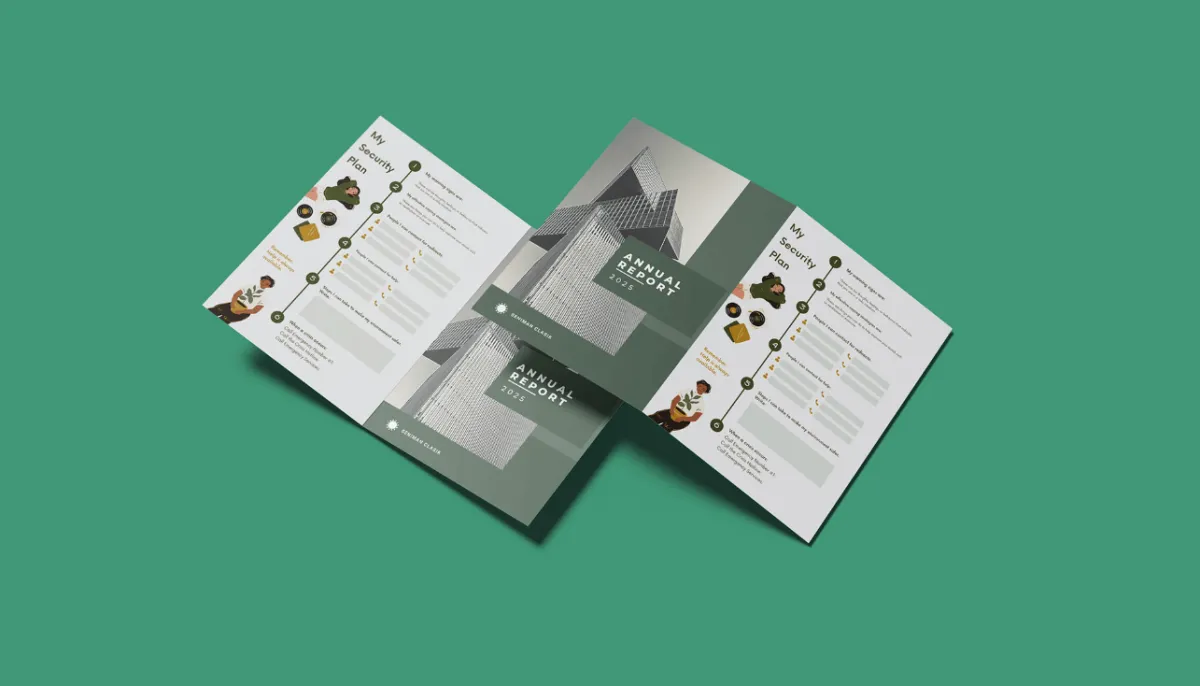
Infographics must also know how to present numbers from data sources and other technical information in the most effective way possible. This is a more advanced design feature because it requires you to combine and format different design elements into a single infographic or image to be readable and understandable while being visually appealing.
Creating infographics, saving them, and storing data from the beginning is one of the most time-consuming design tasks until now, but you can do it faster with the help of various design software.Piktochart.
Piktochart is described as a "visual communication solution" because it organizes information logically and automates the creation process into the following steps:
+ Report
+ Infographic
+ Chart
+ Social media infographic
+ PowerPoint presentation
+ Poster
+ Template
+ Event invitation
What is the cost of using Piktochart?
You can only use Piktochart for free up to 5 times. Subscribe to Piktochart Pro for $24/month for unlimited use, HD image export, PDF export, and more.
4. Vectr
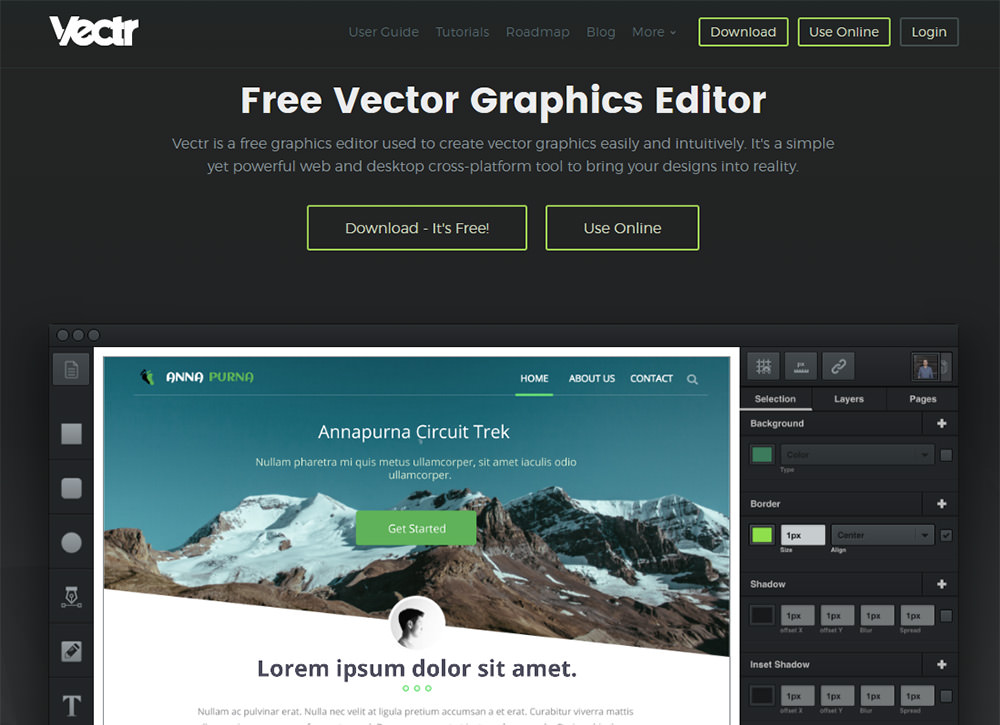
Illustration Vector is one of the best software for creating digital graphics. You can resize vector graphics larger or smaller without losing quality, unlike regular JPG files which tend to become blurry or pixelated. Many customers prefer vector designs - especially for logos.
Vectr is a vector graphic design software that allows you to create vector graphics in a direct way and connect. It is very easy to use and can be shared with collaborators for a group of designers to work on the same vector graphic. This online graphic tool has great potential and every designer will benefit from having it in their design toolbox.
Vectr is free software!
5. Place It
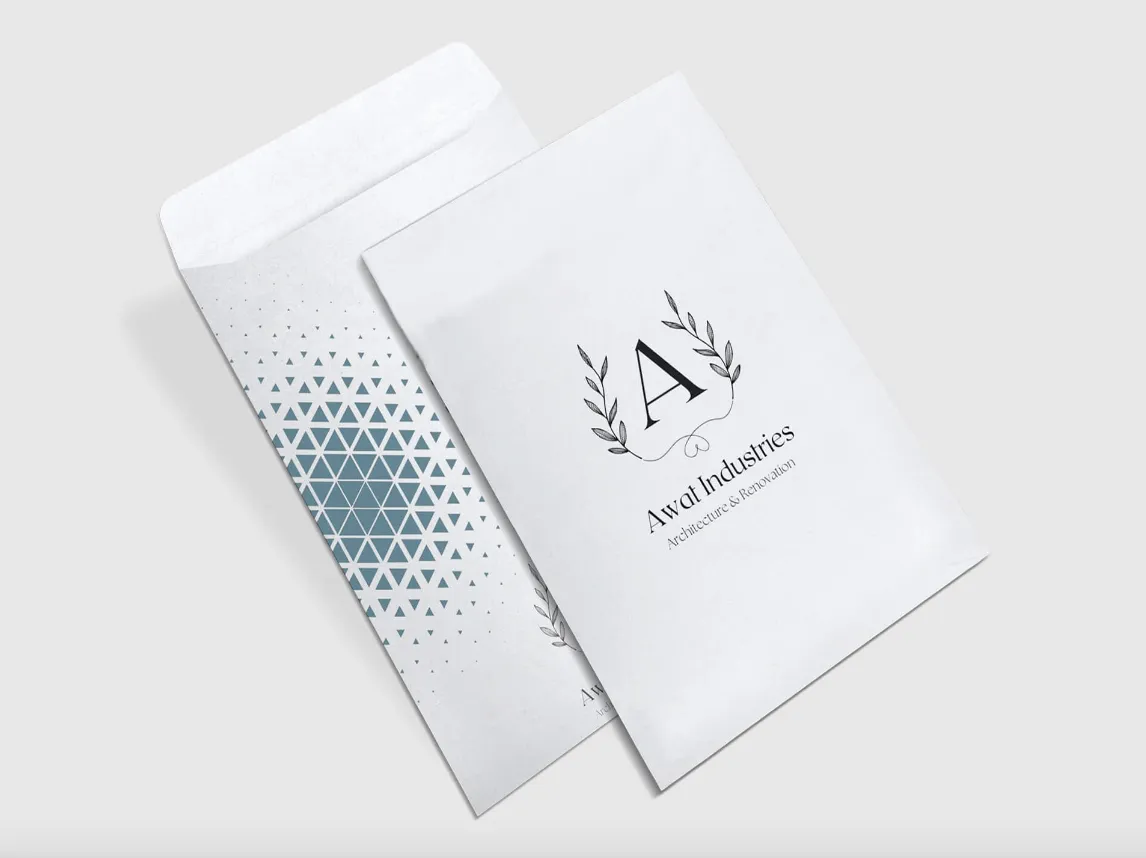
The design you created has been completed and now you want to see how it looks on a t-shirt, hoodie, tote bag or any other physical product. You need to create product mockups andPlace Itis an online design program built specifically for that purpose.
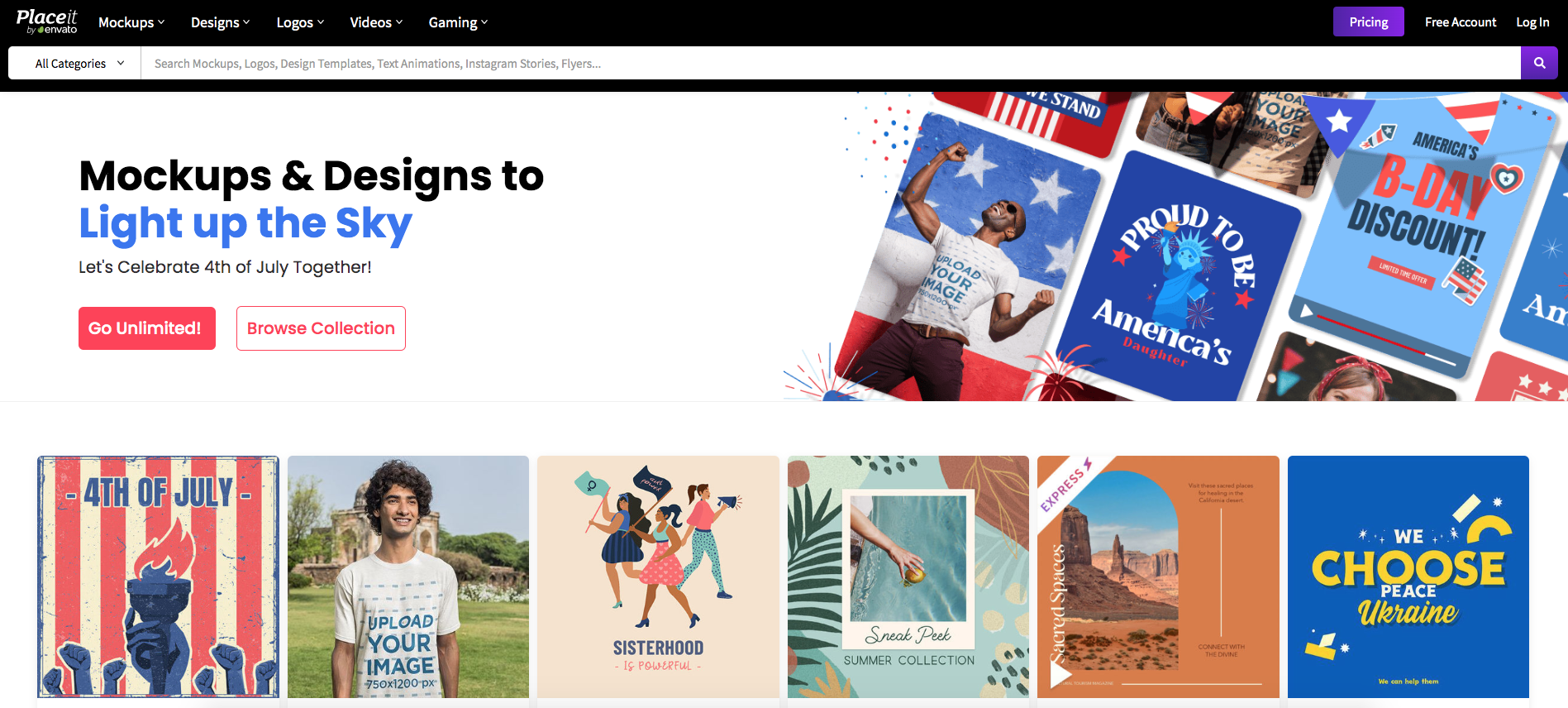
Place It has a large library with over 13,000 templates to create high-quality mockups for the following products:
+ T-shirt
+ Hoodie
+ Tank top
+ Tote bag
+ Hoodie
+ Tumblers
+ Caps
+ Product packaging
Place It also quite simple to use. Just drag and drop or upload your design and you can choose the product you need a mockup for. The templates are ready to allow you to adjust the text layers, without breaking the background and the original layout of theirs.
What is the cost of using Place It?
Place It can be used for free but you should subscribe to the premium version for $14.95 / month. This version allows you to use all templates in their extensive mockup library along with access to other advanced design features that will help you create truly unique works.
6. Archetype
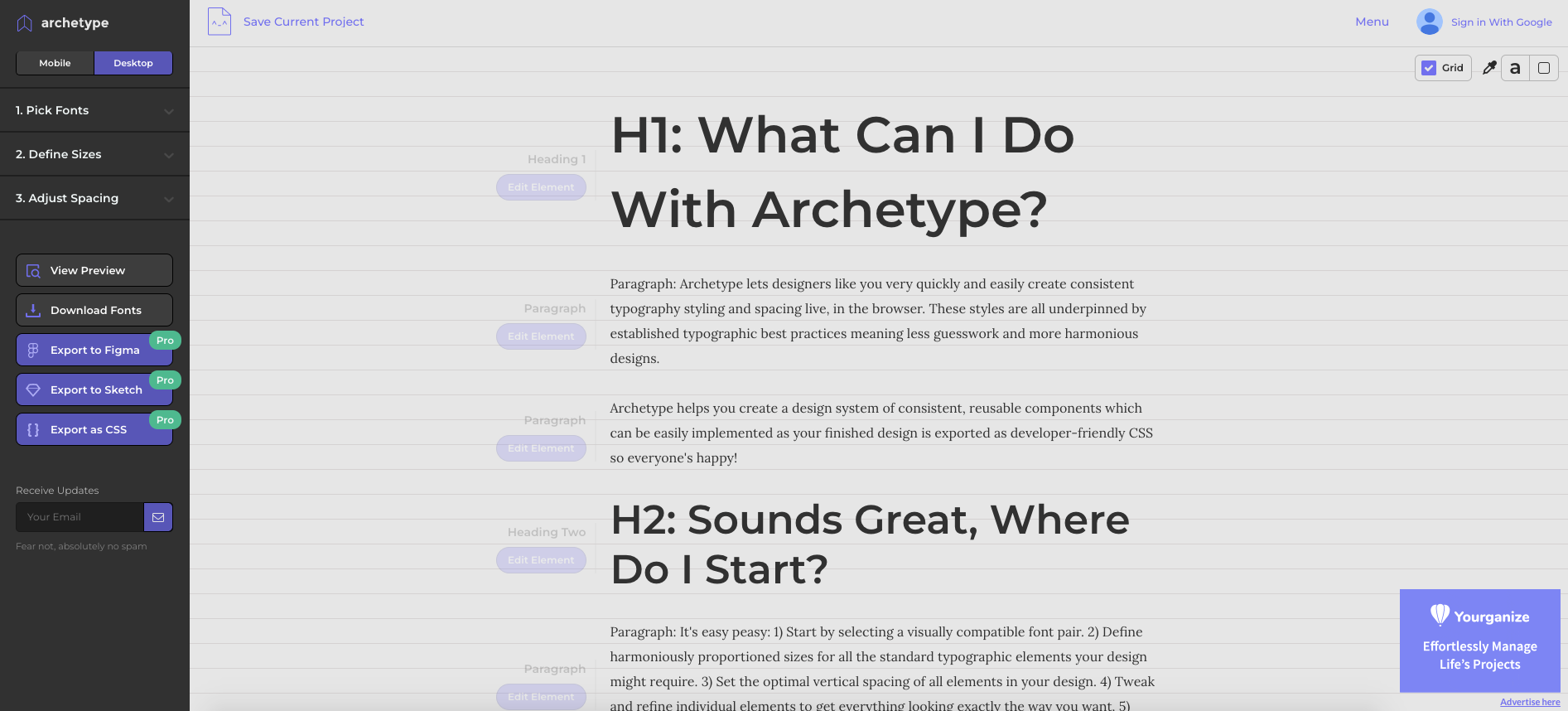
Font style is an essential design element of all graphic designs. However, what you say is also important as the font style and spacing of the text you use to convey your message. This is why graphic designers must ensure that the font styles are used together with the perfect font pairing for different contexts.
Archetypeis a web application toolkit that allows you to create beautiful font styles quickly and easily. It helps to create a consistent brand identity by applying directly to various methods or standards.
After you decide which font style to use, Archetype it also allows you to balance the letter spacing of the text by adjusting the horizontal and vertical spacing for your text. This way, your font style will always be tight, easy to read and accessible, as well as can be shared across different social media platforms.
What is the cost of Archetype?
The application will be adjusted to fit you and will be available in small, medium or large sizes for various purposes at a fixed price. You can purchase completely at prices of $9, $17 or $31 respectively. Additionally, you can subscribe for at least 12 months at a price of $1,500, $2,000 or $3,800 / month, including all updates.
7. Calligraphr
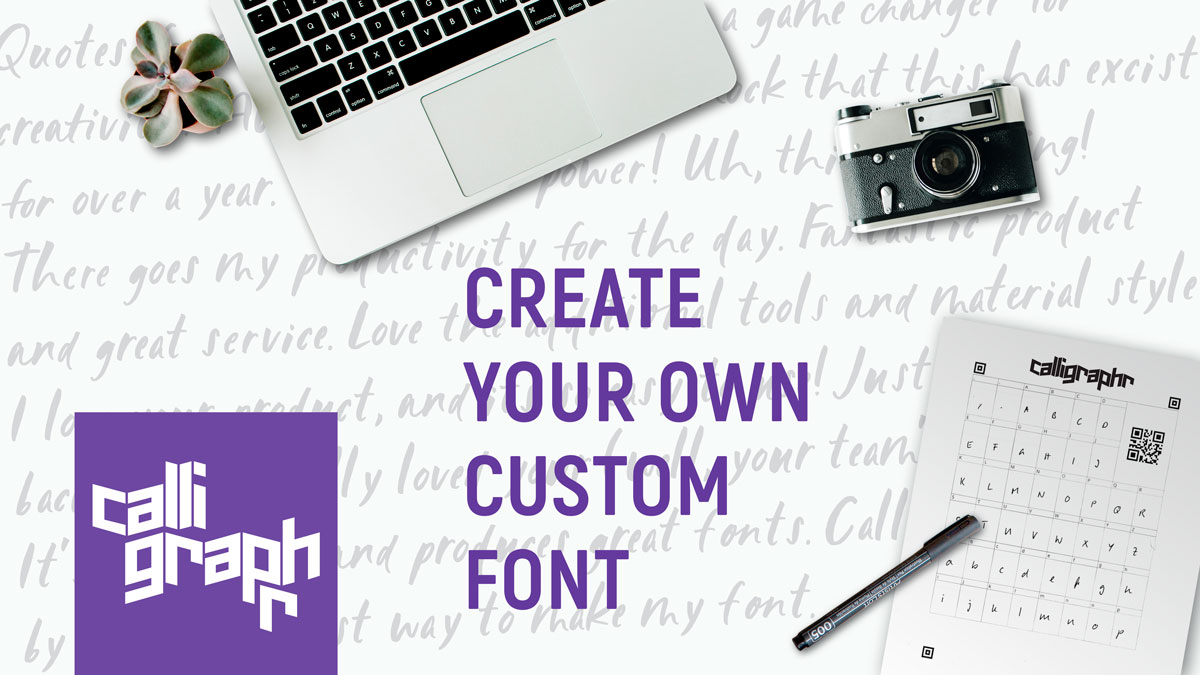
The software converts your handwritten text into a font.
If you want your handwriting style or your unique font to be beautiful and distinctive, you should turn it into your own font. Calligraphris a tool that allows you to create custom fonts easily.
To get started, you will need to fill in the template with your handwriting style and the number of characters by writing them by hand or using your own font style. After that, you will upload the template to the system Calligraphr, and a few minutes later, your unique font will be ready to download.
Once you have your own unique font, you can use your handwriting for any design project you want. Creating your own font is a great way to make your packaging design, logo design, and more stand out.
Calligraphr Pricing ?
The free option allows you to create unlimited fonts, but only one font at a time with a maximum of 75 characters. The Pro option is $8 per month for one month or $4 per month for more than 6 months and provides you with more characters, a smaller file size, ligatures, and letter spacing adjustments.
8. Instasize
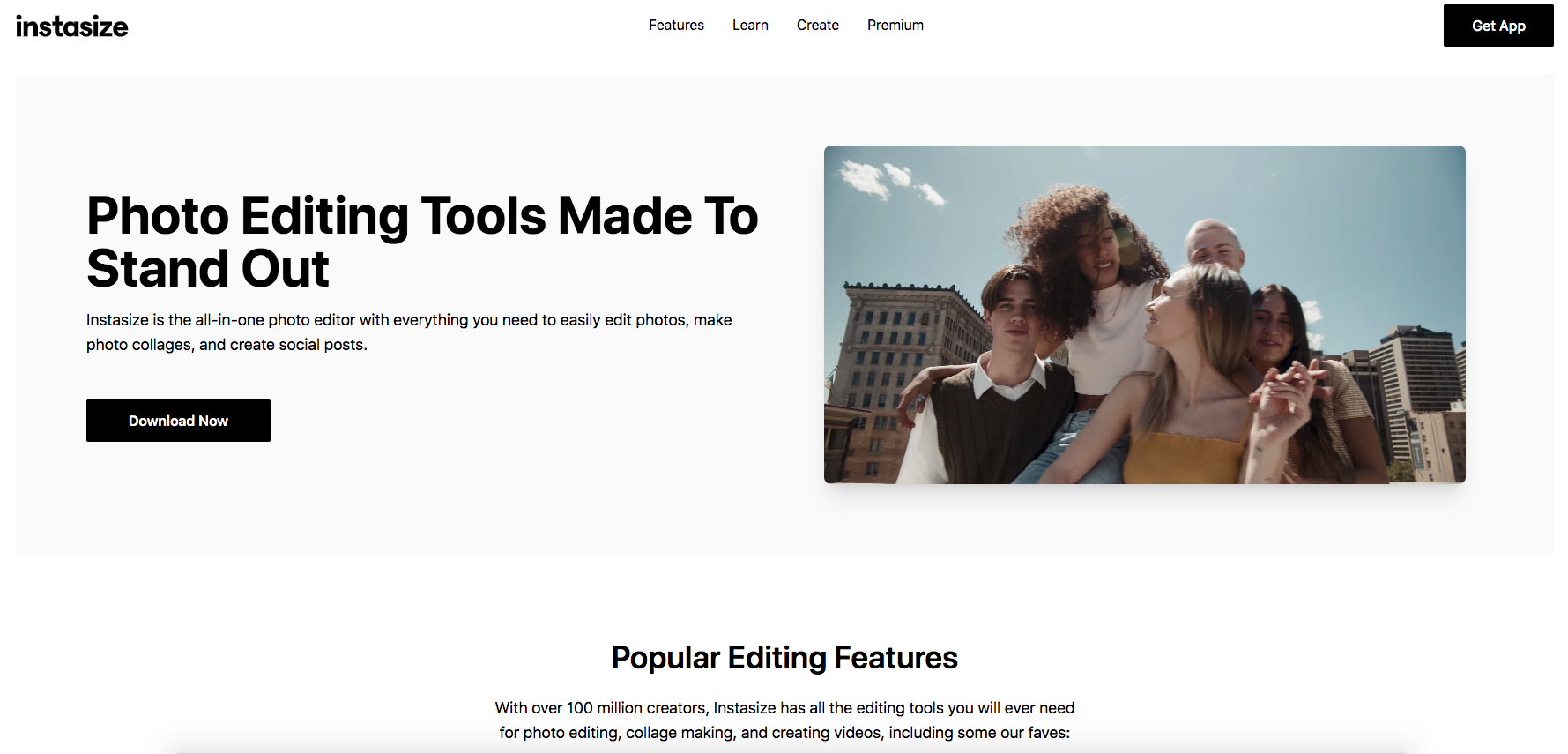
Instasizeis a photo editing app with a set of tools specifically designed for creative elements.
Similar to other photo editing software, using this app allows you to edit images at a detailed level. The adjustment slider helps you easily achieve the settings you want:
+ Brightness / Sharpness
+ Contrast and saturation
+ Hue and Vibration
+ Temperature and Tint
+ Bubbles and bright areas
+ Make neat images
If you need to create multiple versions of the same image for different social media platforms, Instasize you can change the dimensions of your image according to where you want to upload it. It has preset dimensions suitable for Instagram (Square and Full dimensions), IG Stories, Facebook, Pinterest, and Twitter. Why should you change the dimensions of your image? Because your designs will not be cropped or darkened in an unwanted way.
After you have experimented with the settings and image filters, you can add frames, create collages, and insert additional text into your image.Instasize Self-adhesive has a variety of frame templates such as Film, Floral, Ink, Glitter, DIY, and Vintage. This way, creating overlays and branded content is always easy.
How much does Instasize cost?
Download the free app oniOSandAndroid. We recommend you subscribe to Premium for $4.99 per month so you can access over 100 filters, templates, and text styles updated monthly.
There are many design tools available, but using the 8 tools suggested in this article will definitely catch your attention. All of these tools have free versions and basic plans, you can start using them today.
(Source + Reference: Baby Pink Page
Source: sample)
.png)







 Login with Zalo