
Product set celebrating Vietnam Teacher's Day 20/11 - Designed by Penci
1/ Product category 20/11 at Thegioiinan Thegioiinan offers a variety of products for November 20 to help schools, clubs, and organizing committees create meaningful events, professionally designed, turning ideas into products. The sample set uses creative hand-drawn designs, cheerful colors, conveying the spirit of gratitude and respect for teachers.
2/ Product categories include: - Social media posts (Facebook, Zalo, ...): Ready-made content & images for posting, prioritizing engagement.
- Poster - Standee - Backdrop: Create eye-catching points at the hall, classroom, check-in area.
- Hand fan: A thoughtful gift, can be personalized with names/messages.
- Canvas bag: A beautiful, eco-friendly gift, printed with gratitude messages.
- Handmade hashtag: Accessories for taking photos, spreading the word 20/11.
- Vinyl sticker: Stickers for gifts, decorations, gift boxes; colorful and eye-catching designs.
 (Using this sample for social media posts)
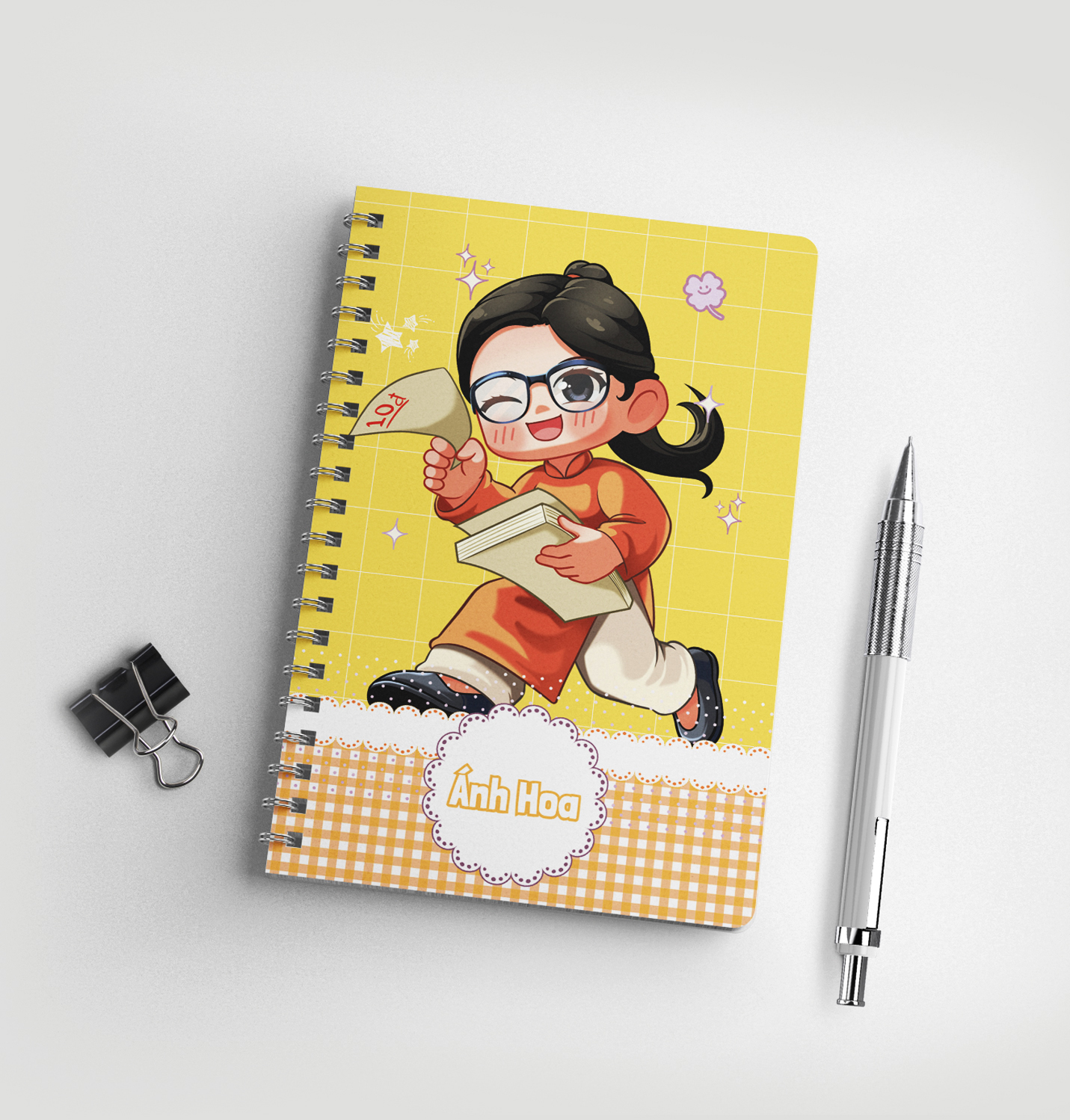 (Using this sample for hand fans)
 (Using this sample for vinyl stickers 20/11)
 (Using this sample for posters 20/11)
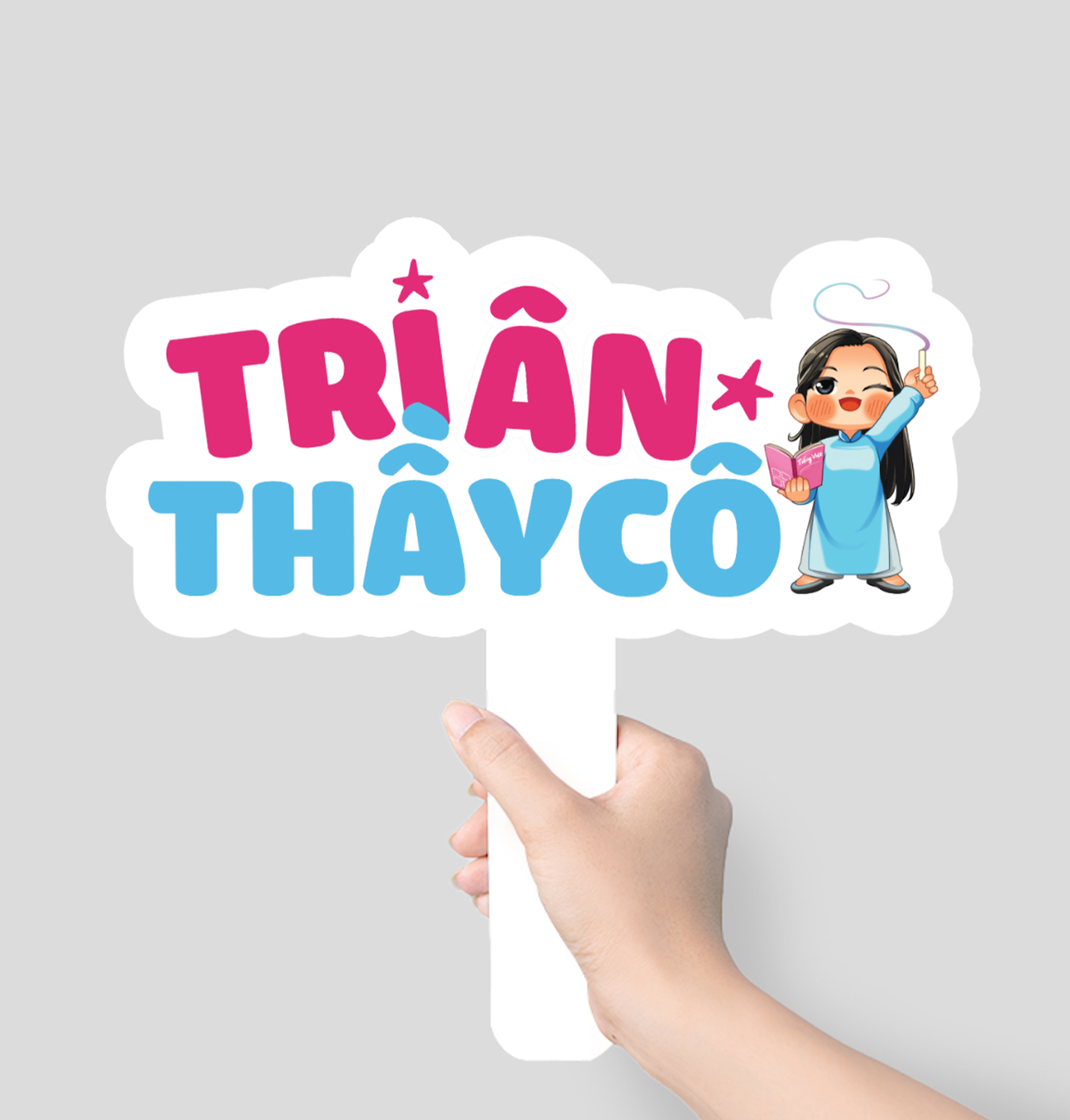 (Using this sample for handmade hashtags 20/11)
 (Using this sample for standees)
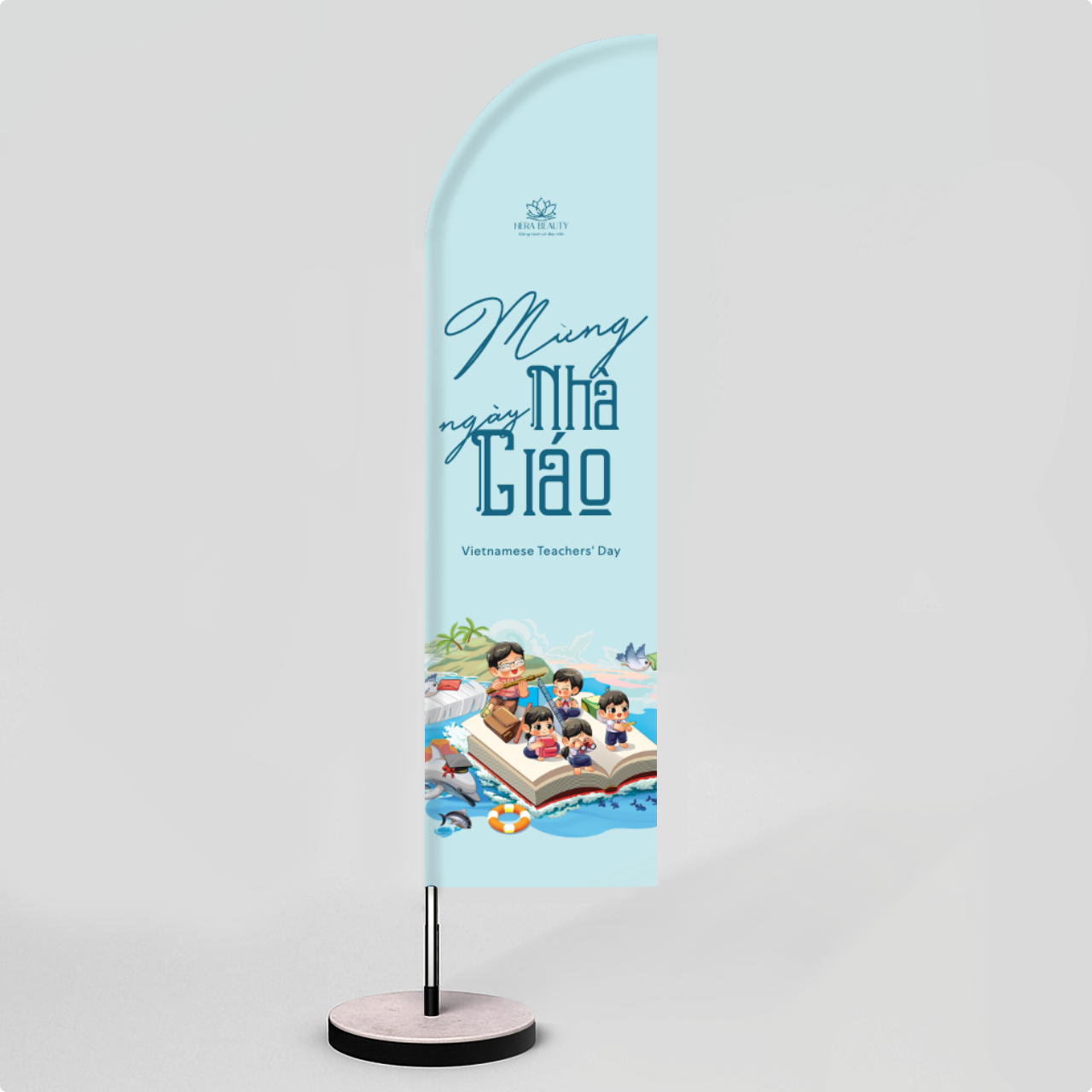 (Using this sample for backdrops 20/11)
 (Using this sample for canvas bags)
3/ Design your own through Penci
With just a few actions, you can completely create printed products (Hand fans, Handmade hashtags, Standees, Posters, Invitations...) through the Penci tool.
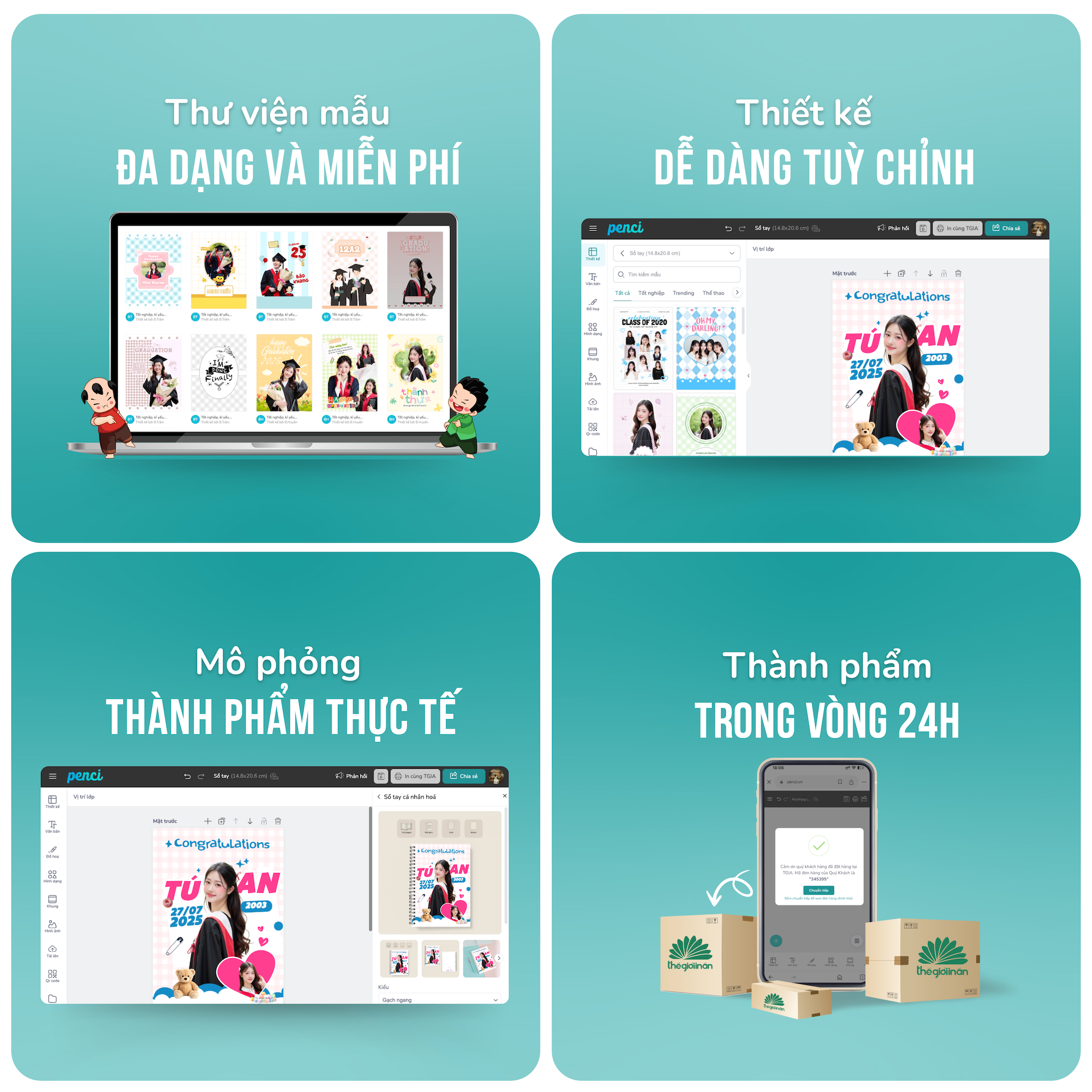
Step 1: Access Penci and find the product you want to print
OpenPenci.vnon your phone or computer, log in to your account. In the search bar, enter keywords and select the product you need to design. Immediately, you will see hundreds of beautiful samples designed in various unique styles.
Step 2: Choose and customize the available design samples.
After selecting the product to design, you choose "Customize this template". In the editing interface, you can change any details about color, content, add logo....
Before 3: Proceed to place the print order
Once completed, click "Print with TGIA" in the bottom right corner of the screen. You will see a demo mock-up of the product, then proceed to select the necessary printing specifications (size, quantity...) and wait for Thegioiinan to deliver to you.
You access Penci to experience "self-design" various printed products:https://penci.vn/
Source: Thegioiinan
.png)


 (1).jpg)















 Login with Zalo