
VNPAY payment guide on the Website
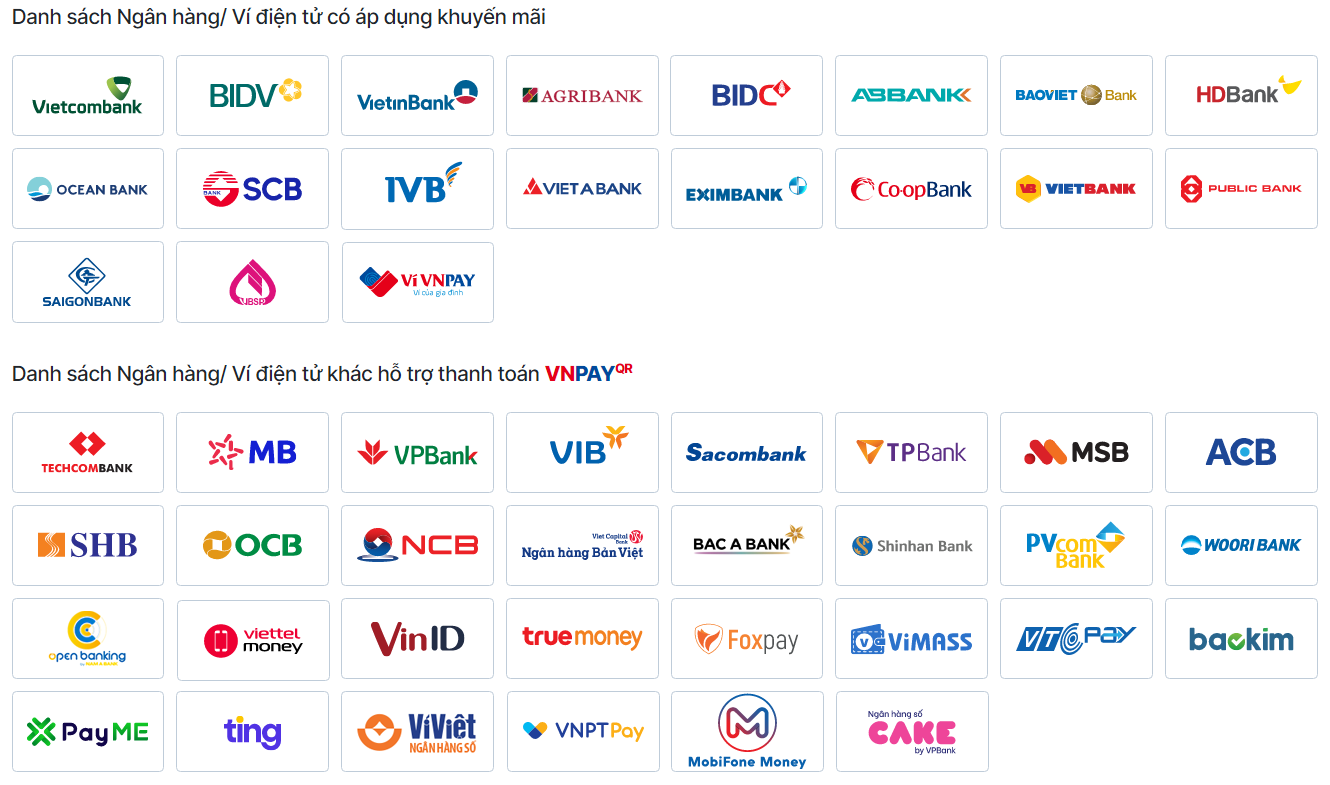
Scan the VNPAY-QR code on 35+ Mobile Banking application and 15+ e-wallet.
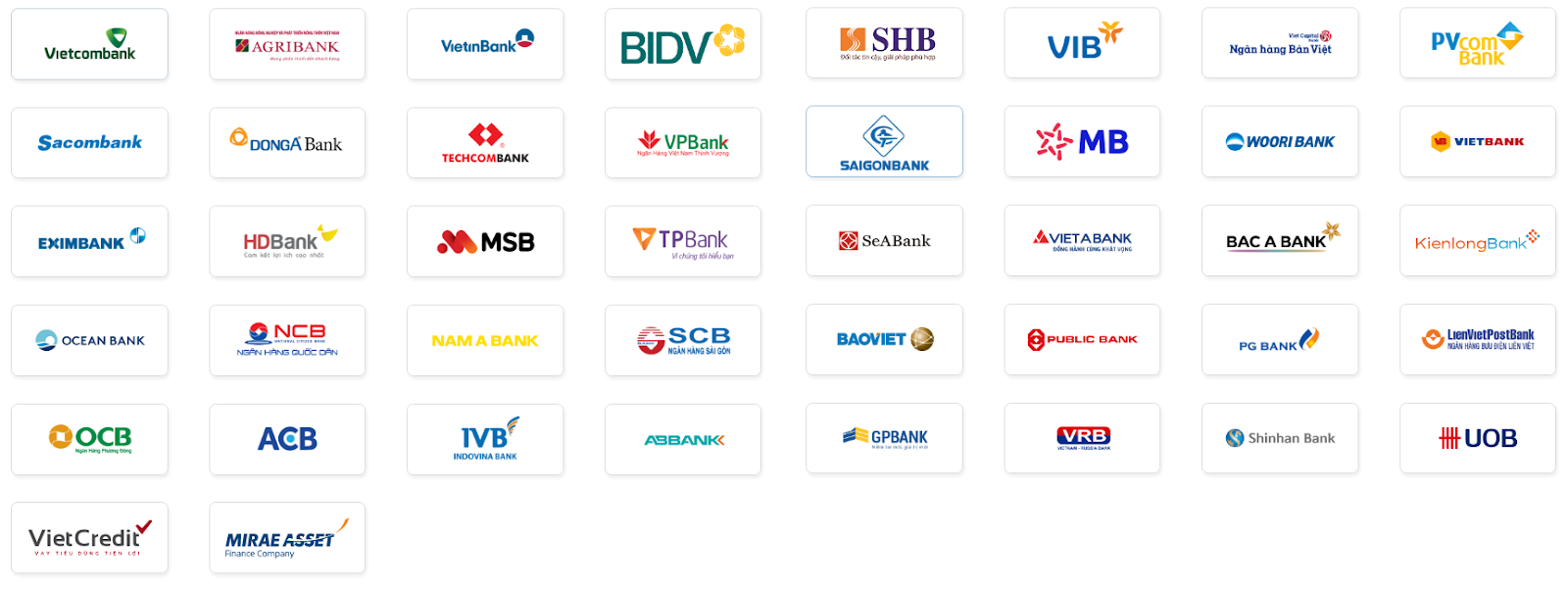
40+ ATM card/local card/bank account
4 International payment card

Payment methods via VNPAY
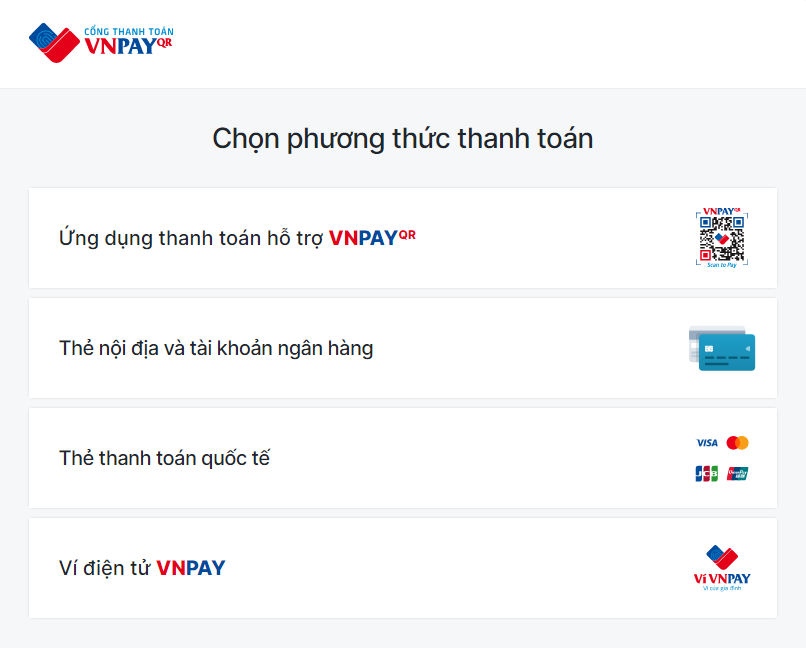
1. Payment method via "VNPAY-QR payment support application"
Step 1: Customers select products, services and choose Pay now or Place order.
On the payment page, please double-check the products you have ordered, fill in all recipient information, select VNPAY payment method and click the "Order now" button.
Step 2: The payment screen switches to the VNPAY payment gateway interface. Select the "VNPAY-QR payment support application" method.
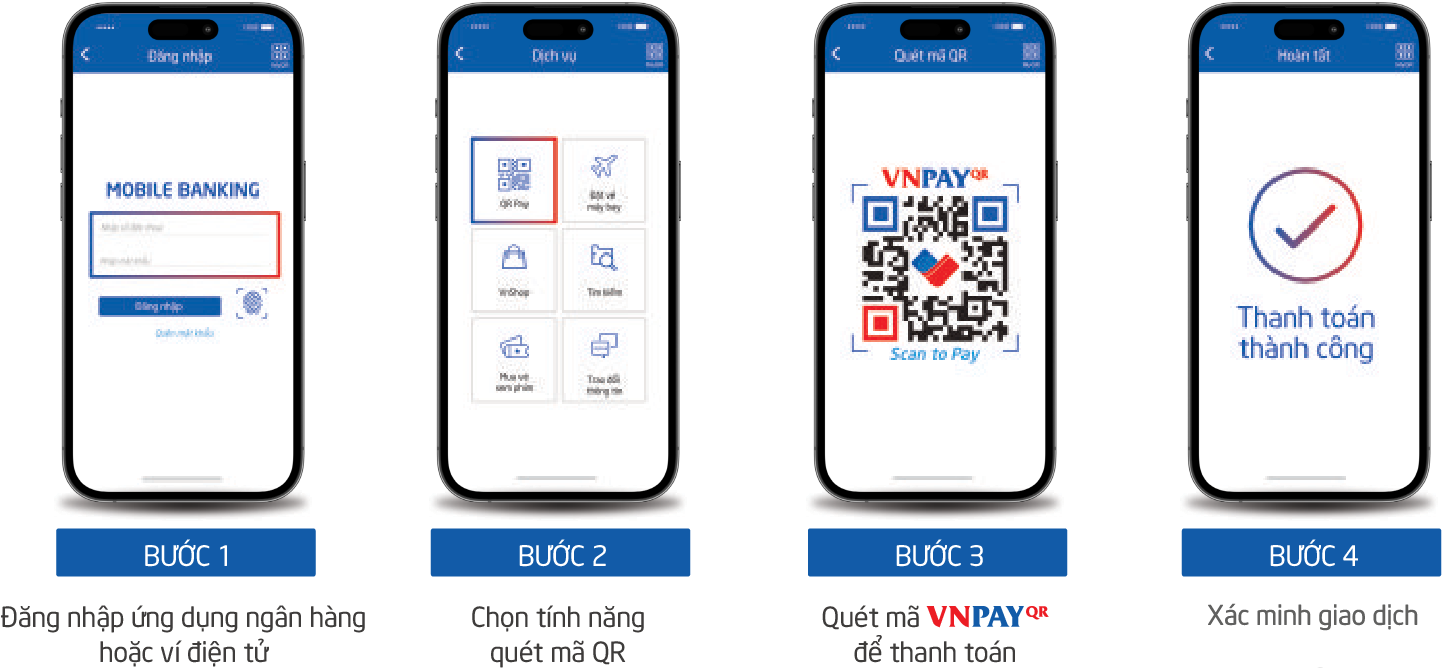
Step 3: The system displays the QR code along with the amount to be paid, Customers please check this amount again. Use the bank application (according to the listed banks), select "Scan Code" and proceed to scan the QR code on the payment screen of the website.
*Note: The QR code is valid for 15 minutes.
To successfully complete the payment process, customers please refer to the conditions and instructions for scanning the code on the phone to be ready, avoiding time constraints affecting the payment and discount code of the customer.
Step 4: Check the information, enter the discount code (if any) and complete the payment.
When completing the payment, Customers will receive a confirmation notification of the successful order placed on the website.
Guide to payment via QR Pay/VNPAY-QR feature.
2. Payment method via "Local card and bank account"
Step 1: Customers select products, services and choose Pay now or Place order.
On the payment page, please double-check the products you have ordered, fill in all recipient information, select VNPAY payment method and click the "Order now" button.
Step 2: The payment screen switches to the VNPAY payment gateway interface. Select the "Local card and bank account" method and choose the bank you want to pay with from the list.
Step 3: Customers please enter the required card/account information and select "Continue". The OTP code will be sent to the registered phone number, enter the OTP code to complete the transaction.
*Note: The transaction will expire after 15 minutes.
Step 4: When completing the payment, Customers will receive a confirmation notification of the successful order placed on the website.
Payment interface via “Local address and bank account”

3. Payment method via "International payment card (Visa, MasterCard, JCB, UnionPay)"
Similar to the payment method "Local card and bank account"
4. Payment method via "e-wallet from VNPAY"
Self-service like payment method “Using VNPAY-QR payment support”
---------------------
SUPPORT CHANNEL:
- Total hotline: *3388 or 1900 55 55 77
- Zalo OA: zalo.me/4134983655549474109
- Email: hotro@vnpay.vn
- Fanpage: facebook.com/VNPAYQR.vn
















 Login with Zalo