
How to design a postcard that is impressive and where to place print orders for quality?
@thegioiinan
1. A postcard is a beautiful card used to send heartfelt messages.
Below are some ways you can use postcards:
- Personal greetings: Handwrite a heartfelt message to the recipient.
- Travel souvenirs: Send a postcard from a special destination to share your journey with loved ones.
- Gift wrapping: Include a postcard in a gift box to add sentimental value.
- Decorative art: Beautiful postcards can be framed or hung up to become a focal point in your living space.
- Collectibles: If the recipient enjoys collecting, themed postcards can be a meaningful gift.
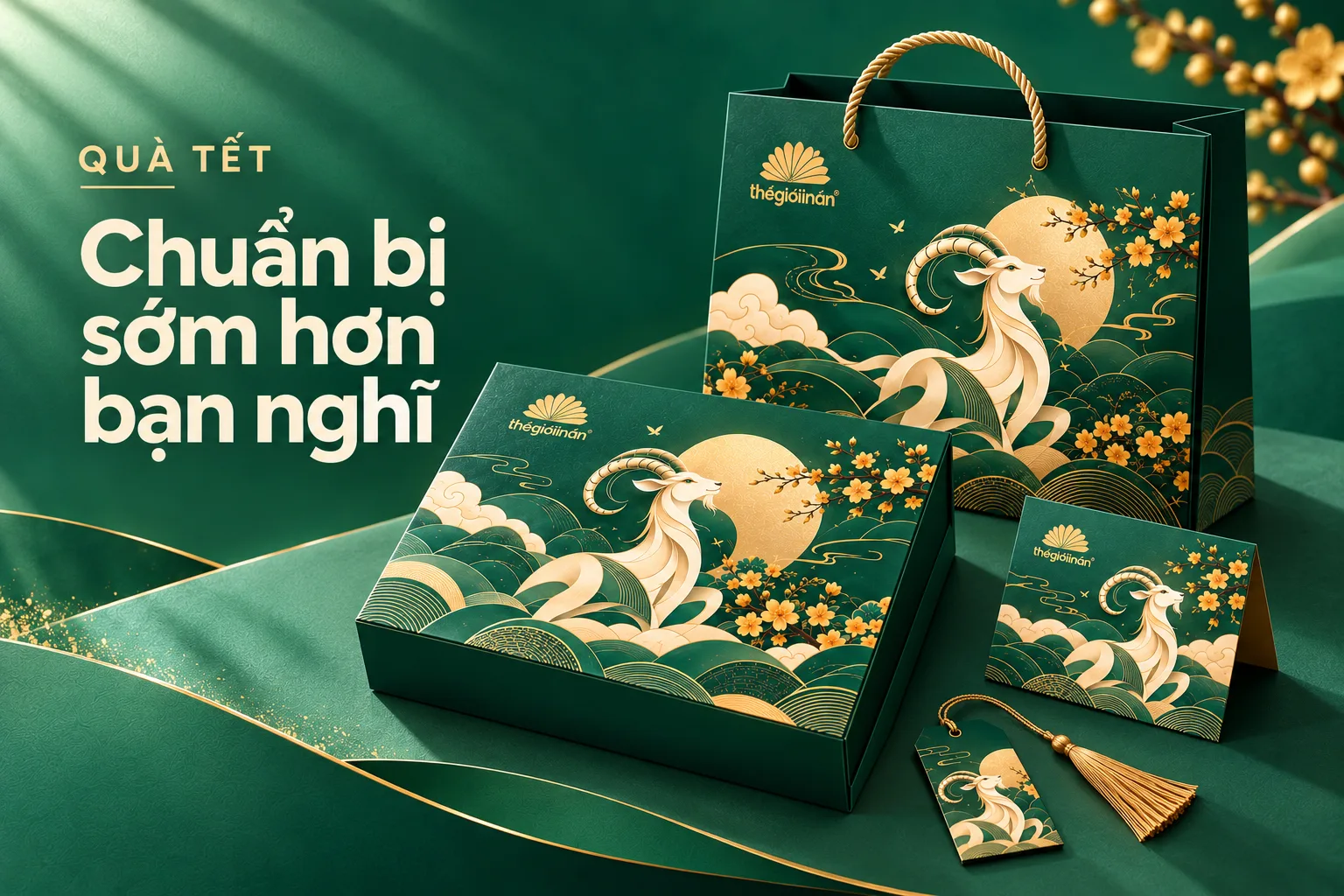
 (Postcards made of Vietnamese materials)
Specially, Penci's warehouse has various Vietnamese-themed postcard templates, with chibi designs that are hand-drawn. When you use pre-made templates or create a new postcard from Penci, you can completely use the free resources and Vietnamese-themed materials. This helps your design stand out and brings a unique style, leaving a lasting impression on the recipient.
2. Explore the diverse postcard templates available at Penci
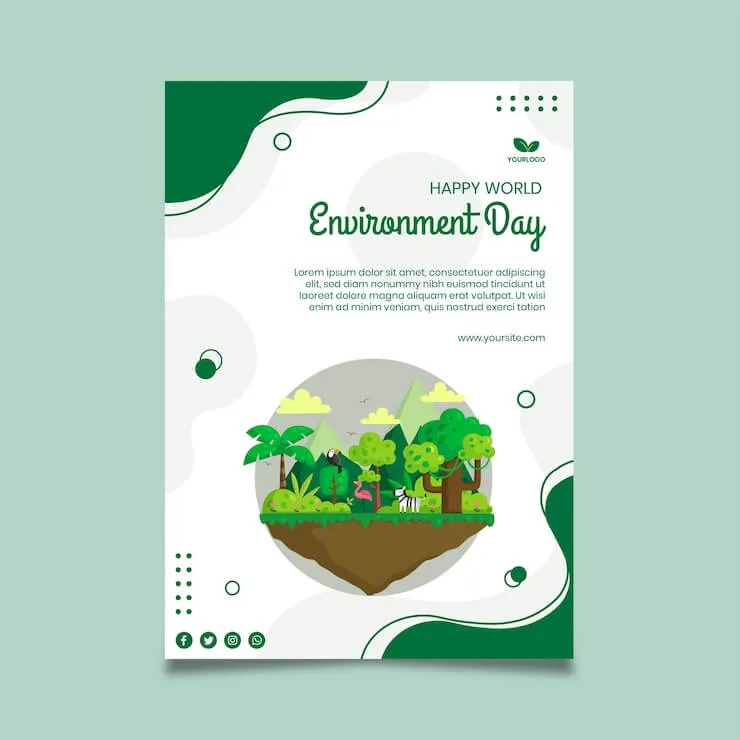
to help you get started designing postcards, Penci's warehouse already has many templates for you to choose from. Here, you can find hundreds of pre-designed templates suitable for various themes such as: birthdays, holidays, travel, thank you notes, love, and all business events. Each template is professionally designed, balancing between images and text blocks, helping you save time while still ensuring aesthetic quality.
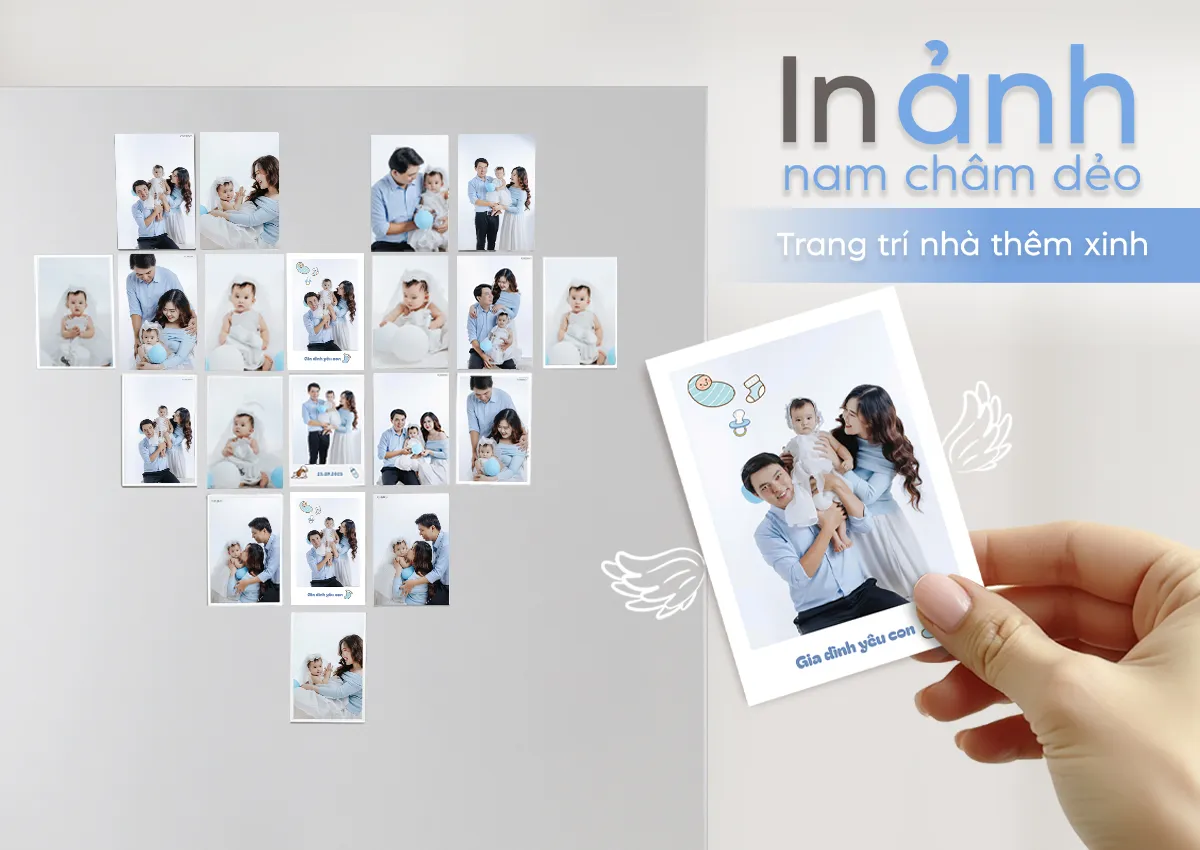
 (Postcard templates used to send to your loved ones in meaningful moments)
You just need to choose a suitable template, adjust the images and content according to your own style, and you already have a beautiful postcard ready to impress. The templates are regularly updated, suitable for the latest design trends, from minimalist styles, retro, to modern and vibrant.
3. How to create beautiful postcards with Penci's online design tools in detail
Penci is a design platform for you to use, helping you unleash creativity with various image templates, symbols, fonts, and color palettes. From there, you can create unique postcards that reflect your personality in just a few simple steps:
Step 1: Log in or register an account
Access online design tool Pencito "Log in" to your account. If you do not have an account, please "Register" to use the free sample storage.
 (Choose to log in or register)

(Log in with Google Account, Zalo or Personal Email)

(Search or select the "Postcard" category)
Step 2: Select a design template from Penci's sample storage
You can choose from available design templates or start from scratch. If you choose from an available template, select “Use this template” to start customizing according to your preferences.

(Choose "Create new Postcard" or select a custom template)

(Customize the available design template)
Step 3: Add content and customize the design using smart tools
Upload your own images or select from Penci's image library. Add text, change fonts, colors according to your preferences and insert decorative elements like stickers, icons to make your design stand out using Penci's smart tools.

Step 4: Review and place print order
Double-check the design, ensure there are no typos or errors. Save the design to be able to edit or use it in the future.
After that, select “Print with TGIA” to see the actual mockup and view the technical specifications of the Postcard.
Finally, choose “Place Order” and track your order.

You can easily create your own Postcard design, customize it and place a quick print order through Penci. Try designing right here: Postcard Design
Source: Thegioiinan
.png)


.png)
.png)












 Login with Zalo