
How to adjust content, font in the Penci design tool
1. Is the design on Penci truly free from Vietnamese font errors?
If you are looking for a simple, fast, and user-friendly design tool for Vietnamese users, then Penci is an unbeatable choice. With an intuitive interface, diverse design templates, and a Vietnamese font library that does not have font errors when typing accents or exporting files. Thus, Penci will help you create beautiful products in just a few minutes. Whether you are a student, a marketing staff member, or an online shop owner, Penci can help you save time while ensuring designs fit the 'trendy' habits of Vietnamese people.

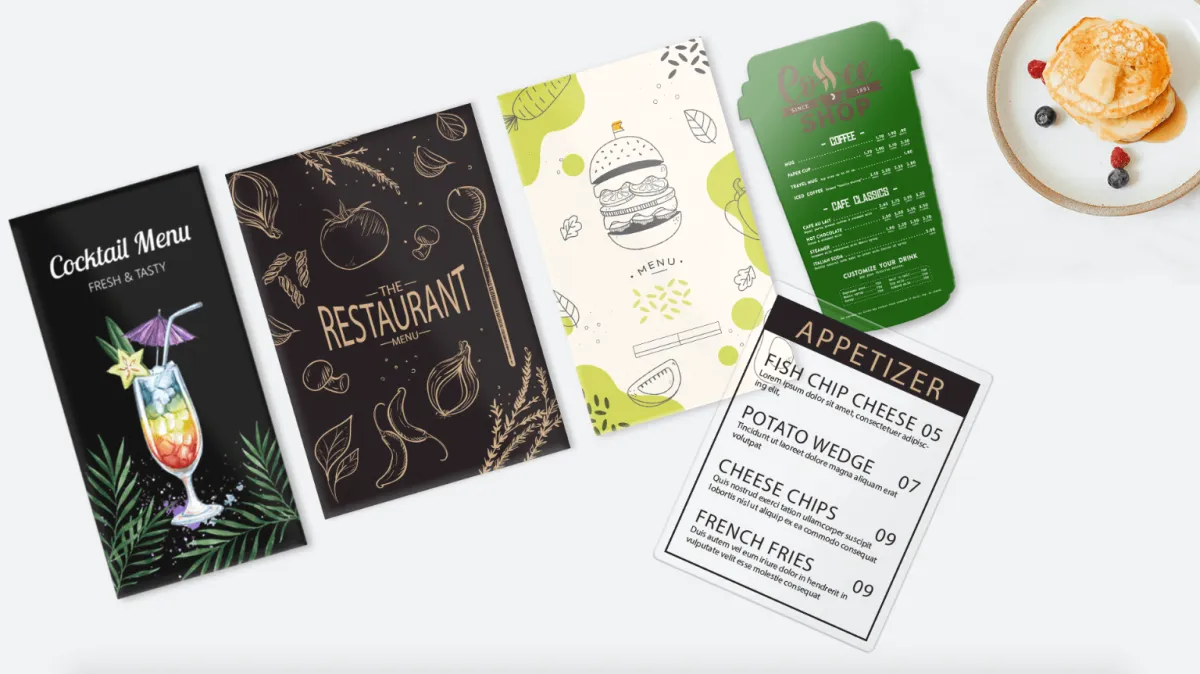
(Loose Leaf Menu designed using the Penci tool)
See more: Suggest 3 packaging template for shop owners
2. How to edit content, fonts in Penci
I will guide you to edit content and fonts on a product poster design, other design templates you can apply similarly.
Change the text content on the template design
Enter the text into the text box on the design canvas that you want to change the content. At this time, the editing toolbar will appear, you enter the new content.

(The text box is currently being edited)
Note:You can use the 'Font Styles' that are pre-designed to create more beautiful designs.
Add new text
You can add new text and customize it by: Selecting the 'Text' icon on the left toolbar, choosing the title style or paragraph. Then enter the new content.

(The design is currently being added with text content)
Customize Font Styles
Penci provides various Vietnamese font styles from classic retro to modern minimalist for diverse designs. In the upper toolbar, select the 'Font' section, then you will see a list of available font styles on the left. Choose a favorite font.

(The text box is currently using the Montserrat font for display)
Note: Some Vietnamese fonts with classic styles that you should try in Penci include ICielBC Lodestone, UTM-Azuki, UTM-Raven, UTM-Ong-do-tre, UTM-Ong-do-gia,...
Customize font size
- Use the 'Font Size' toolbar, click (+) to increase and click (-) to decrease the font size or you can directly enter the number into the box.
- Additionally, you can adjust the font size according to your preference by dragging the round button in 4 corner of the text box.

(You can customize the font size flexibly in various ways)
Change the text color
Enter the color code in the 'Text Color' icon to choose the appropriate color tone. You can enter the color code you like or pick a color in the design.
 (The text block changes to yellow, highlighted with color from the sky background)
Text alignment
After you select Make a border, Vertical printing, Border style, the font style will change accordingly.

(Select to make a border and vertical printing to highlight the text block)
Align the text block
Can align left - center - right - justify, align according to the book format (using alternates for blocks with multiple ideas), can adjust the spacing between characters in the text or between lines with each other.

(Select the “Book” template for clearer text blocks)
Add effects to the text
This tool will help your design “more artistic” but also very easy to use.
You select “Effects” then customize the styles.

(The effects will help your design “more artistic”)
3. Need to pay attention to the most important factors in design
One of the common mistakes in design is using too many different fonts. To design more professionally, you should use a maximum of 3 types of fonts in one design (usually 1 for the main title, 1 for the subtitle, 1 for the content) and keep the font size consistent for the text blocks.
Note: Generally in design, sans-serif fonts will be used for modern designs, serif fonts will be used for traditional designs.
With a user-friendly interface and a variety of Vietnamese fonts, Penci is the ideal choice for anyone wanting to design quickly, beautifully, and with Vietnamese quality standards. Just with a few clicks, you can create content and text styles according to your own preferences. You can log in and start editing content on Penci right away: Penci design template library
Source: Penci - Design tool for Vietnamese people, made for Vietnamese people
.png)

.jpg)
.jpg)
.png)










 Login with Zalo