
Graduation gifts - Get 20% off immediately
The graduation product set “Personalized” includes:
– Print commemorative photos from the last moments with your friends, classmates
– Choose material, size for you to select
– “Self-design” free of charge via Penci with beautiful Photobook templates, stunning backgrounds.
– Print personal photos, group photos, slogan “catch the trend” super hot
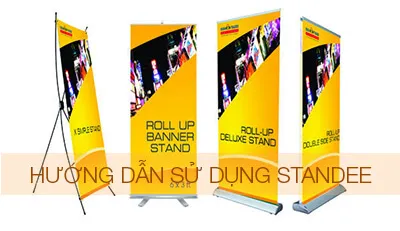
– Make a highlight for every corner of the venue.

(Self-design and print Banner - Graduation banner)
– Graduation robe cannot be missed
– Print name, slogan, personal images all included.
– Print the back with portrait images, creative graphics, quote text for graduation
– Each panel or frame is designed to be “eye-catching”.

(Self-design - personalized handprint)
5/ Photostrip
– Print photo frames, with many creative frame styles, artistic angles
– Preferred style for a youthful look.
– Choose images according to each month
– Print your image – layer – see yourself
– A meaningful gift for the end of the school year.

(Self-design and print graduation wall calendar)
7/ Graduation commemorative photo frame
- Various sizes: for tables, wall hanging according to decoration needs.
- Various frame materials, high-quality printing paper.
- High-quality printing materials, beautiful colors that last over time.
 (Print photo frame keep the anniversary)
8/ Personalization greeting card
– Print event information, name of the guest – personal image
– Create a new greeting card template and layout
– The sample template created by Penci will help you have a beautiful - unique - stylish greeting card.
Design "Professional Product Package" through Penci's tools

You access here to "Design":https://penci.vn/mau-thiet-ke.html
Step 1: You log in to your account, then select “Create Design”.
Step 2: Select the product category you want to design
Step 3: You can “Create design from a new page”, or choose an existing template. Then you will upload the logo image and customize the design template using Penci's smart design tools on the left corner.
Step 4: After finishing the design, you select the "Print with TGIA" option to view the demo. Finally, click "Place Order."
Step 5: Thegioiinan will notify you when the order is completed, you will receive an order code to track the printing and delivery progress.
Source: Thegioiinan

.png)













 Login with Zalo