0

Top 20 Standee models for restaurants, eateries, professional beverage shops, attracting customers

09/08/2025 4,739 has viewed
A standee is not just a marketing tool, but also a 'face' that helps restaurants stand out among competitors. With 20+ beautiful standee templates, professional restaurants can easily attract customers from afar, conveying all necessary information about food, drinks, and promotions.

1/ Why should you use a standee for restaurants and cafes?

- Increase brand recognition: Logo, color scheme, and images of food printed clearly for easy recall.

- Quickly convey information: Customers only need 3-5 seconds to grasp promotional programs or new dishes.

- Low cost – High efficiency: Compared to other advertising forms, standees are more economical while still effectively attracting customers.

- Easily change content: When there are new dishes or promotional programs, just replace the PP print is done.
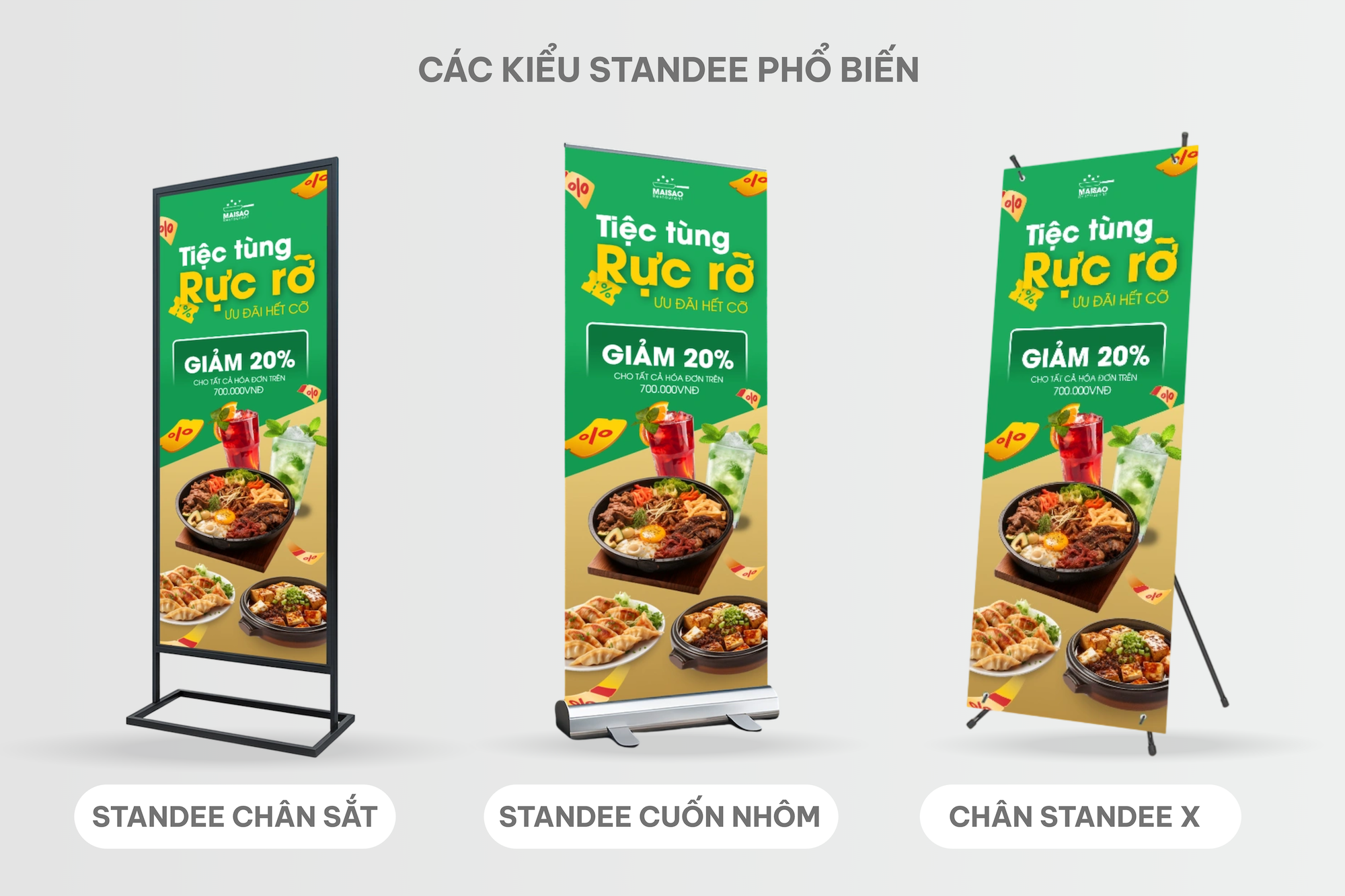
Top 20 Standee templates for restaurants, eateries, beverage shops, attracting customers - image 1

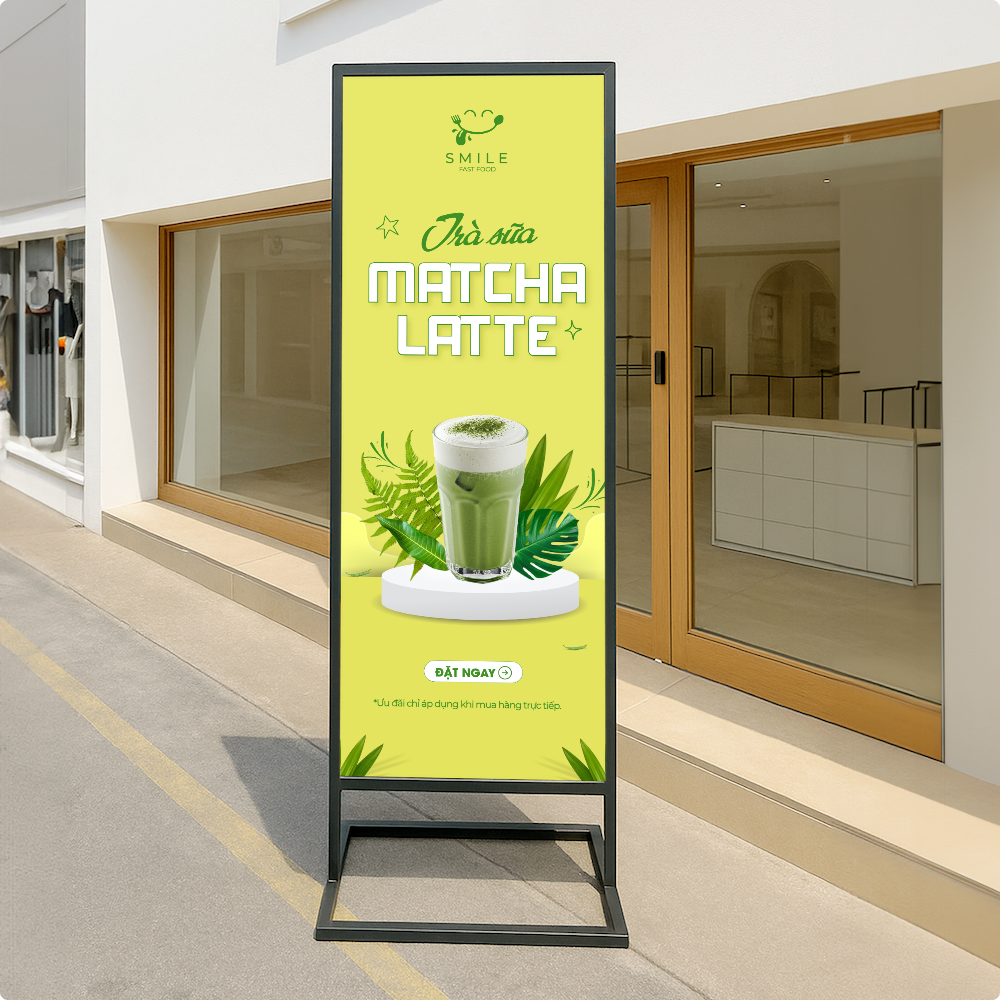
(Iron Standee, Curved standee, Standee base in X shape)


2/ Suggest standee templates for restaurants to attract customers

The following standee templates are suitable for various types of businesses:
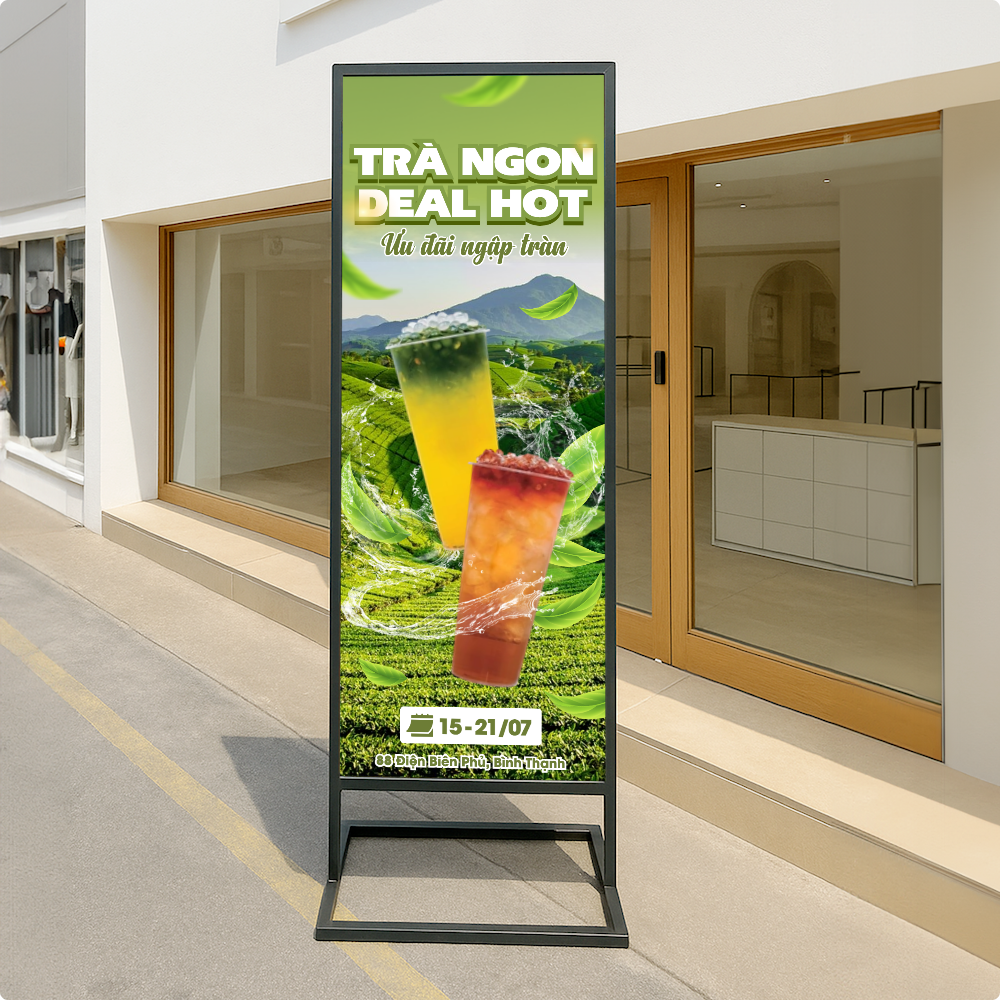
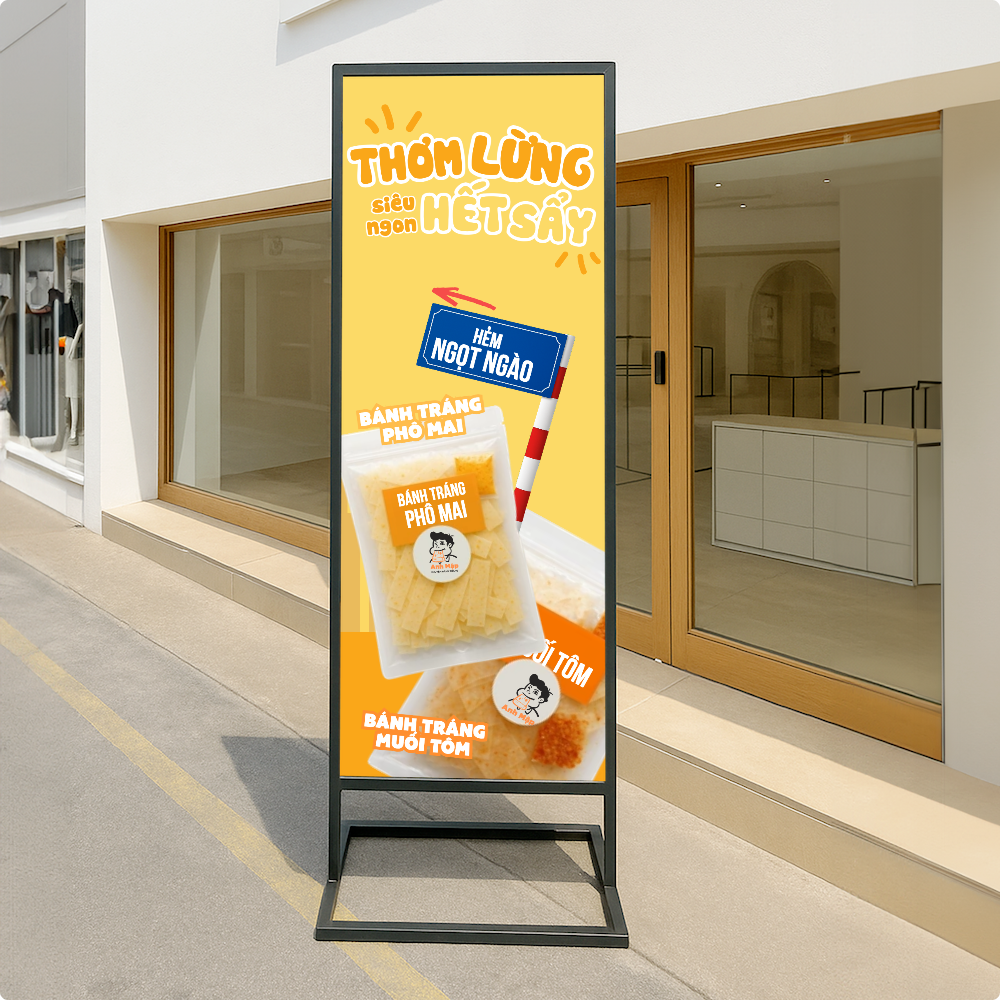
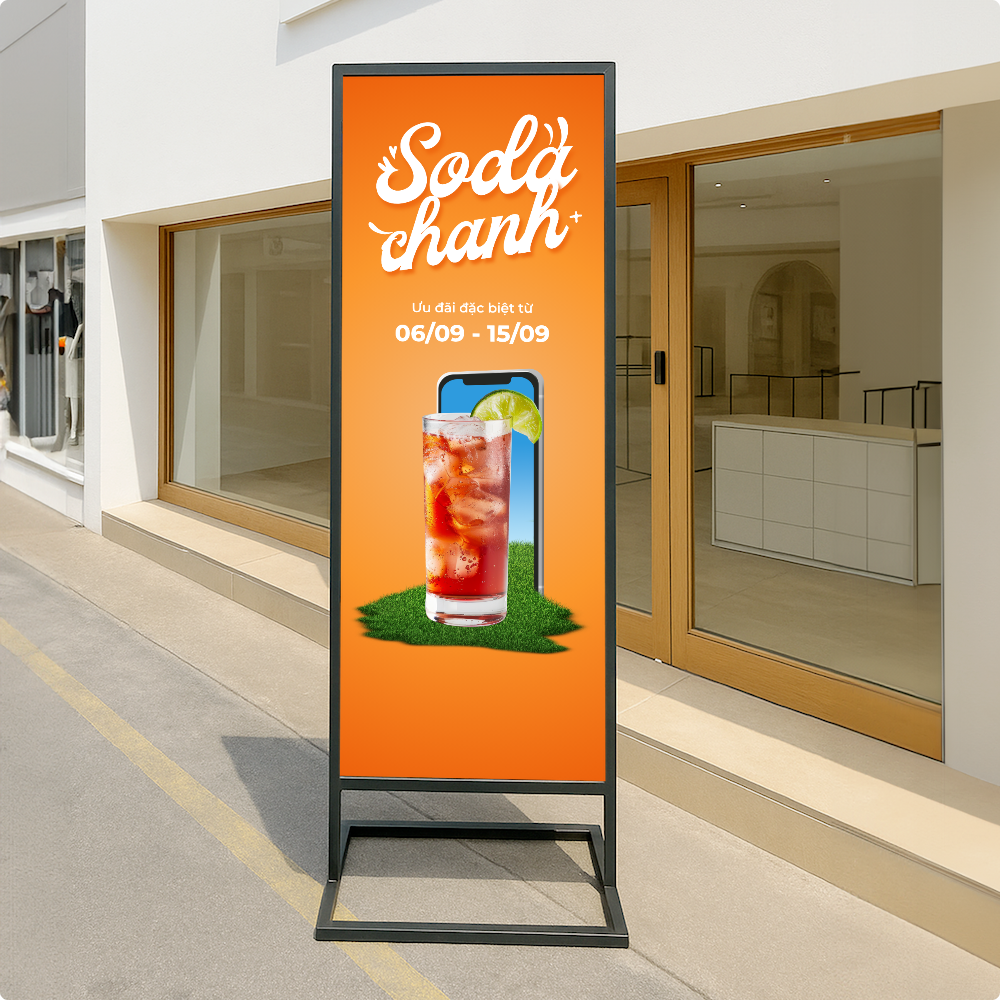
- Milk tea standee with an image of a drink cup, color scheme from light to dark.
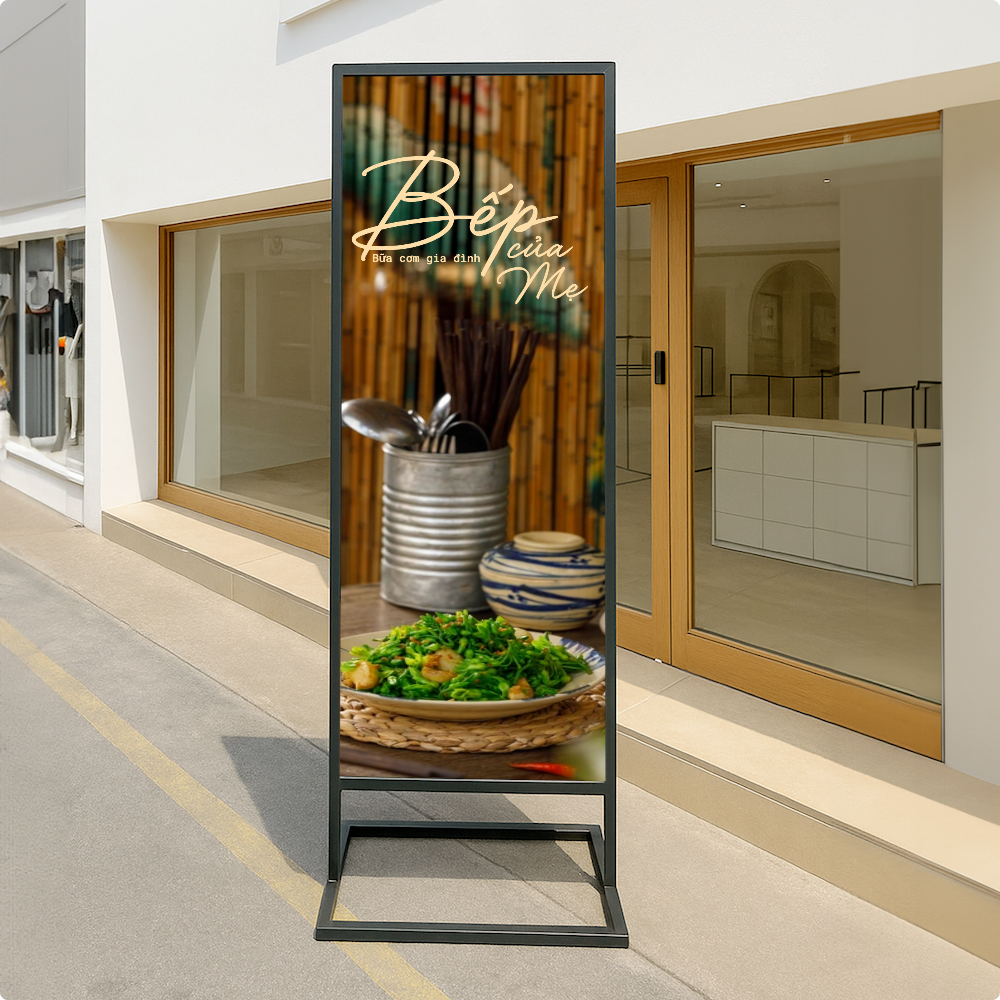
- Coffee shop standee dark brown tone, image of a coffee cup with artistic background.
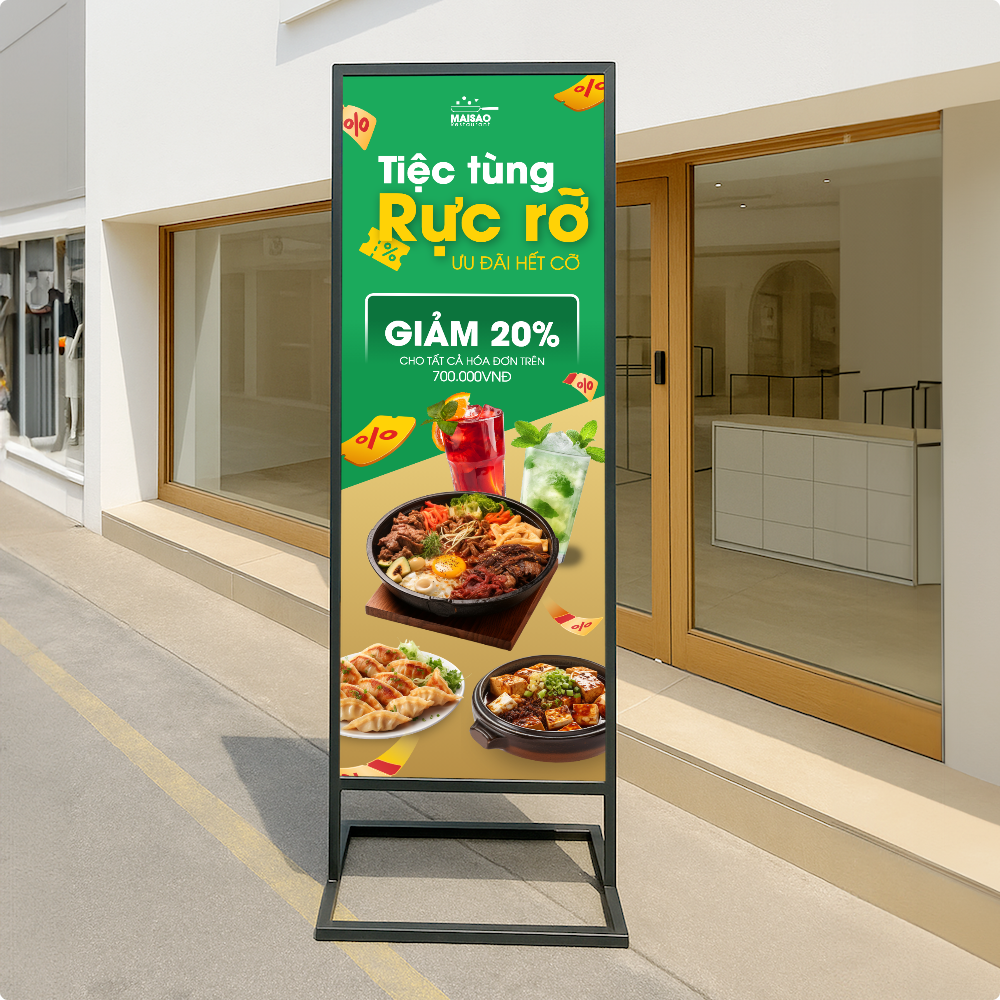
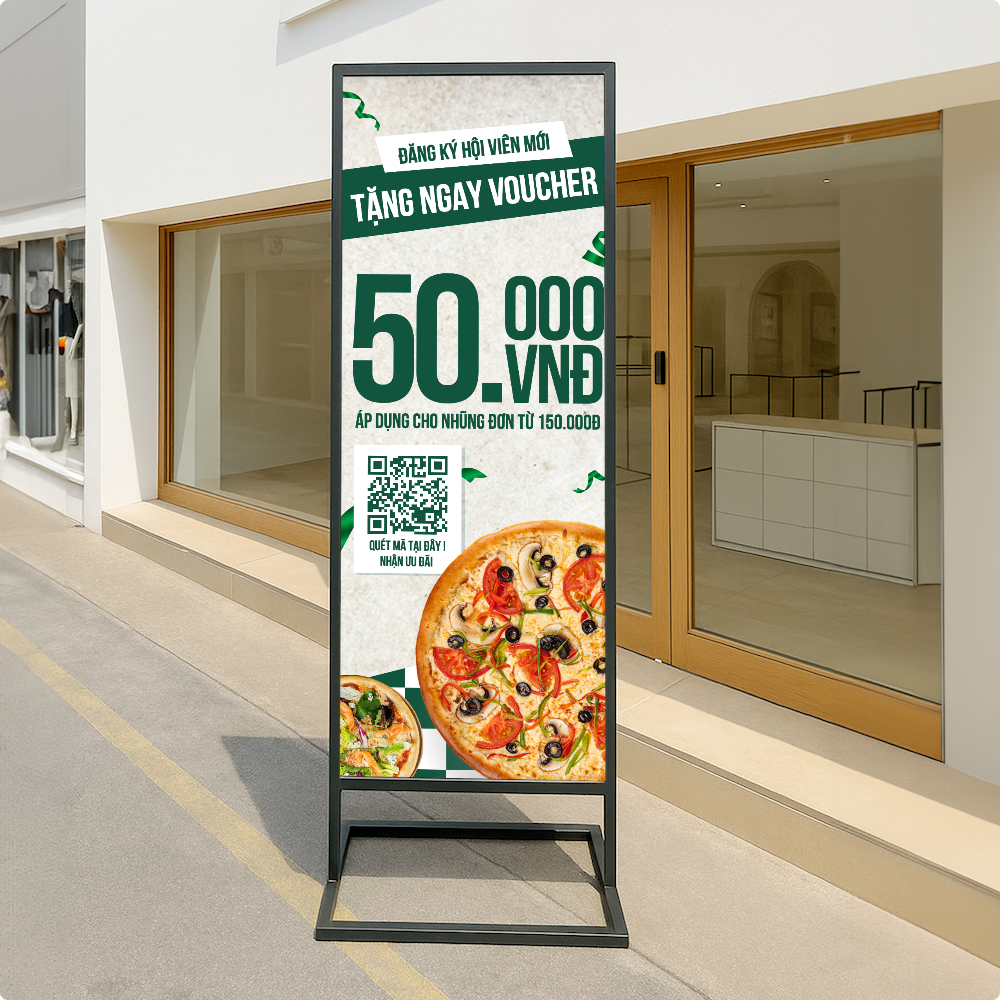
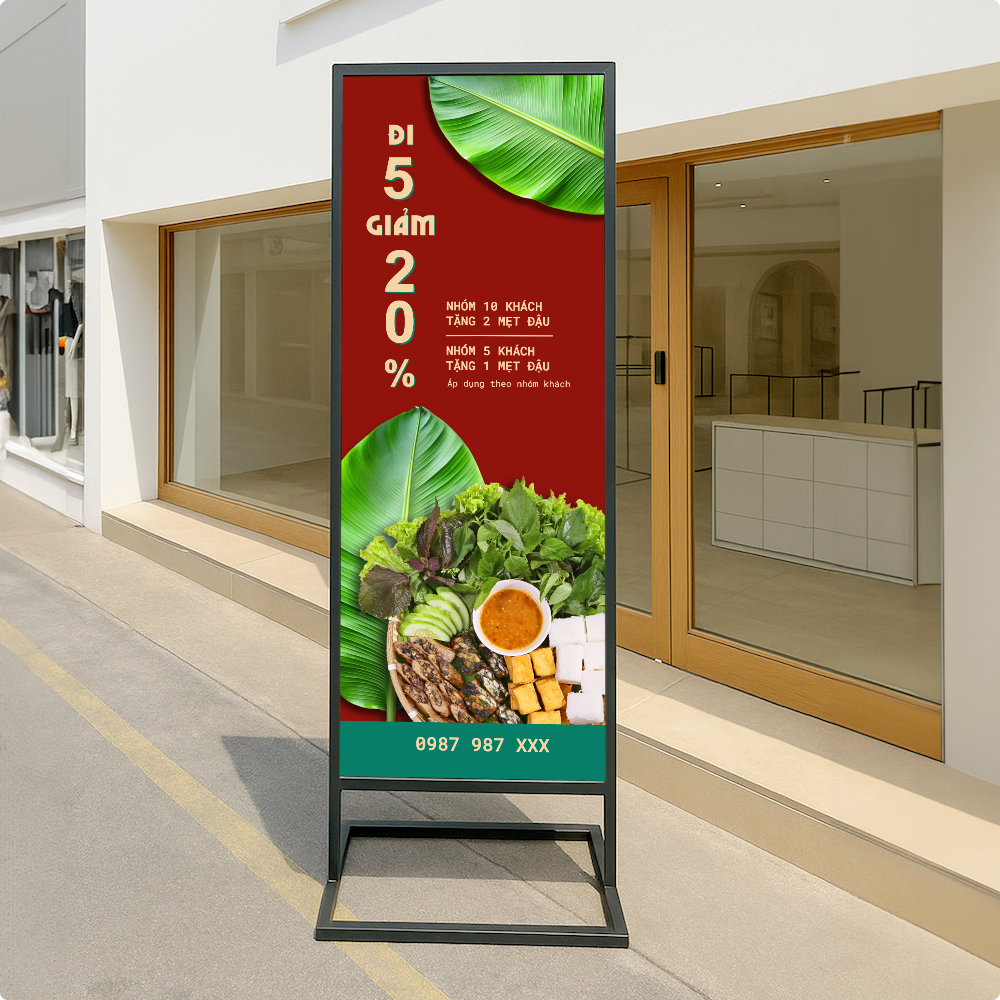
- Restaurant standee green tone with images of fresh vegetables, seafood delicacies.
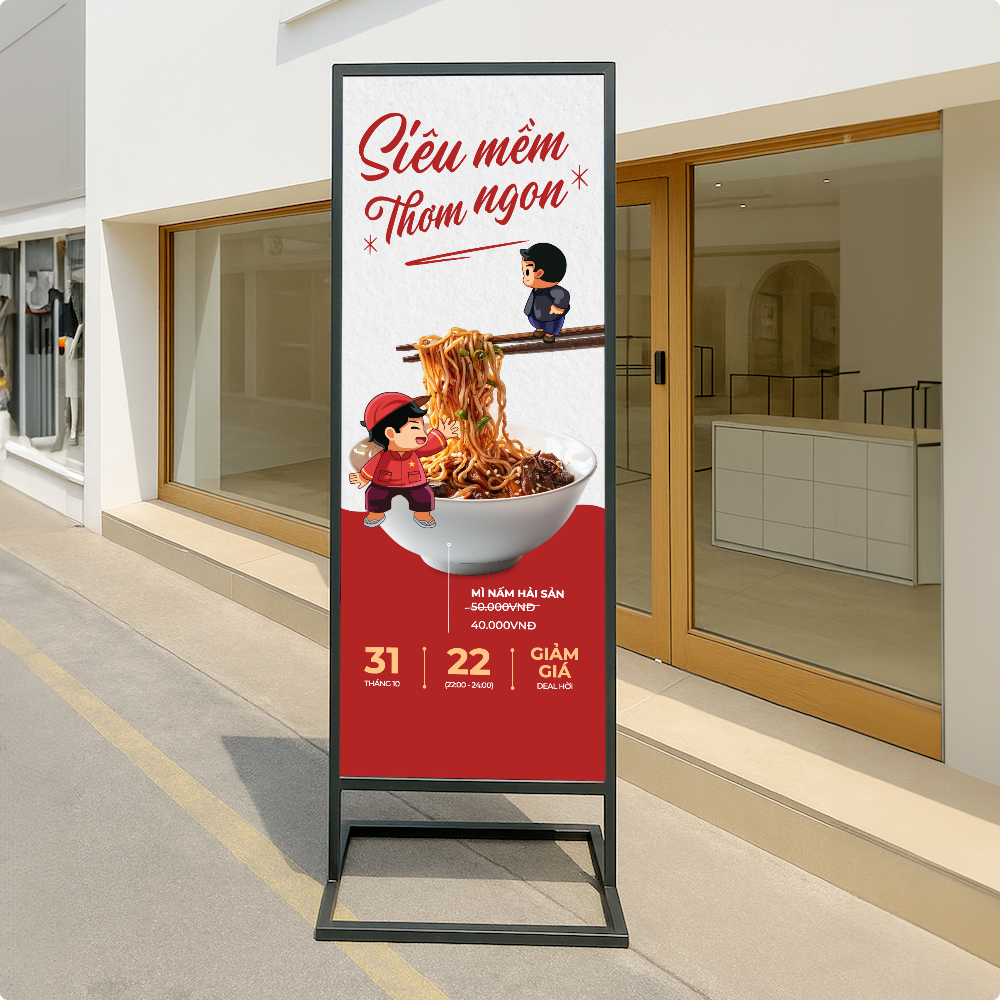
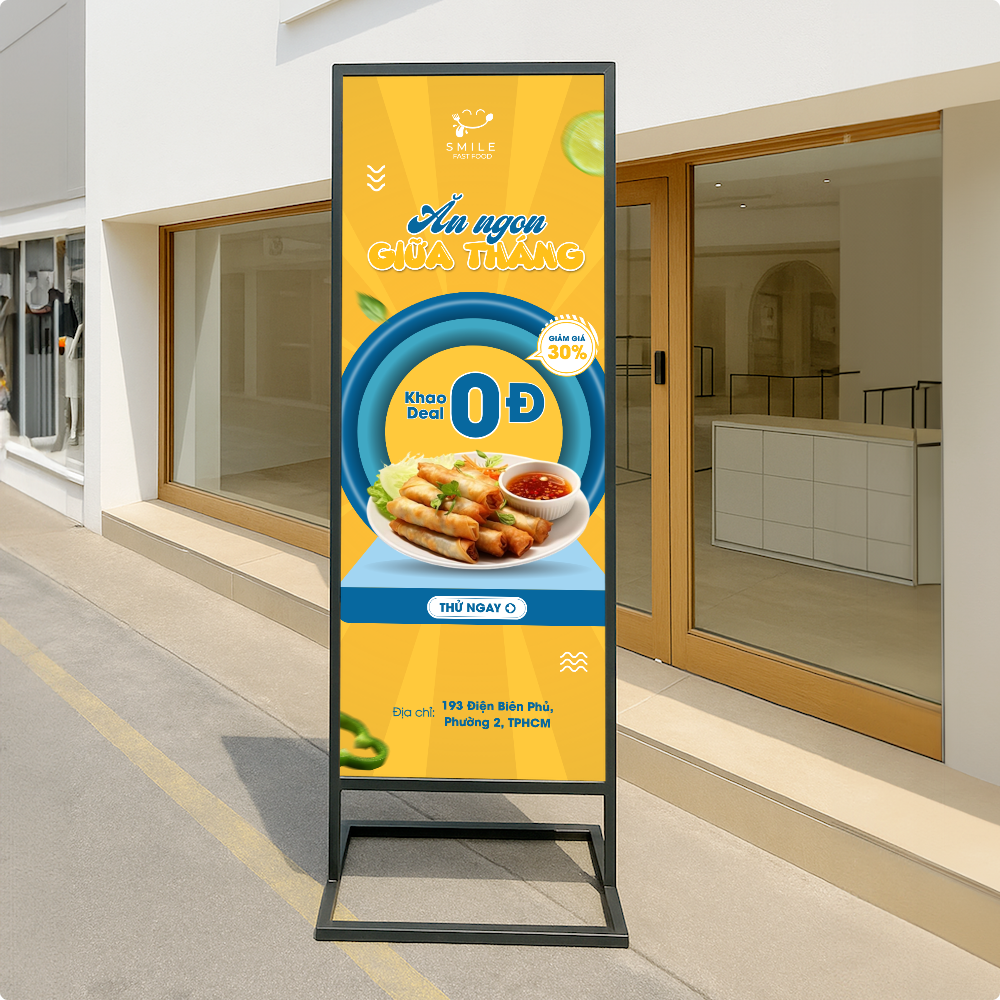
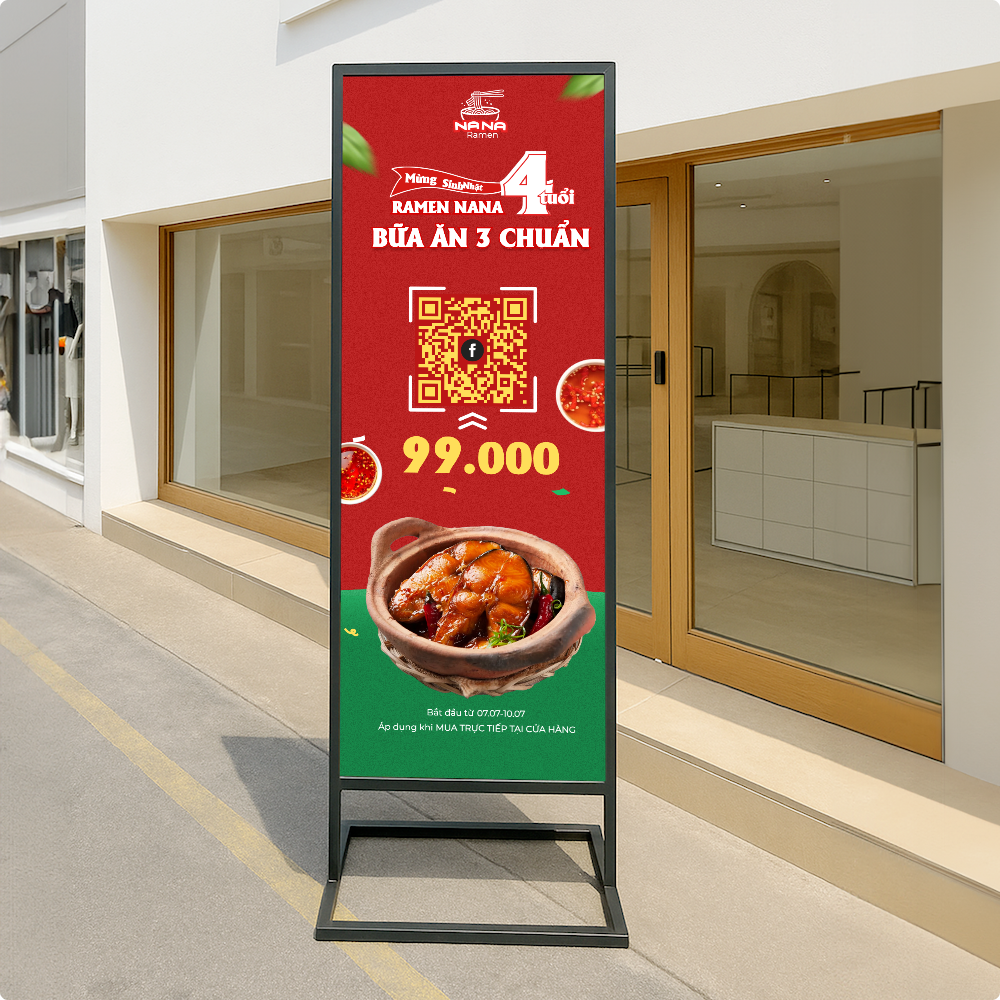
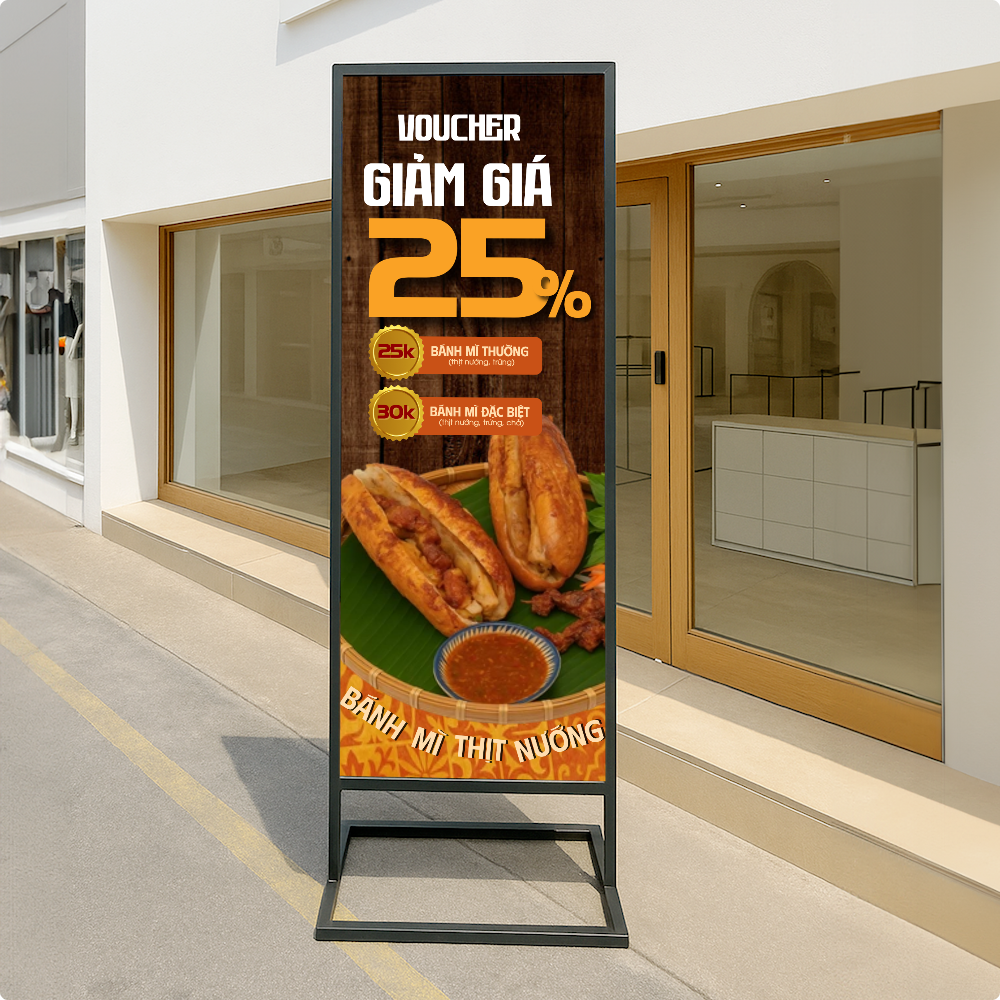
- Restaurant Standee colorful background, food image decoration.
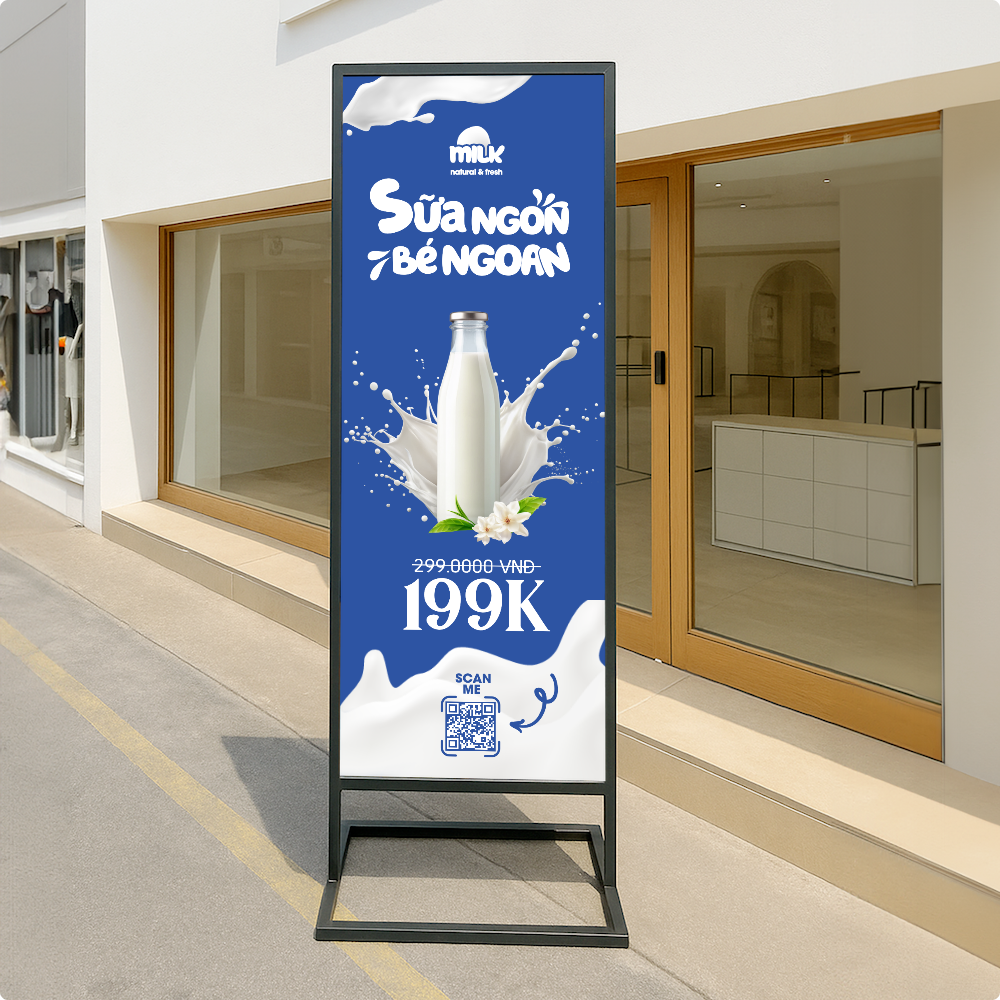
- Promotional Standee combo special design package at a selling price.
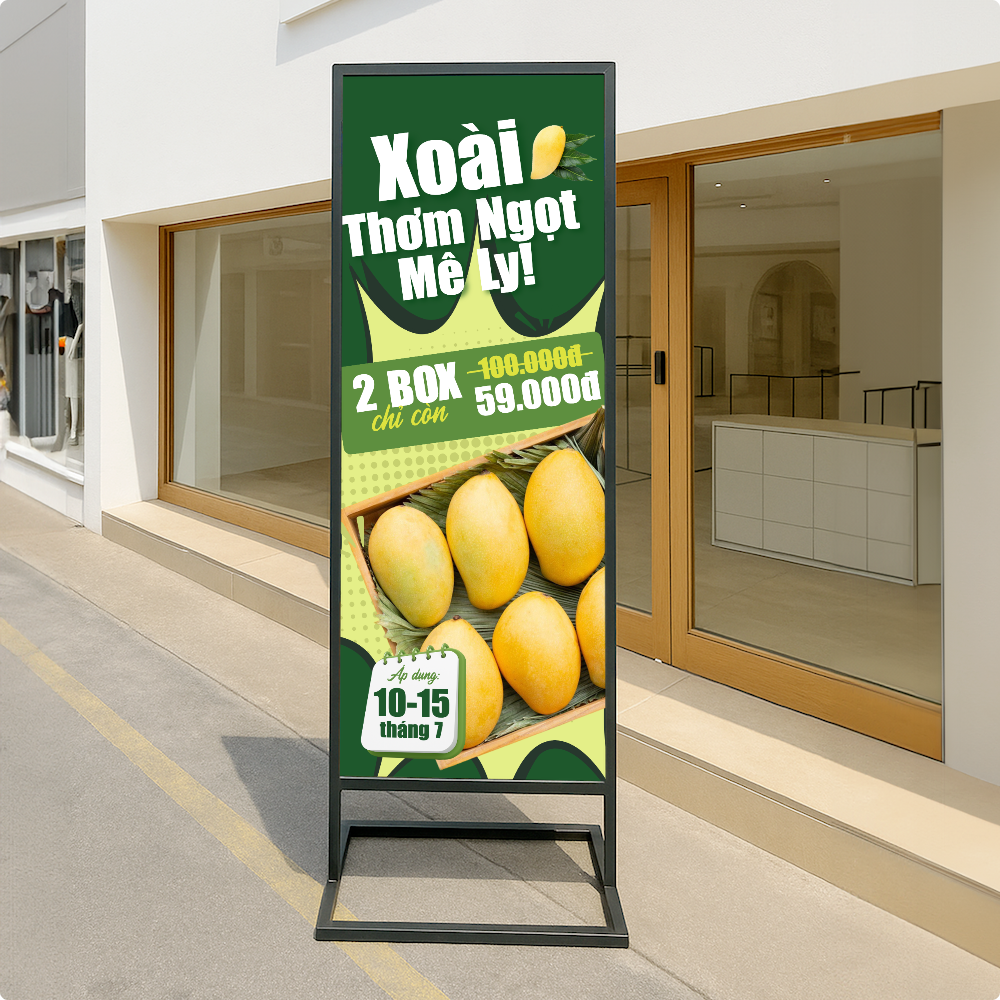
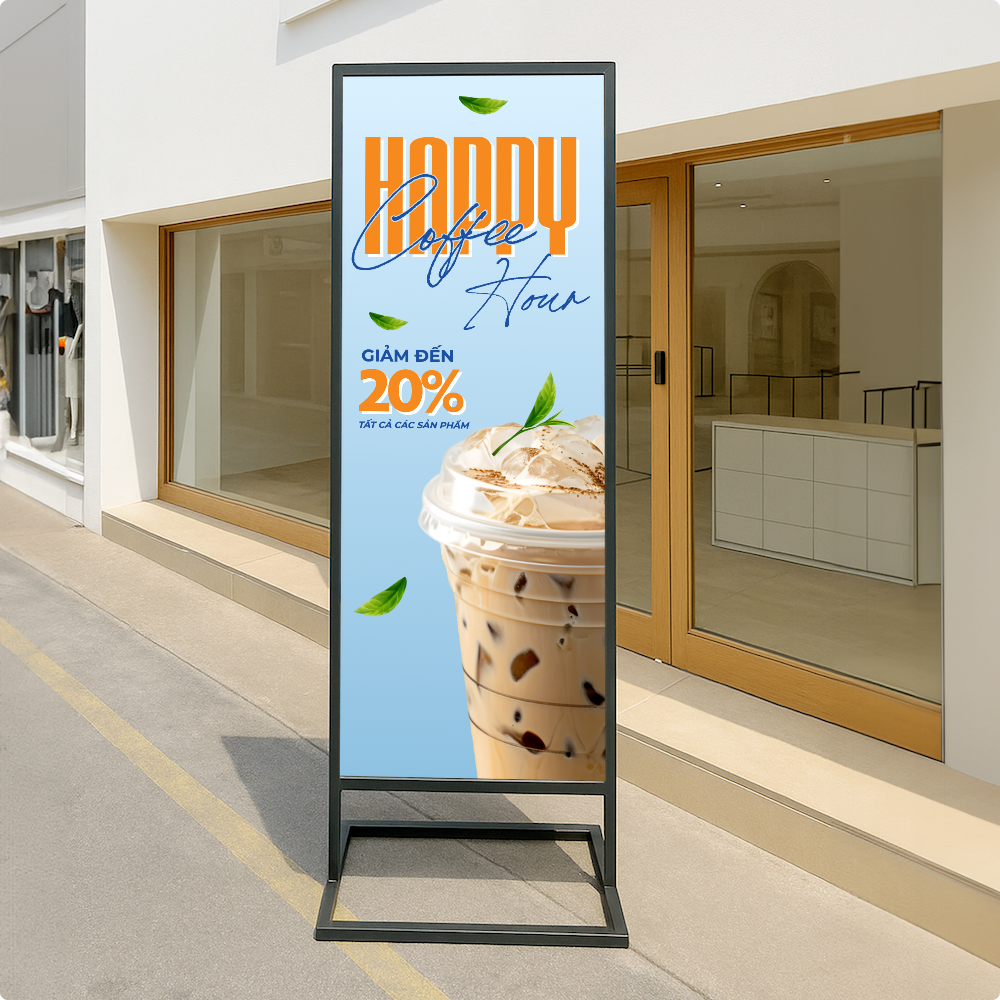
Top 20 Standee templates for restaurants, eateries, beverage shops, attracting customers - image 2(Use this Standee template) 


Top 20 Standee templates for restaurants, eateries, beverage shops, attracting customers - image 3(Use this Standee template)


Top 20 Standee templates for restaurants, eateries, beverage shops, attracting customers - image 4(Use this Standee template)


Top 20 Standee templates for restaurants, eateries, beverage shops, attracting customers - image 5(Use this Standee template)


Top 20 Standee templates for restaurants, eateries, beverage shops, attracting customers - image 6(Use this Standee template) 


Top 20 Standee templates for restaurants, eateries, beverage shops, attracting customers - image 7(Use this Standee template)


Top 20 Standee templates for restaurants, eateries, beverage shops, attracting customers - image 8(Use this Standee template)


Top 20 Standee templates for restaurants, eateries, beverage shops, attracting customers - image 9(Use this Standee template)


Top 20 Standee templates for restaurants, eateries, beverage shops, attracting customers - image 10(Use this Standee template)


Top 20 Standee templates for restaurants, eateries, beverage shops, attracting customers - image 11(Use this Standee template)


Top 20 Standee templates for restaurants, eateries, beverage shops, attracting customers - image 12(Use this Standee template)


Top 20 Standee templates for restaurants, eateries, beverage shops, attracting customers - image 13(Use this Standee template)


Top 20 Standee templates for restaurants, eateries, beverage shops, attracting customers - image 14(Use this Standee template)


Top 20 Standee templates for restaurants, eateries, beverage shops, attracting customers - image 15(Use this Standee template)


Top 20 Standee templates for restaurants, eateries, beverage shops, attracting customers - image 16(Use this Standee template)

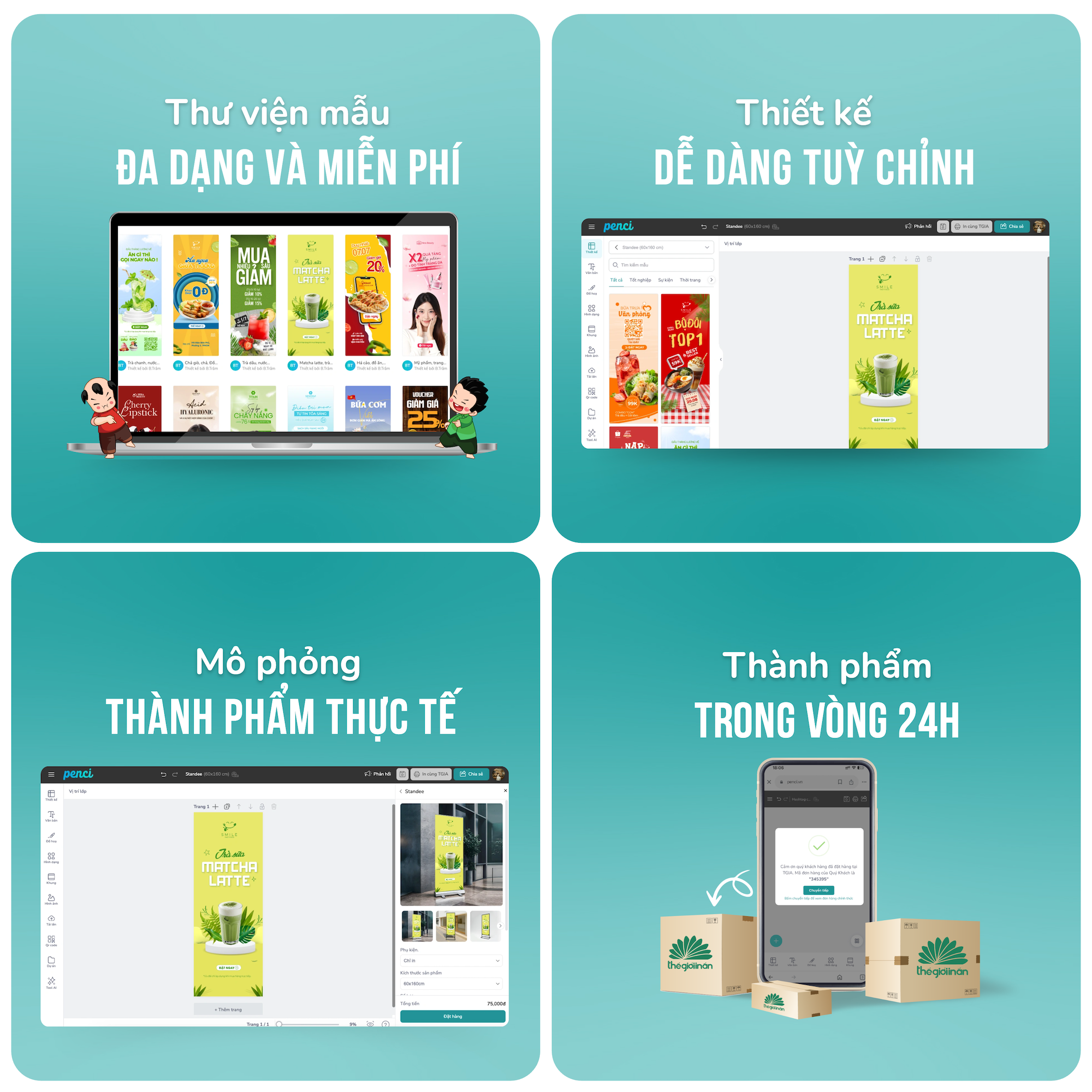
3/ Customize Standee through Penci tool
Top 20 Standee templates for restaurants, eateries, beverage shops, attracting customers - image 17

Step 1: Log in to Penci
Access the online design tool for Vietnamese users, log in with your Google account or Zalo to start "Create a design".https://penci.vn/mau-thiet-ke-standee.html

Step 2: Search for the product you want to design
Type the keyword “Standee” in the search bar or select from the design category.

Step 3: Choose a Standee design template or create a new one
Select a suitable template from the library and check “Use this template”, or choose “Create new Standee” to start from scratch.

Step 4: Adjust the information on the Standee design template available
- Change the content: title, event, time, location...
- Add images, logos, QR codes, contact information.
- Adjust font style, color, size according to preference.

Step 5: Place the Standee print order immediately after designing
Once the design is completed, you choose “Print with TGIA” to order printing and receive quality products on the same day.


If you need to place a Standee print order, please access here: Iron Standee

Source: Thegioiinan
 

Can you didn't know?

View All