
Guidelines for designing labels, Stickers for your brand that stand out
1. Why should you design labels, Stickers for your brand?
Designing stickers, labels is not just a way to help you save costs but also a way to showcase your brand identity and differentiate your products in a unique way. In an era where personalization is key, having unique label designs will help your products stand out more on the display shelf and leave a lasting impression on customers.
You don’t need to be a professional designer, just a few simple steps in a few minutes, choosing a ready-made template or creating a new one with Penci, you already have a perfect sticker that fits your industry, product, and brand identity.
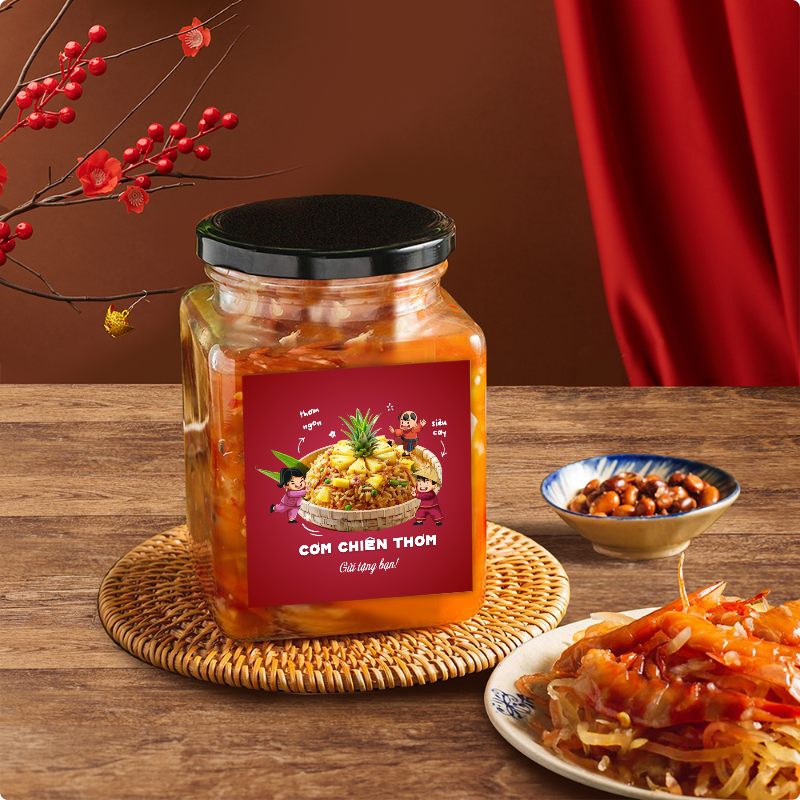
(Label templates created from Penci design tool)
See more:Types of Labels, Stickers at Thegioiinan
2. Some tips for designing labels, Stickers that stand out
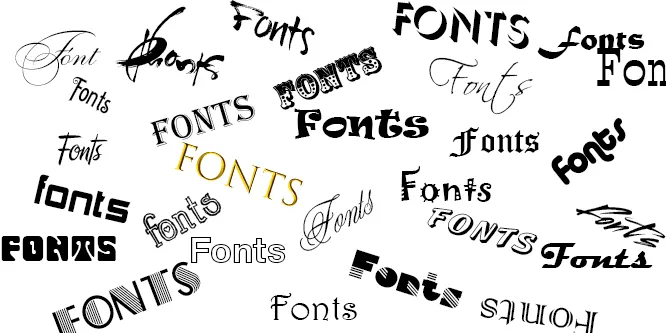
- Use unique colors and fonts that convey your brand identity:Send your design to your brand's recipient group, or some colors that can be linked to the product (for example: mint green - green, brown...)
- Add product images, logos, contact information:Make sure the design is neat and close to the brand identity to create trust and encourage purchasing behavior.
- Utilize unique sticker shapes:Not just round or square, you can design stickers in the shape of a leaf, flower, heart, or product shape to attract customers.
3. Steps to design Stickers, labels with Penci
Step 1: Log in to Penci
Accessthe design website of Penci, log in with your Google account or Zalo to start "Create a design".
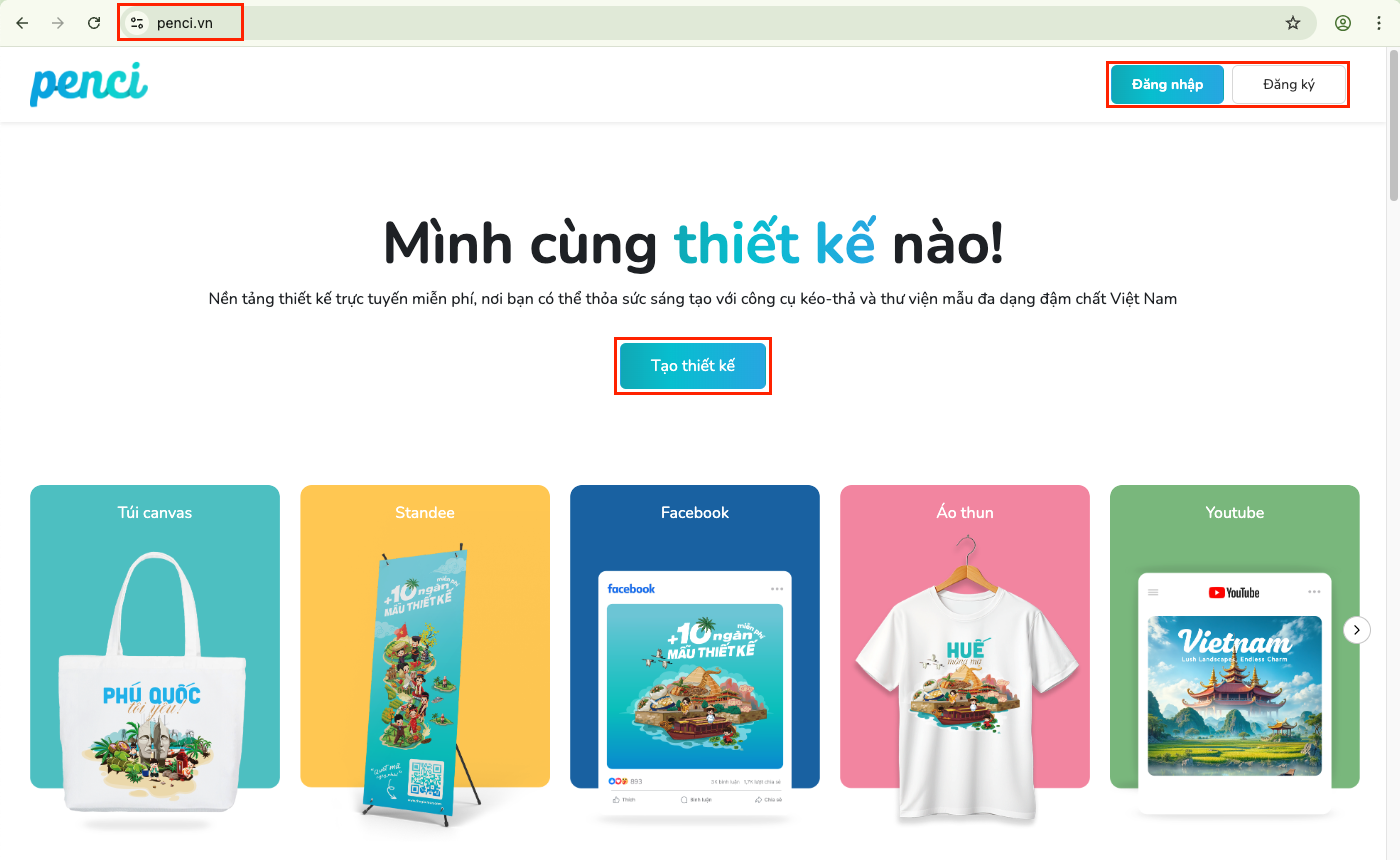
(Penci homepage interface with prominent login button)
Step 2: Search for the product you want to design
In the search tool, you can:
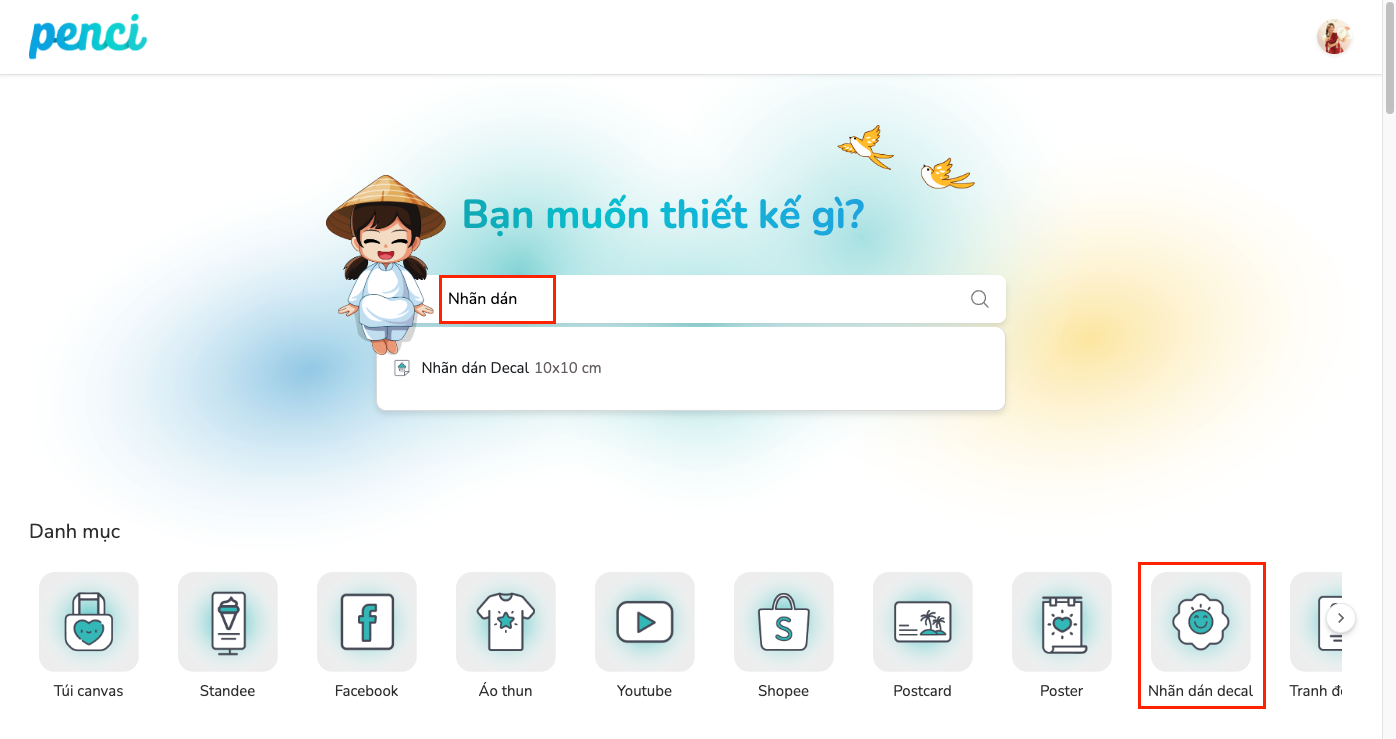
(Search for Penci with the keyword “Sticker”)
Step 3: Choose a template available or create a new design based on your idea
- If you want to design quickly, please choose a template available fromPenci Sticker Gallery, click “Use this template”
- If you want to freely create, you can choose “Create new Sticker” with standard dimensions.
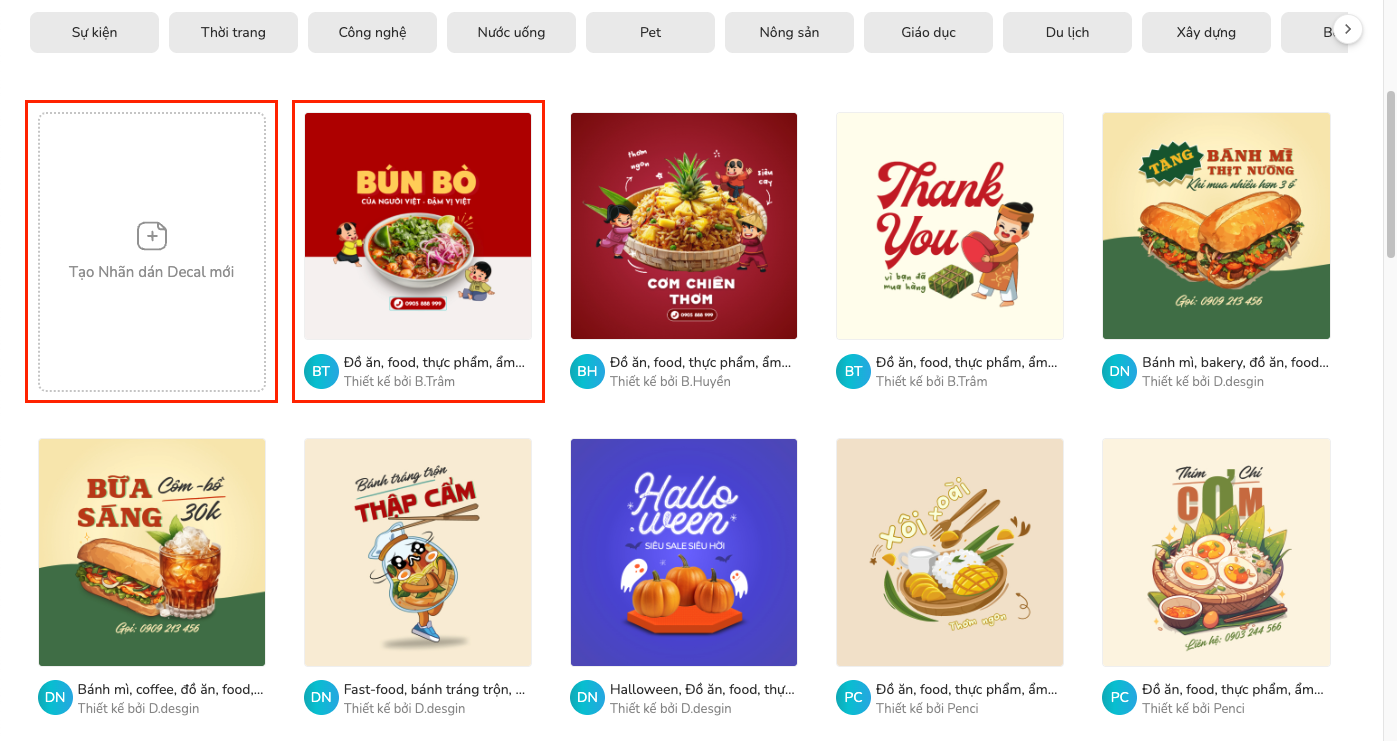
(Gallery of various sticker templates from Penci currently displayed on the screen)
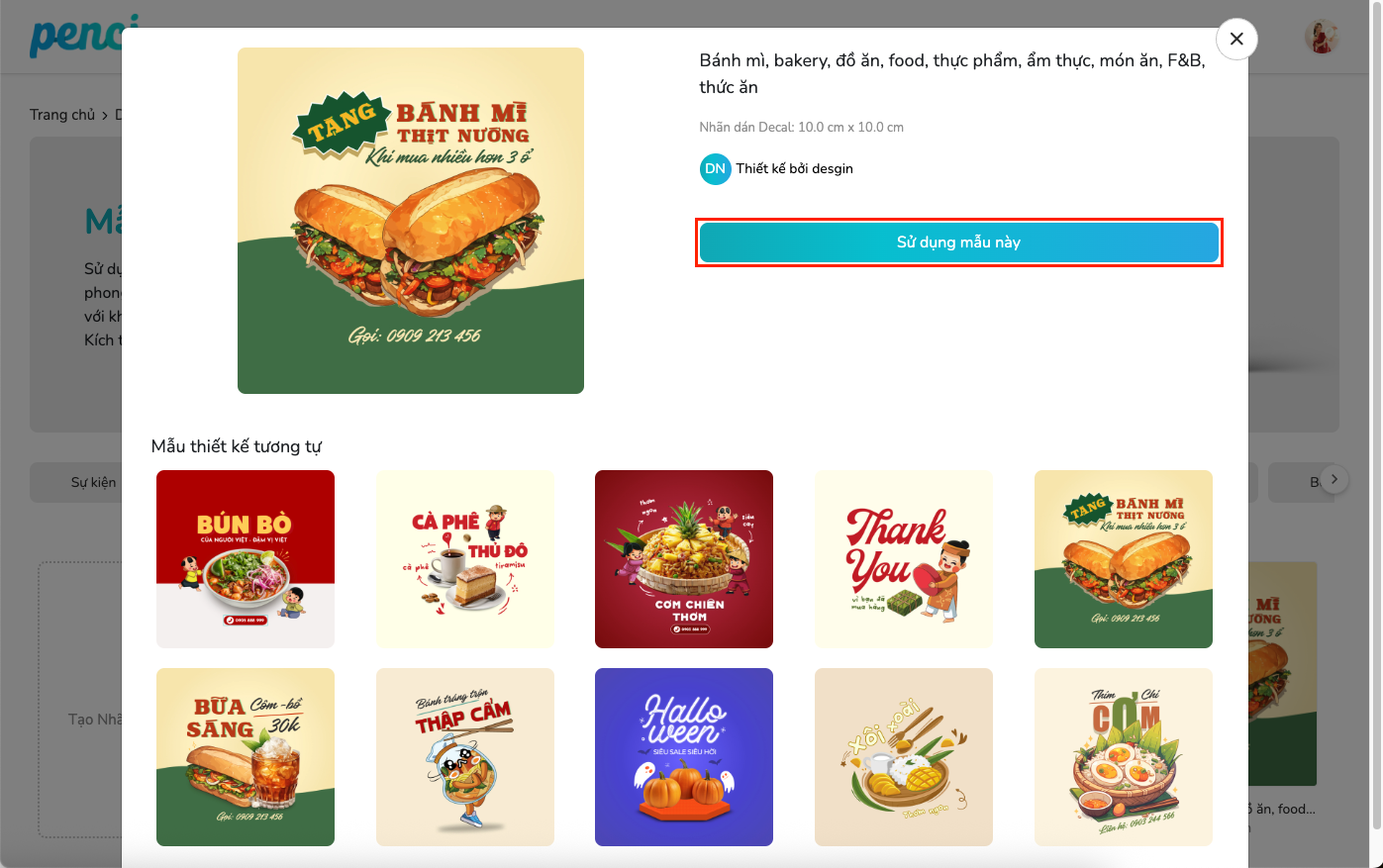 (Choose a template that suits your needs and “Use this template”)
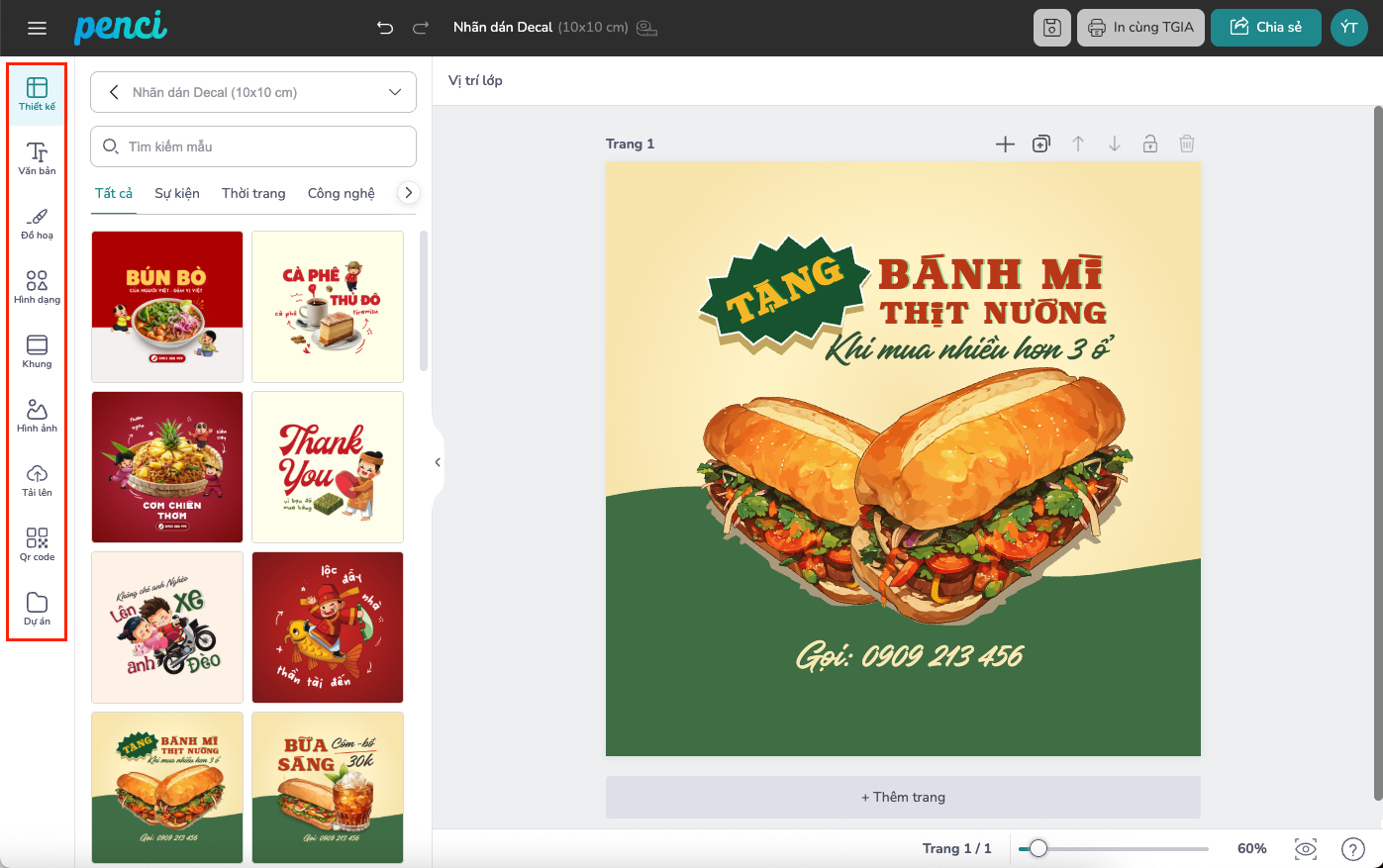
Step 4: Customize the content of the Sticker design
At the design interface, you can:
- Enter brand name, slogan, contact information
- Add product images, personal logo
- Change font, color on the sticker
- Insert stickers, backgrounds, icons to enhance dynamics.
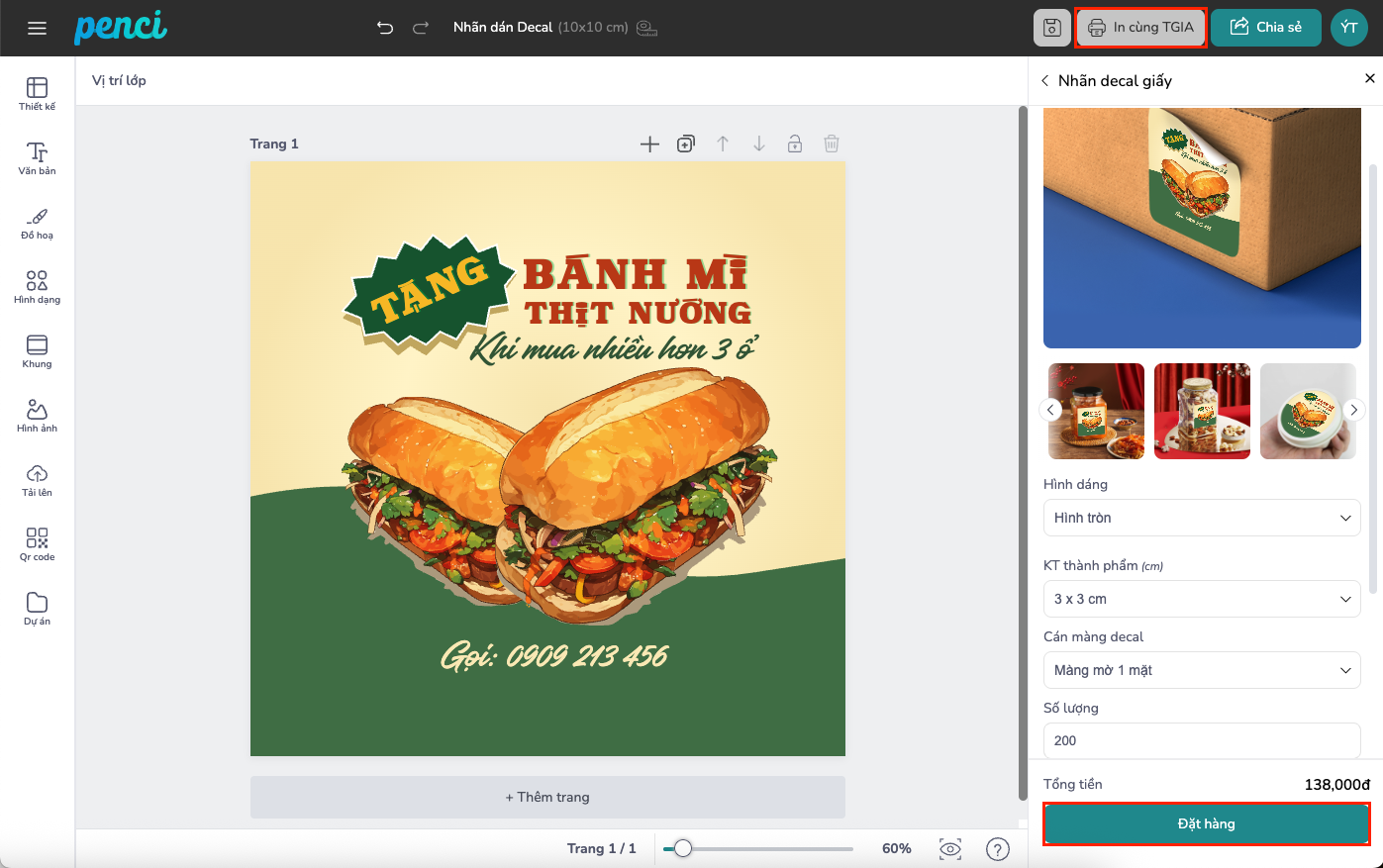
Step 5: Place a quick print order after completing the design
After completing the design, you choose “Print with TGIA” to place an order and receive quality stickers within the day.
Only with a few simple steps, you can completely design stickers for your brand in a creative and professional way. Let your stickers on products carry your unique imprint, helping your brand stand out and leave an impression in the eyes of customers from the very first glance. Design stickers for free at:Penci Sticker Gallery
See more instructions for creating stickers from Penci here:Instructions for creating stickers
Source:Penci - Design tools for Vietnamese people, made for Vietnamese people














 Login with Zalo