
Guidelines for preparing design files before printing at Thegioiinan
1. Use appropriate color modes for printing
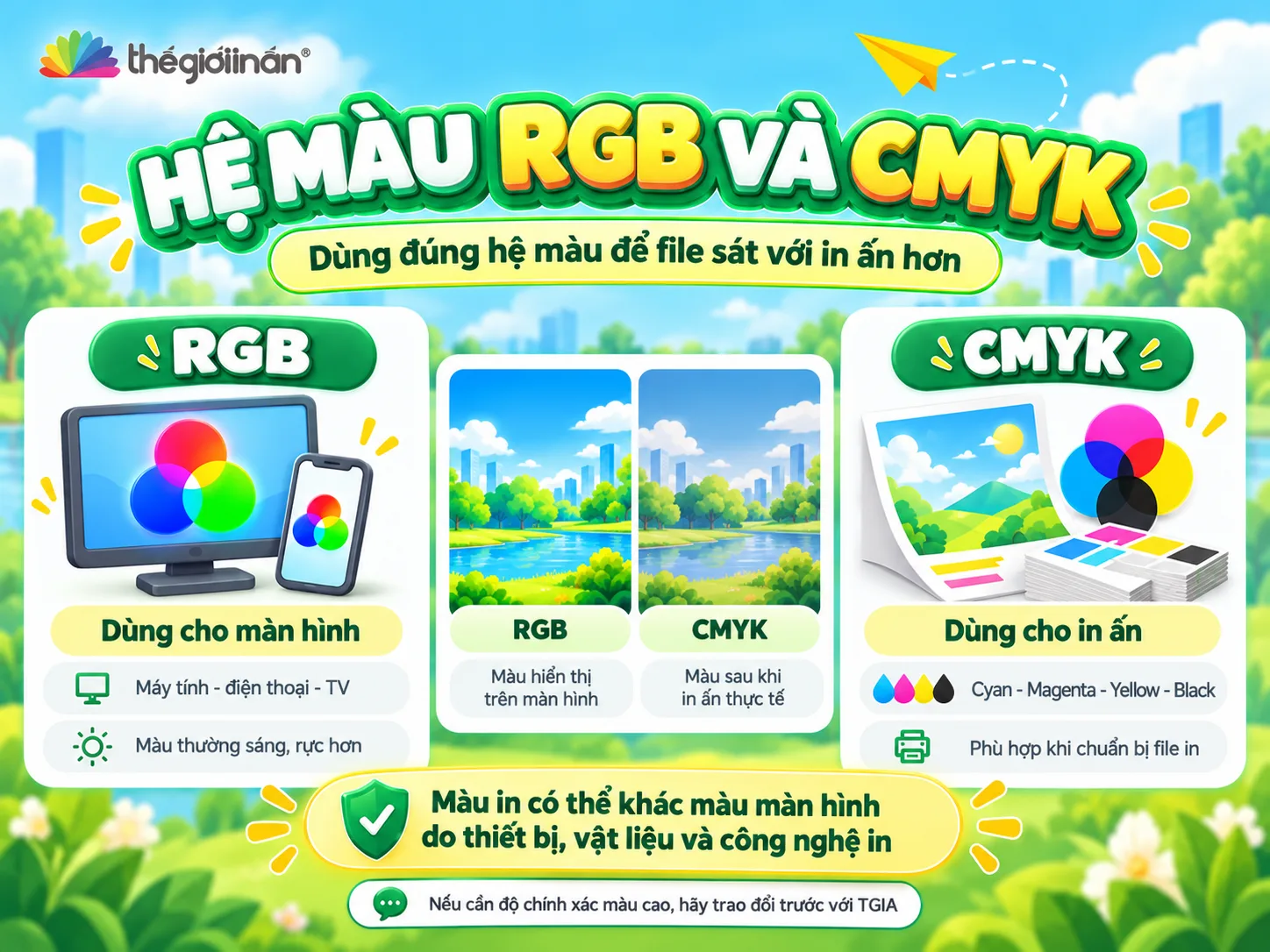
In design, RGB and CMYK are two color modes commonly used for different purposes.
- RGB (Red, Green, Blue): The color mode commonly used to display images on computer screens, mobile devices, and electronic devices.
- CMYK (Cyan, Magenta, Yellow, Black): The color mode used in the printing process.
TGIA encourages customers to use the CMYK color mode when designing printed products. Setting the appropriate color mode helps ensure the file is properly prepared for the production process.
However, the colors on the final product may differ from what is displayed on the screen due to differences in display devices, materials, and printing processes. For designs requiring high color accuracy, customers should consult with TGIA about color proofing methods before production.
2. Design bleed to limit white edges
When printing products, paper is usually cut according to the required dimensions. The cutting process may have slight tolerances, so if the image only fits exactly at the cutting line, the product may risk having white edges.
According to TGIA's guidelines, products have a size tolerance of approximately ±1 mm. Therefore, the company encourages customers to design the bleed area larger than 3 mm.
The bleed area is the background or color area that extends beyond the cutting line. This area will be cut off after printing, helping to limit white edges on the product.
Customers should note:
- Extend the background or color area beyond the cutting line.
- Do not place text, logos, or important information too close to the edge.
- Recheck the dimensions of the file and the dimensions of the product before exporting the file.
3. File format specifications accepted by TGIA
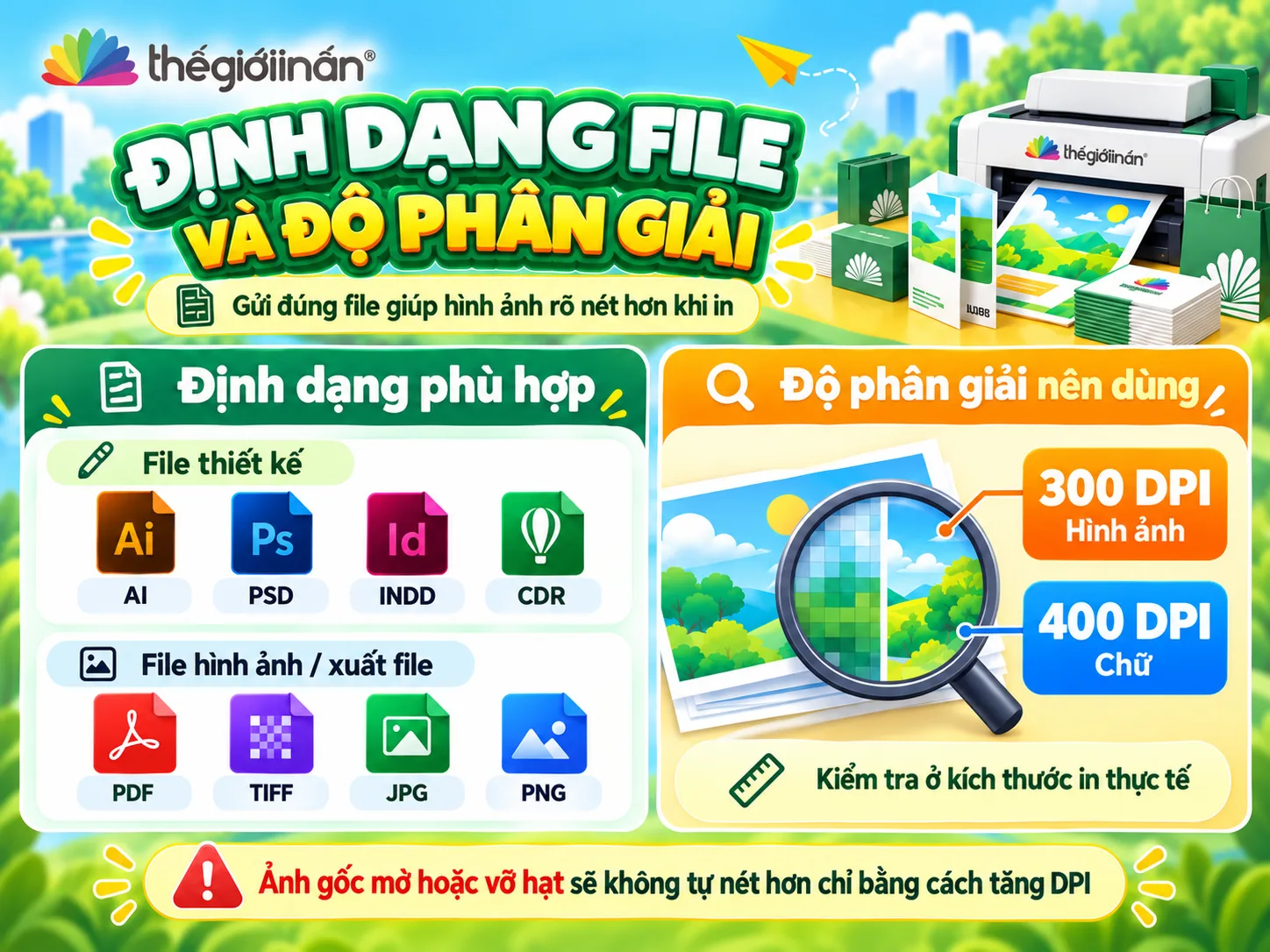
According to current submission guidelines, TGIA accepts design files exported from the following software:
- Adobe Illustrator (AI).
- Adobe Photoshop (PSD).
- Adobe InDesign (INDD).
- CorelDRAW (CDR).
In addition, formats such as PSD, TIFF, JPG and PNG can also be accepted according to technical requirements regarding resolution.
Customers should send files in appropriate formats and ensure image quality, text display is fully adequate. If unsure about their file format, customers can consult with TGIA before sending for printing.
4. Image resolution and text specifications
Image resolution affects the clarity of the content when printed. An image displayed clearly on a digital screen may become blurry or pixelated when enlarged if the resolution is not appropriate.
According to the guidelines provided by TGIA:
- Image: Resolution 300 DPI.
- Text: Resolution 400 DPI.
Before sending the file, customers should check the resolution in actual print size, especially for small images, small text or designs with many details.
If the original image has been blurred or pixelated, increasing the DPI number will not improve the original quality.
5. How to set up color bleed according to TGIA's guidelines
For some designs, black colors can be created using different CMYK values. According to the current guidelines of TGIA, customers need to pay attention to the following cases:
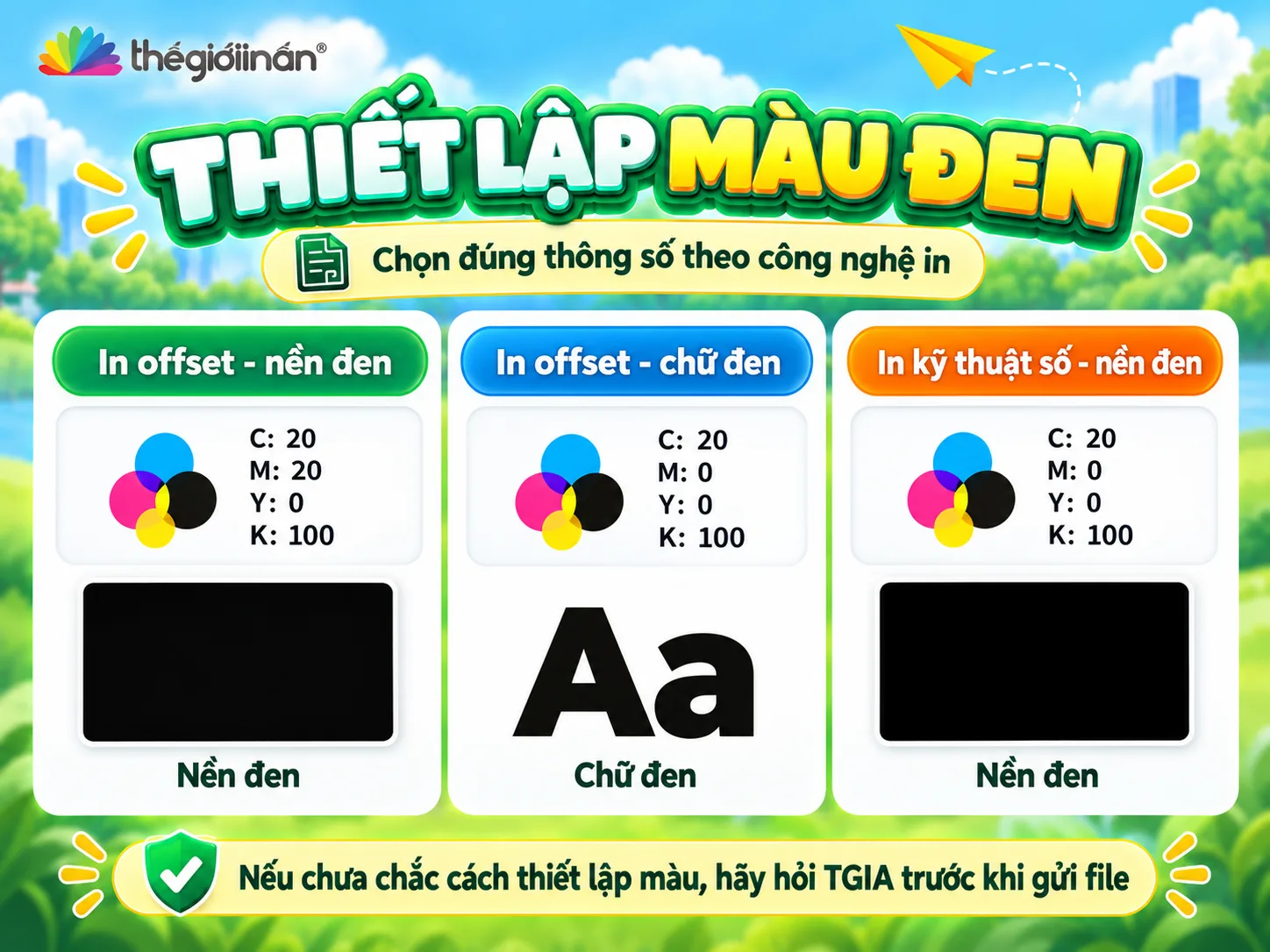
Customers need to determine the correct printing technology and follow the appropriate guidelines for the product. If unsure about the color setup, please consult TGIA staff before correcting the file.
6. Check content before sending the file
In addition to technical requirements, the design content also needs to be checked carefully. A small error in contact information or corrections can cause the product to not meet its intended use.
Before confirming the file, customers should check:
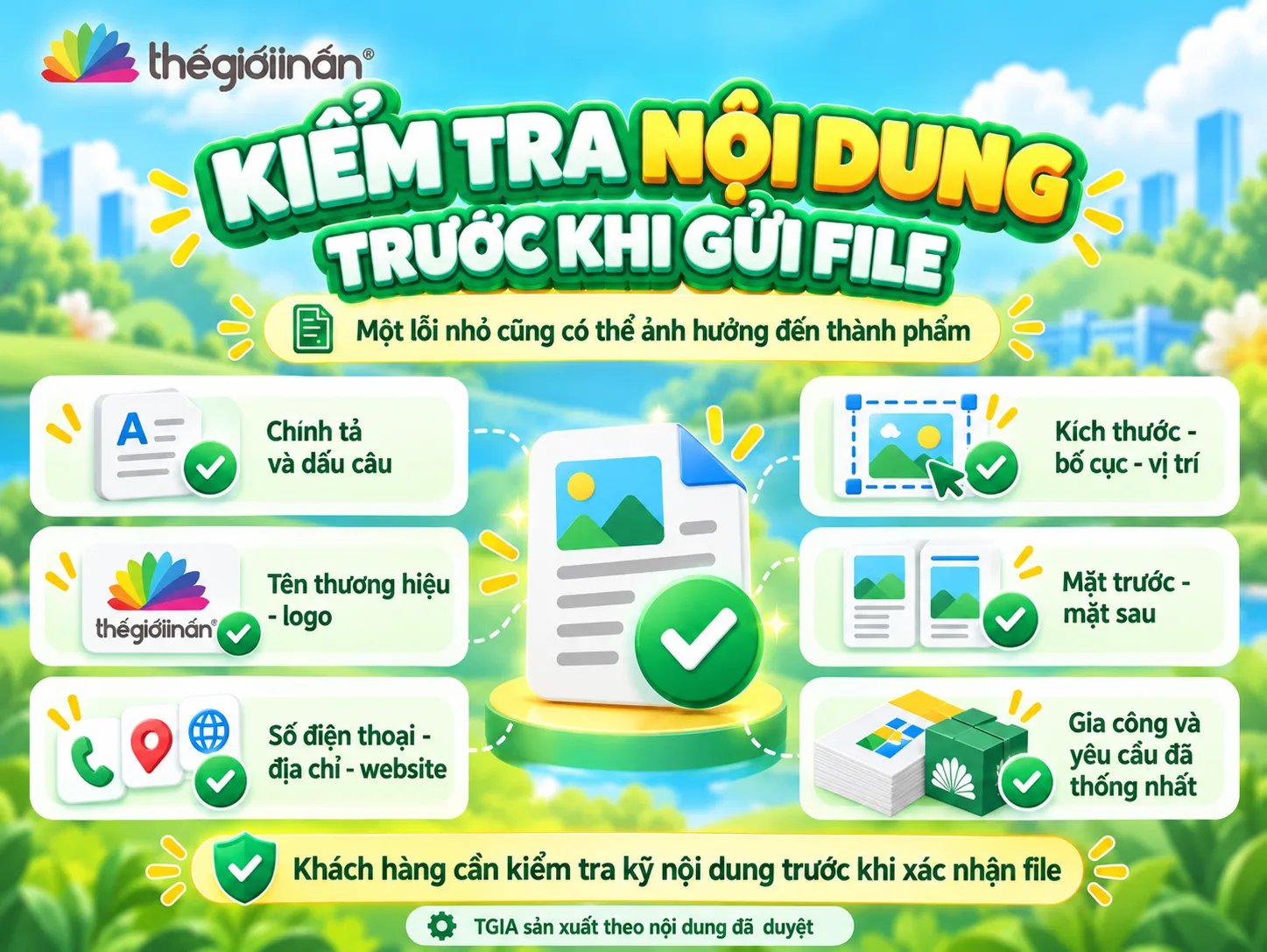
Customers are responsible for checking the content that has been confirmed, TGIA will execute according to the content provided.
7. Notes on color bleed and dimensions of the product
The actual product color may differ from the color displayed on the screen. Additionally, the actual size may vary by approximately ±1 mm according to TGIA's official information.
These are the key points customers should know before placing an order, especially for products that require assembly, fitting into molds, or using specific details with fixed dimensions.
If the product requires specific color accuracy or dimensions, customers should consult with TGIA before confirming production.
*Before sending files to TGIA, please check one last time:
- Have you selected the CMYK color mode as recommended?
- Have you checked that the dimensions and bleed area are larger than 3 mm?
- The file format used is appropriate.
- Images have a resolution suitable for printing.
- Have you checked the color setup according to printing technology?
- Have you checked the accuracy of text, images, and contact information?
- Have you confirmed the layout and final content?
━━━━━━━━━━━━━━━━━━━━━━━━━━━━━━━━━━━━━━━━━━━
IMPORTANT NOTICE
Why should you use CMYK when designing print files?
- CMYK is the color mode suitable for the printing process and is recommended by TGIA when preparing files.
What effect does a bleed area larger than 3 mm have?
- The bleed area helps prevent the risk of white edges appearing after cutting the product.
Why do printed colors differ from colors on the screen?
- The screen and printing process use different methods to display colors, so the actual color may differ.
What should I do if I don't know how to export the file?
- Customers can contact TGIA for guidance on suitable export settings for the product. Guidance on exporting files must be confirmed by the company and provided according to official documentation.





















 Login with Zalo