
The best design software for graphic design costs and free options in 2023

Which design software is suitable for you?Vladanland
Are you looking for flexibility like Photoshop's features, or are you looking for something simpler — and not less effective?
Don't worry. Below, we will introduce some design software that offers the best price and free options this year 2023.
Design software offers free options
AdobePhotoshop

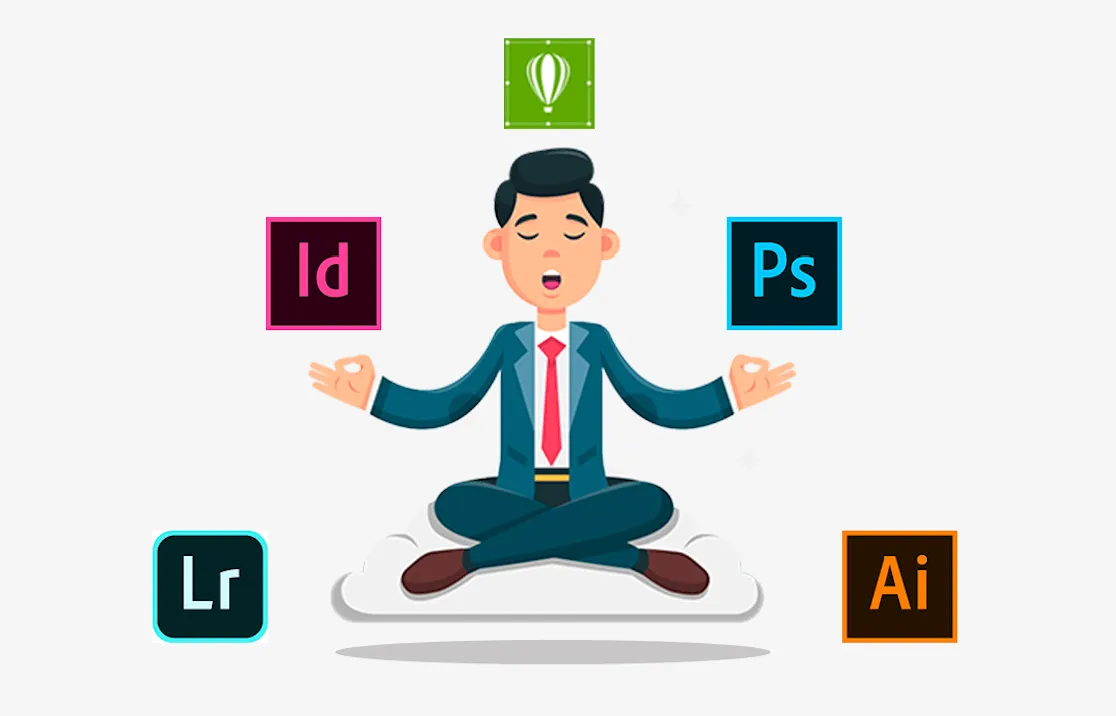
Adobe Photoshopis the most recognized design software for graphics. From basic editing tasks to advanced raster designs, when it comes to image manipulation, Photoshop can do it all. Photoshop is known for its powerful features like the pen tool, layers, and masks., but the latest version has added some new features like the Frame tool to insert any image into a frame to shape and create new backgrounds using Content-Aware Fill. With its limitless potential features, Photoshop is an exceptional design software to help you become a talented designer.
"When it comes to image manipulation, Photoshop can do it all."
Best used for:Image editing.
Cost:Adobe currently offers a subscription service for its products with a trial period of 30 days. The package for individuals (Lightroom, Lightroom Classic, Photoshop, 20GB cloud storage) costs $9.99 per month, while the full Creative Cloud package costs $52.99 per month. However, there are different pricing tiers for students and teachers, businesses, and educational institutions.
Minimum system requirements:New users starting to upgrade.
Note:
- Versatile functionality
- Convenient image processing
- Many design tools for image editing
Pros:
- The interface can be difficult to get used to and use
- Updates are not always complete
- Cannot createtrue vector files
Sketch

A tool based on vector graphics only available on Mac,Sketchis a software primarily focused on interface and web design. Recently, it has made a significant mark in the design competition for graphic design, with some developers preferring Sketch files over layered Photoshop files. Although Sketch is not designed for photo editing or printing, it is excellent for designing icons, interfaces on websites, and applications for mobile devices. Designers can also create live comps that allow developers to preview how things will look after export.
"Sketch is great for web, application, and interface design."
Best used for:User Interface (UI)
Cost:$99 per year
Minimum system requirements:New users starting
Note:
- Curved paths that are low
- Less resource-intensive compared to other software
Pros:
- Only usable on Mac machines
- Not suitable for print design or illustrations
Adobe Illustrator

Photoshop and Illustrator have some tools and features that are similar, butAdobe Illustratorfocus on vector design. Combine logos, typography, symbols and beautiful layout templates with Illustrator's powerful tools like the pen tool, color swatches and Shape and Pathfinder tools. Although it may take extra time to learn, the potential of Adobe Illustrator is truly worth your effort.
"I primarily use Photoshop and Illustrator. I completely avoid using buttons and paper, I implement all my layout templates in Photoshop and then I design in Illustrator, I also prepare images in this software, if that is a project."- Ocelittle
Best used for:Vector images
Cost:Illustrator alone will cost $20.99 per month, with Creative Cloud it costs $52.99 per month.
Minimum system requirements:Advanced
Note:
- User-friendly interface
- Many types of tools
- Accurate editing support
Pros:
- Curved path editing
Affinity Designer

Regarding functionality and style, Affinity Designer is a cost-effective alternative to Adobe Illustrator. Affinity is often praised for its usability and speed compared to Illustrator, especially when working with layers. It is simple enough for beginners to start using as a graphic design tool and powerful enough for professional designers to create stunning designs.
Affinity has recently also received a major update with new features and performance improvements. This software is an excellent choice for anyone looking to save costs, but still needs a well-functioning software.
"Affinity Designer is a cost-effective alternative to Adobe Illustrator."
Best used for:Vector file
Cost: $49,99
Minimum system requirements:New users starting to advance
Note:
- Easy to get started
- Fast and cheaper compared to other software
Pros:
- Some tools that Illustrator provides are not available in Affinity
Adobe InDesign

A software must have compatibility with publishers, Adobe InDesign has been used for magazine and newspaper design since 1999. The integration of magazines, newspapers and advertising materials is stunningly beautiful, easy to export to PDF or HTML. Although similar to InDesign, it only has one unique feature, however this software has curved path editing and is very suitable for those who are new to learning how to integrate text and graphics.
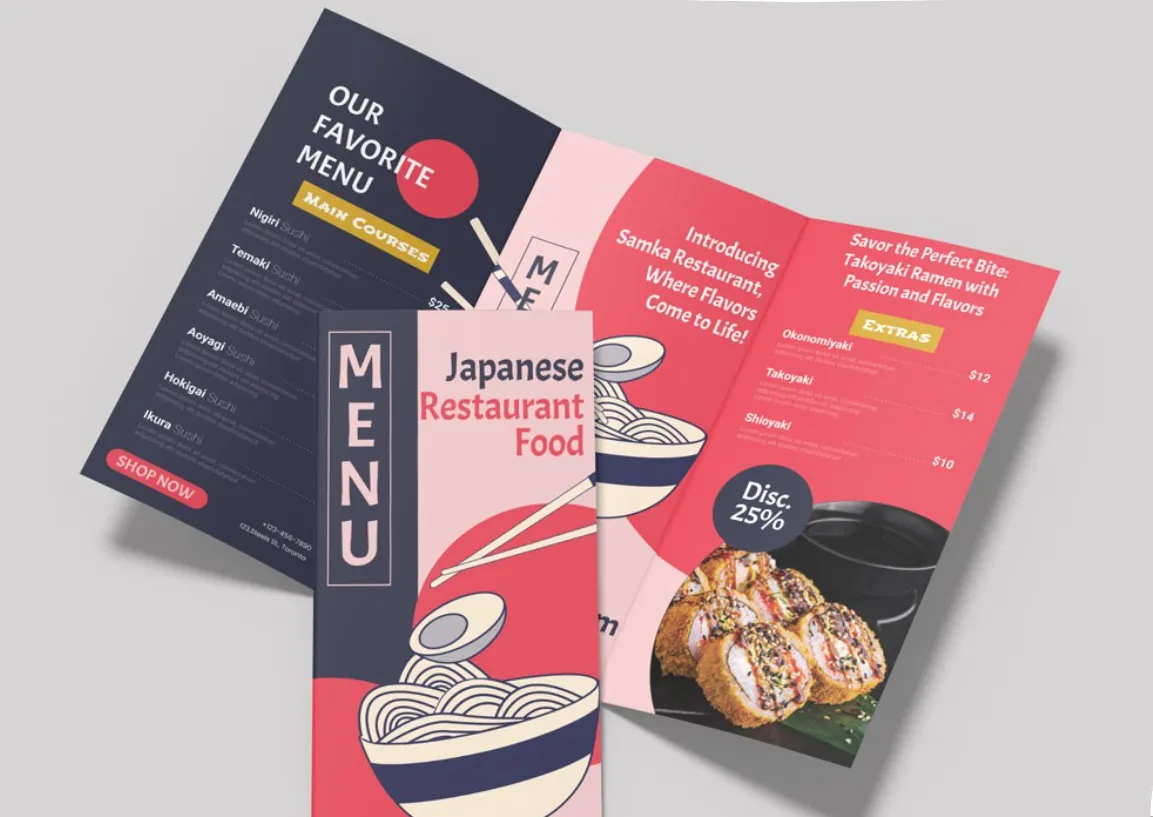
"InDesign is very suitable for laying out magazines, brochures, flyers, and printed materials."
Best used for:Publishing
Cost:The InDesign subscription is $20.99 per month and Creative Cloud is priced at $52.99 per month.
Minimum system requirements:New users starting to advance
Note:
- Software that maintains the functionality of the publishing industry
- Cropping features and changing visual dimensions
- Multiple font choices
Pros:
- Has some limitations with PDF format
Design software offers free options
GIMP

This software is a raster graphics editor that is open-source, the best alternative to paid software.GIMP(GNU image manipulation software) has many features similar to those of paid software. Although its interface is not as good as Photoshop, you can still edit, retouch, and crop images effectively like other popular software.
Best used for:Raster image
Minimum system requirements:New users starting
Note:
- Many tools in a free software
Pros:
- Not updated quickly like other software
- Limited functionality
- Not fully capable of advanced usage
Gravit Designer

Gravit Designer is a free vector design application that is very suitable for creating logos, editing images, illustrations, and animations. You can use Gravit directly with the software on the Cloud — although some reviews suggest that this software runs slower than the installed version. The interface is beautiful and completely customizable, but Gravit Designer Pro is no longer available for free usage ($49 per year).
"Gravit is an excellent tool for creating logos, editing images, illustrations, and animations."
Best used for:Vector images
Minimum system requirements:New users starting
Note:
- Many design features
- Cloud program very good
Pros:
- The free version is almost ineffective compared to the Pro version
Inkscape

The user base of Inkscapevery colorful and friendly, this multi-platform software brings the best design resources. Users can combine graphics and beautiful designs with many available templates. However, the steep learning curve, clunky interface, and lack of a polished Mac version make Inkscape not a perfect software.
Best used for:Vector images and SVG format files
Minimum system requirements:Advanced
Note:
- Many templates available
- Website and community support useful
Pros:
- Can run slowly
- Curved path editing
Vectr

Medium
Accessible through a web browser or standalone application,Vectrvery suitable for designing vector images. For high-end designers, Vectr may not have all the features you want. However, regular users as well as professionals will see Vectr's advantage is its low learning curve. Additionally, there are many built-in tutorials available on their website for newcomers.
"New users will soon see Vectr's low learning curve."
Best used for:Vector images
Minimum system requirements:New users starting
Note:
- Very friendly for new users
- There are good tutorials from videos on the website
Pros:
- There is a bit of limitation regarding design capabilities
- The registration process is quite complicated
Some other design software
There are always new software, applications, and tools to help designers innovate, model, and other tasks.
Procreate — software on iPad for sketching while on the go

Feeling dizzy when taking the bus or while on the road?Procreateallows designers to quickly create drafts while on the move. With over 130 brushes, this is an essential tool in the arsenal of designers (and it only costs $9.99).
Krita — raster graphics editor open-source and free

is a free graphics software for digital painting and illustration,Kritavery suitable for comic and manga artists. This software isTechRadarranked as the best free painting software number 1 in 2023.
Canva — online graphic design tool

Canva is the starting point for anyone who has no prior knowledge of design and wants to create a product quickly and easily. Canva offers many template options, fonts, and images, some templates are available for free, while others need to be purchased. Choose from existing templates or create your own template, then use Canva's editing tools. Certainly, Canva will not provide the customization features of Photoshop, but it is an excellent alternative for beginners.
Since Canva operates on a freemium business model, you will need to upgrade to the professional version to access all the premium features.
VistaCreate — online graphic design tool with creative content templates

VistaCreate is an excellent choice for those who need to create designs quickly, just in a short time. It integrates a direct editing tool, features like logo creation, background removal, and direct upload, along with a library that continues to grow with over 70 million creative content and new templates released weekly.
There are free registration packages and fees on VistaCreate. With the free version, there are no limitations on downloading and using templates. However, you will need to upgrade to the professional version to gain access to team accounts and useful features like resizing and changing formats to multiple dimensions.
Scribus — free alternative to InDesign

Scribusis a desktop publishing software for creating documents with an open-source code. Although it is not as polished and has many features that are open like InDesign, it is a good alternative if you are facing difficulties.
Autodesk SketchBook — free drawing software

SketchBook is an excellent software if you want to quickly sketch ideas and create drawings, illustrations, and artistic works — this software is completely free.
Take your creativity to the next level with your design software of choice
Choosing the best design software is always challenging, as it really depends on what you want to create. Every designer needs to determine which software works best for their design style, needs, budget, and customer base. However, there are always new design software to explore. Always keep updated with all the current software available and try them out! You might find a new favorite design software that perfectly suits you and your creativity.
Source: 99designs
Brand: Thegioiinan

.png)








 Login with Zalo