
Guidelines for businesses using smart business cards Gud
1/ What is a smart business card?
A smart business card is a type of business card integrated with modern technologies such as NFC (Near Field Communication) or QR codes to quickly transmit contact information to mobile devices. Instead of just containing static information like traditional paper business cards, smart business cards allow for dynamic content updates, linking to online profiles, social media, company websites, or even performing actions like saving phone numbers, sending emails, or setting appointments with just a tap or scan.
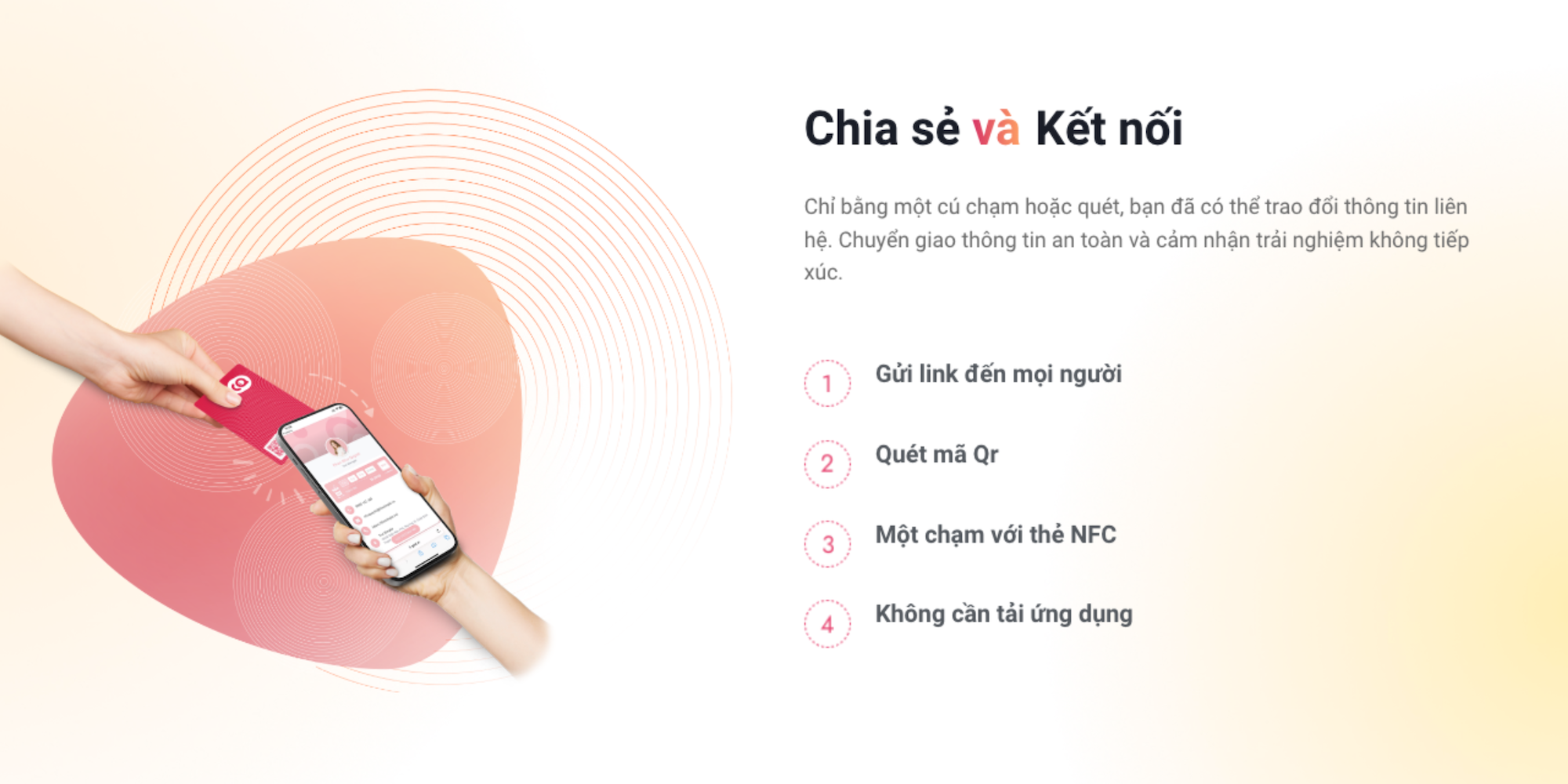
Gud smart business cards help businesses and individuals optimize connectivity, making communication more professional and reducing printing costs of traditional business cards, contributing to environmental protection.
2/ What are the benefits of Gud smart business cards for businesses?
Gud smart business cards are becoming increasingly popular, helping to store and share information quickly, replacing traditional paper business cards. Suitable for all types of businesses, large or small, even individuals can use them.
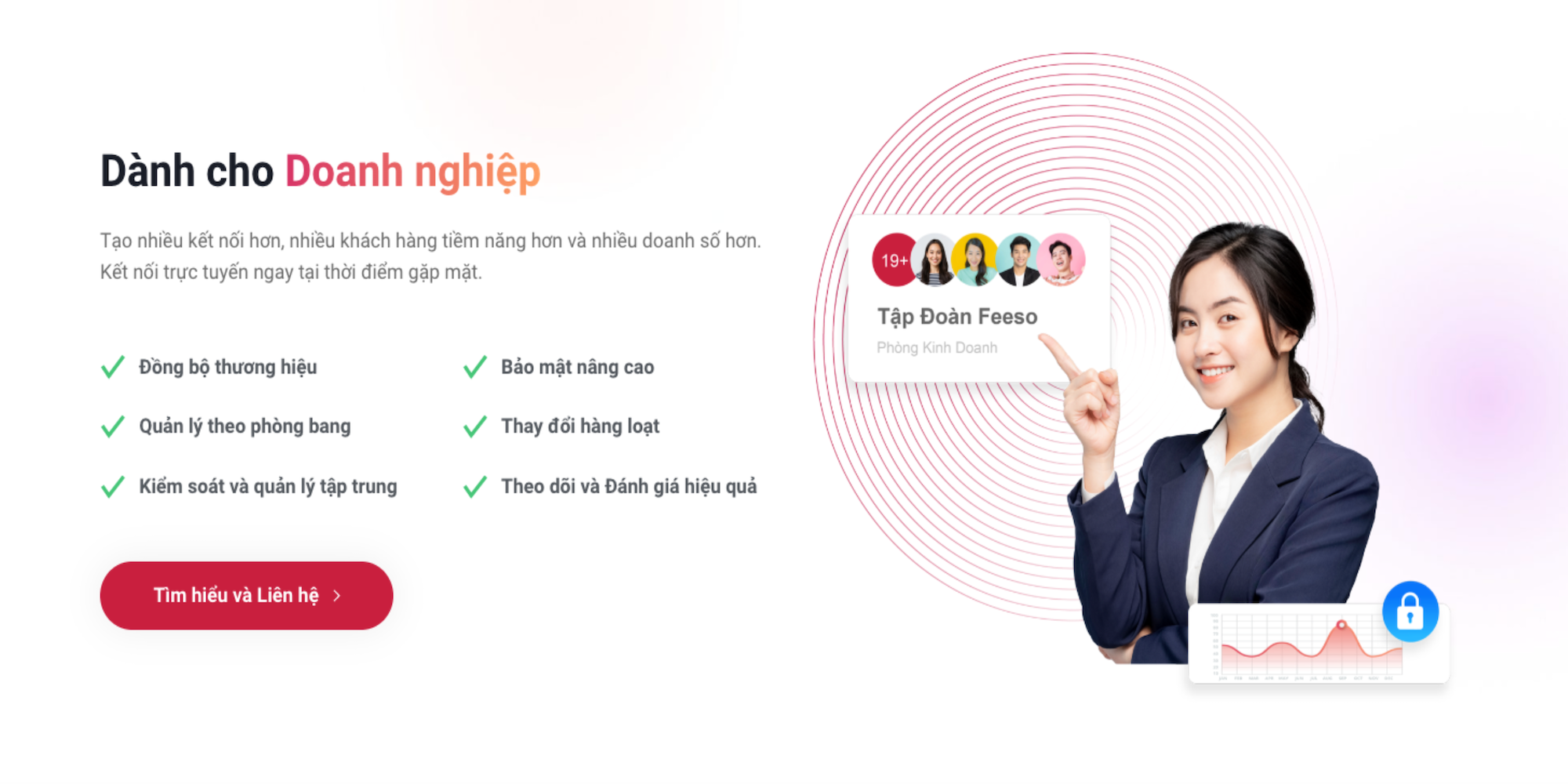
- Just tap NFC, scan the QR code, or click on the link, customers can immediately save contact information, website, social media without needing to type.
- Create a professional impression: Show modernity, enhance brand image and increase customer trust from the first contact.
- Smart business cards can help track access rates, evaluate the effectiveness of customer engagement.
- Connect faster, easily share product catalogs, company profiles, helping customers immediately access complete information to enhance business opportunities.
- Store more information on a single smart business card than on a traditional paper business card.
- Access anytime, anywhere without needing an app.
- Designed in the style of your business or personal brand without limiting information.
- No need to print multiple times, easily update information when changes occur without incurring costs.
3/ Instructions for using Gud smart business cards for businesses
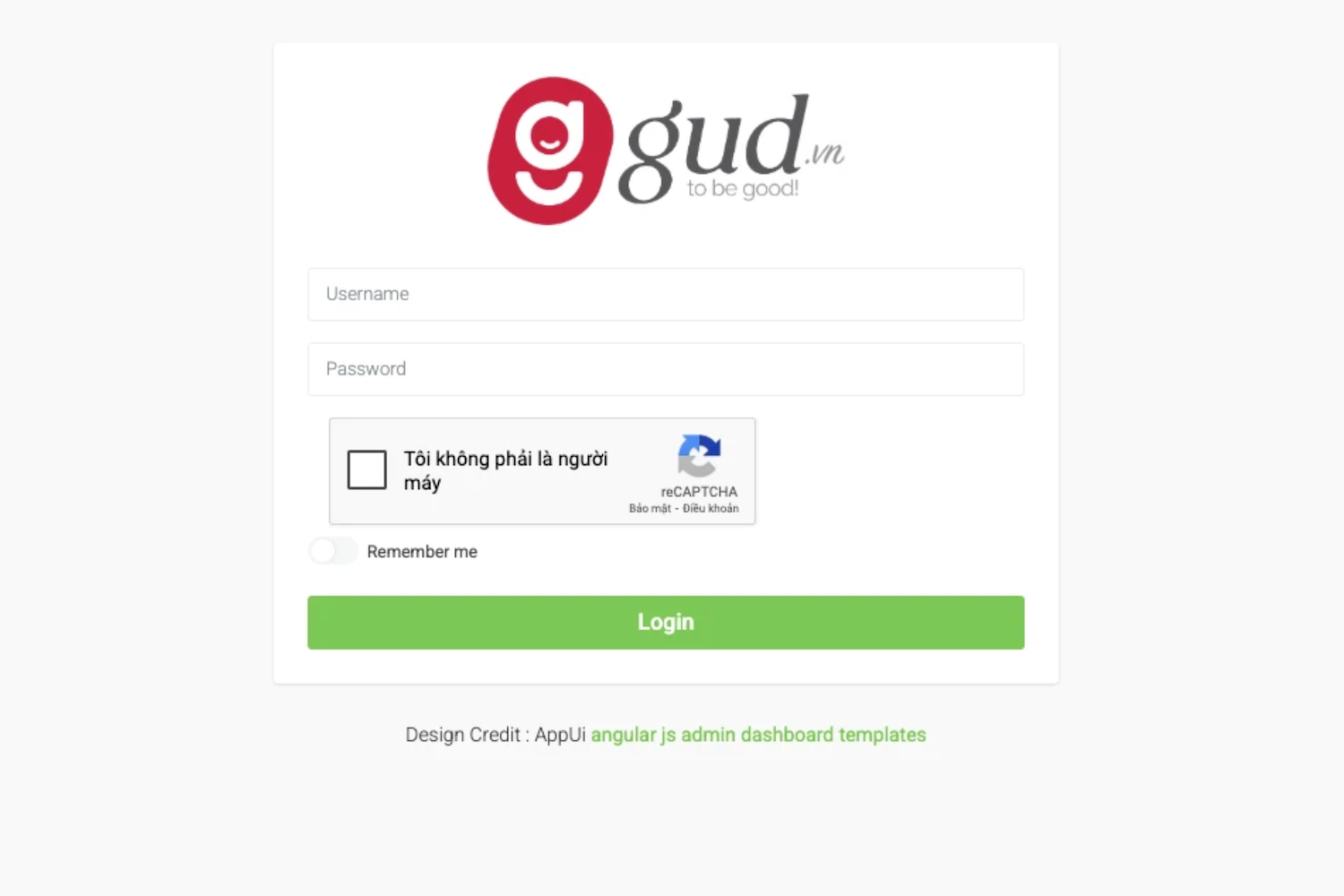
Step 1: Log in to the account that has been granted.
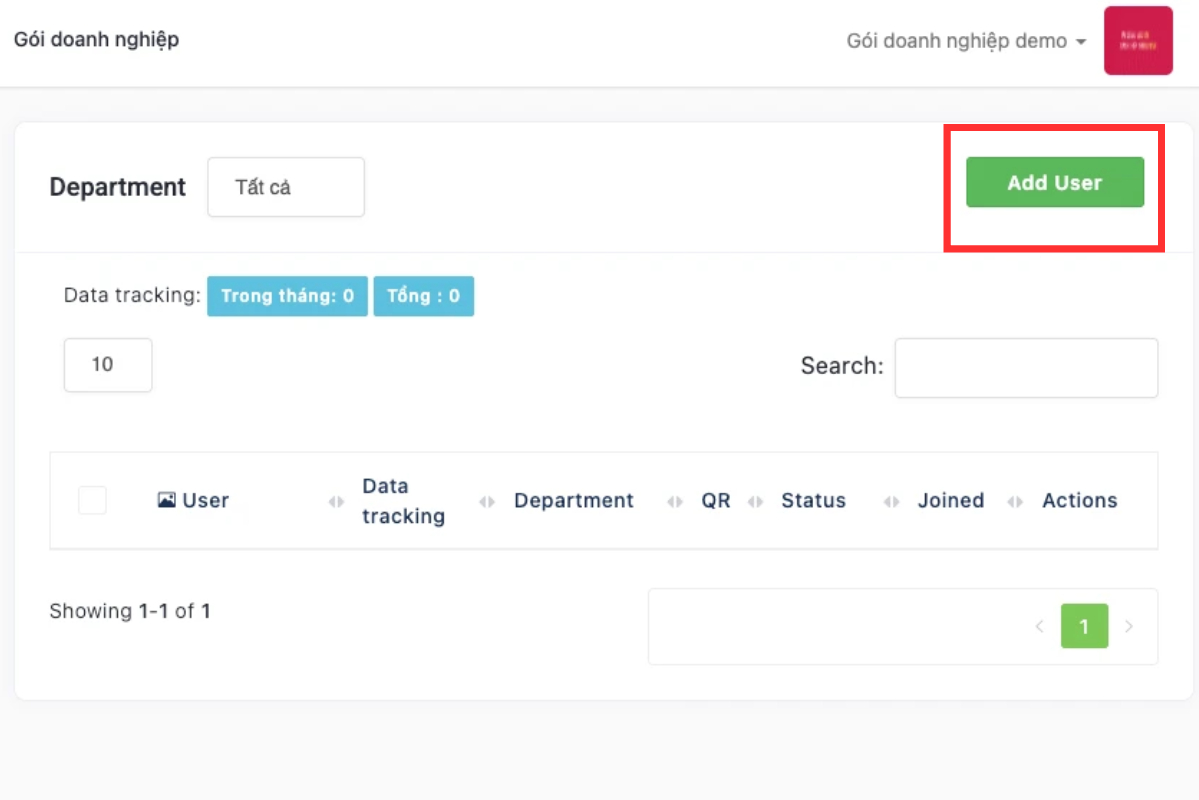
Step 2: On the homepage, you need to create a separate account for your staff. Select 'Add User', enter all the necessary personal information, account information, and complete.
Step 3: After having an account, staff can log in to the newly granted account, select 'Login' to update their personal business card information.
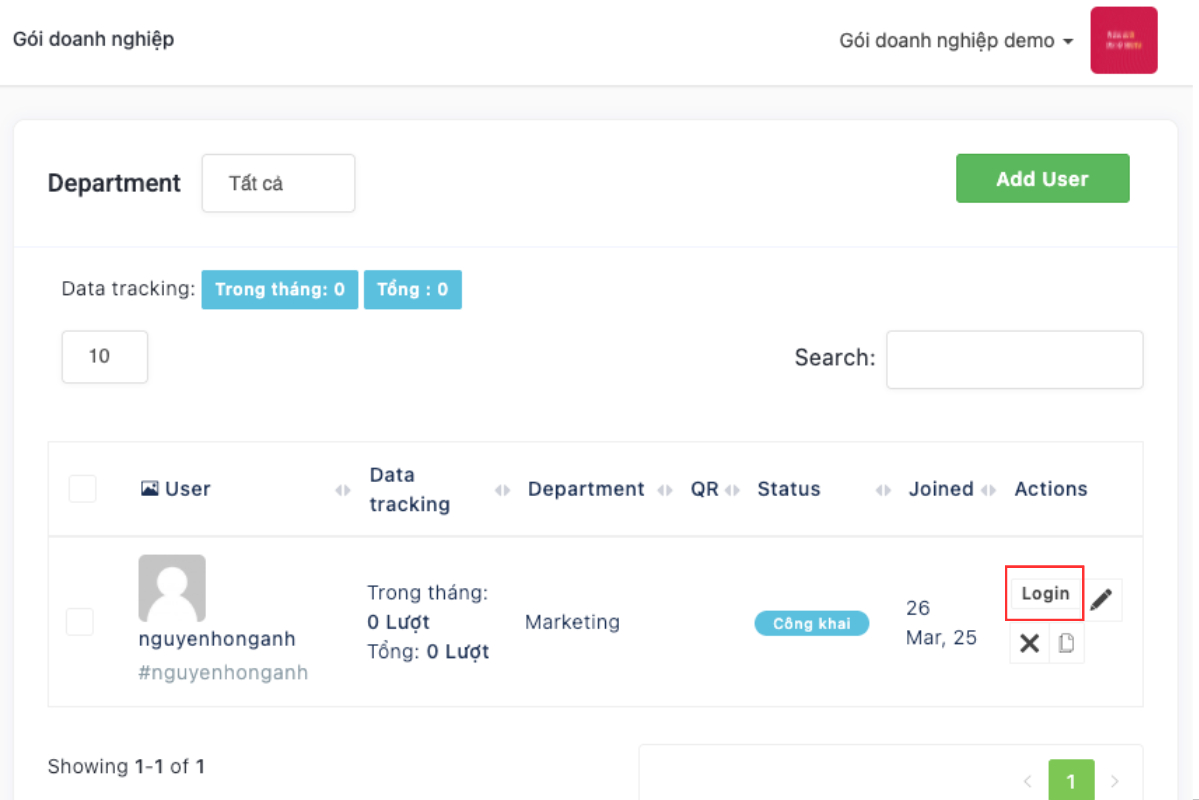
Step 4: On the personal business card page, select 'Create Business Card' in the left menu and enter the following personal information:
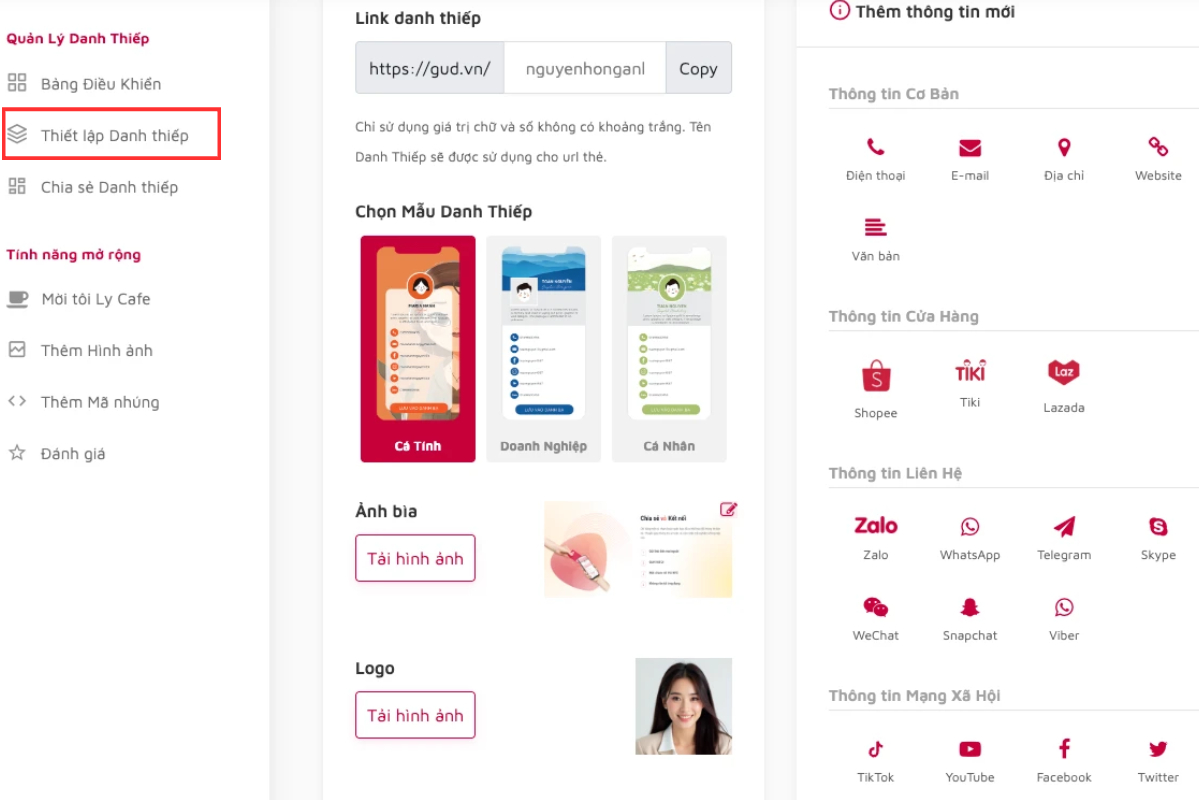
- The business card link only uses characters and numbers without spaces, usually including the person's name, position, employee ID.
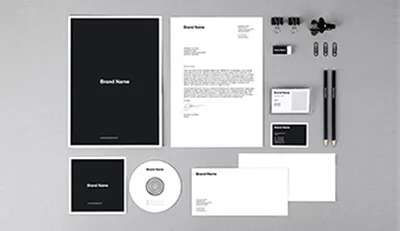
- Choose a business card template suitable for your personality, preferences.
- Upload a profile picture and representative image, adjust the cropping and cut the image to fit the frame.
- You can choose the background color that you like.
- Proceed to fill in all the basic information below. Additionally, you can change and add new information such as: store information, contact information, social media information,... in the right menu, to suit your business or personal brand.
Step 5: After completing, click 'Save' and start sharing the business card.
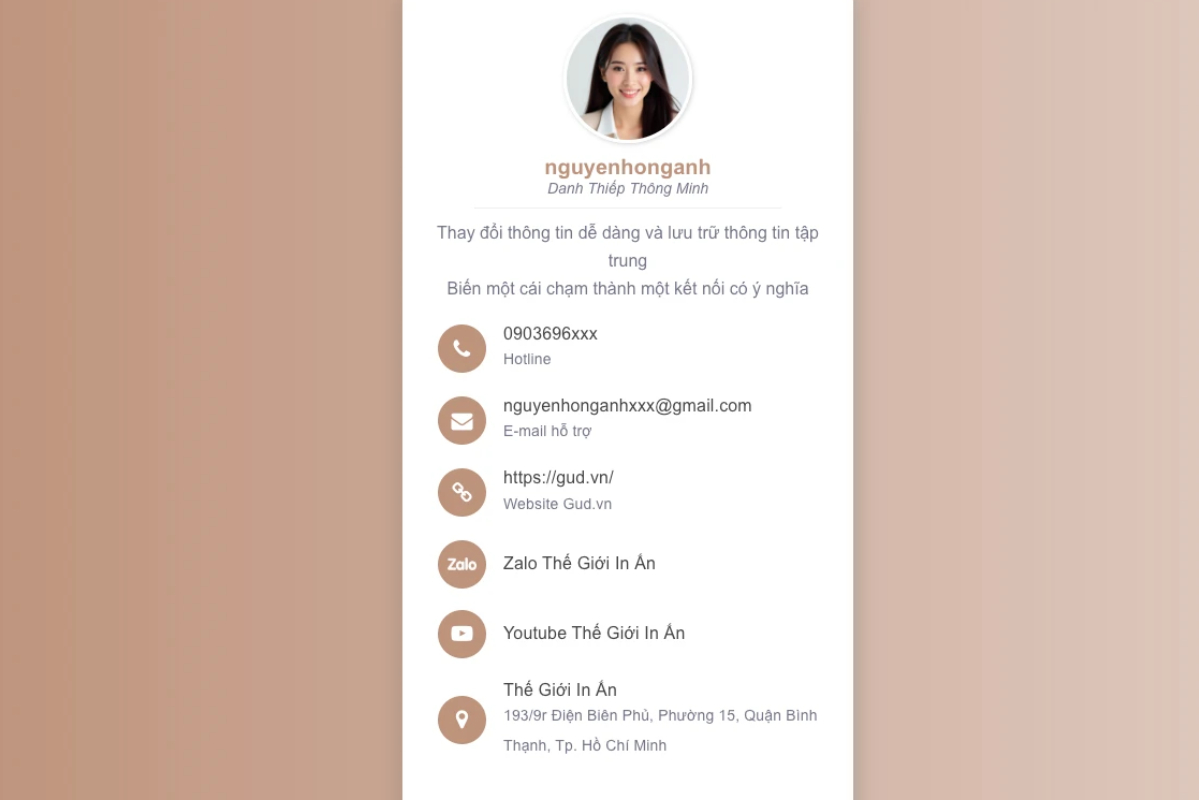
With simple implementation steps, you already have Smart Business Cards for your employees. This helps your business optimize the connection process with customers and enhance the efficiency of communication today. At the same time, your brand image also becomes professional and easily controlled to connect with customers.
Source: Thegioiinan

















 Login with Zalo